Introduction to Microsoft Graph API
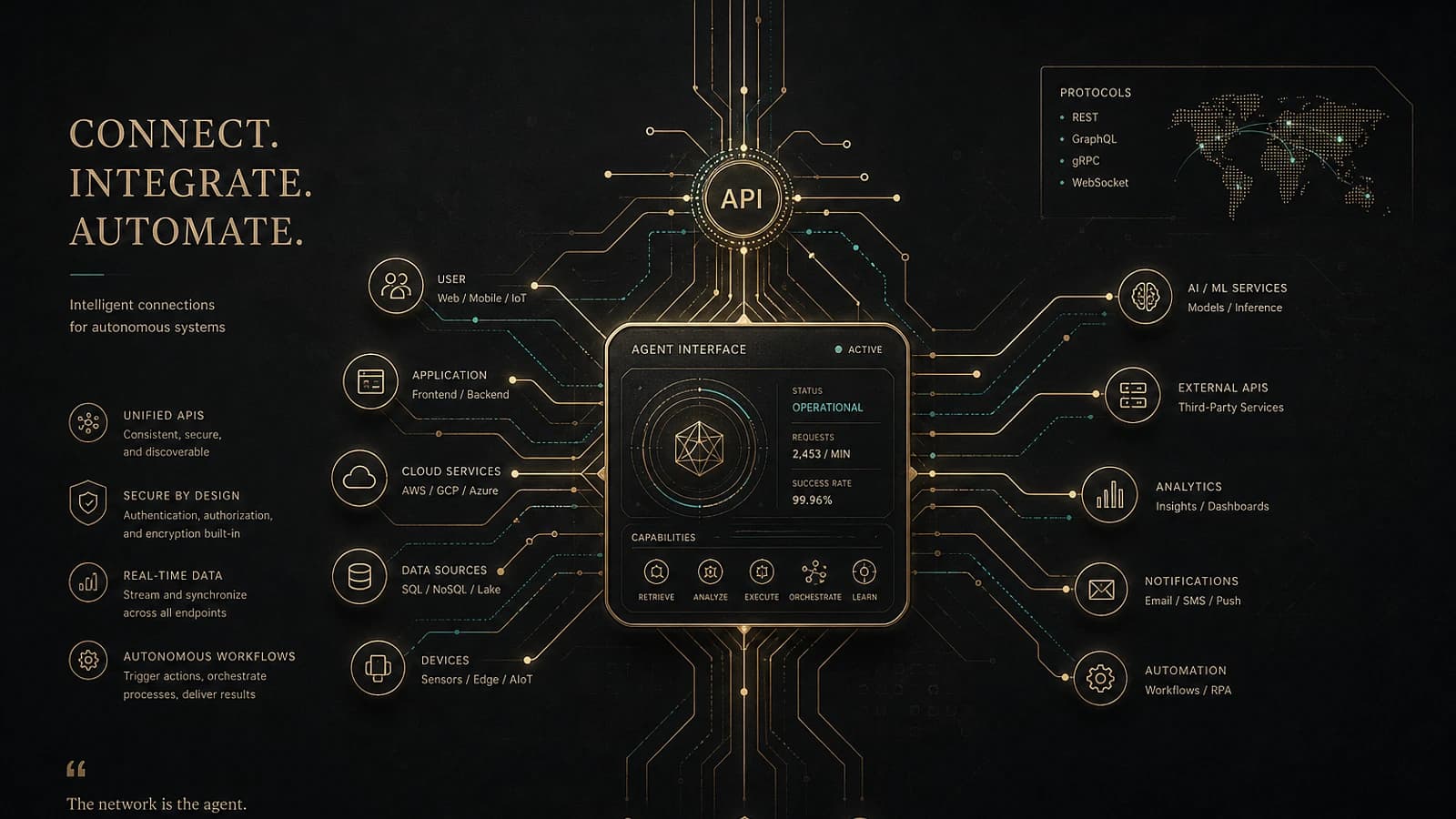
Microsoft Graph represents the technological backbone of the Microsoft 365 ecosystem. This unified API constitutes the single point of access for interacting with all Microsoft cloud services, from Azure Active Directory to SharePoint, including Exchange and Intune.
For IT professionals working in hybrid cloud environments, mastering Microsoft Graph is no longer optional: it has become a fundamental skill.
Good to know
Microsoft systematically exposes new features via Graph API before they appear in administrative graphical interfaces.
What is Microsoft Graph exactly?
Microsoft Graph functions as a unified REST API that centralizes access to data and actions from all Microsoft cloud services. This revolutionary approach eliminates the need to interact with multiple APIs specific to each service.
Main capabilities of Graph API
The Microsoft Graph API enables you to:
- Manage Entra ID objects: users, groups, devices and applications
- Configure security policies: authentication, conditional access, risk management
- Access Microsoft 365 data: email, calendar, SharePoint files
- Administer Intune: device configurations, compliance policies
- Consult audit logs: sign-ins, security reports, telemetry
Why Microsoft Graph is essential in 2025
The declarative approach: foundation of secure cloud
A secure cloud is built on Infrastructure as Code (IaC), favoring a declarative and idempotent approach. This philosophy defines the desired state of the environment rather than the construction steps.
Tip
With Graph API, you can safely rerun your scripts. If a configuration drifts, the code automatically corrects it.
Graph vs PowerShell: declarative vs imperative
While PowerShell remains a powerful tool, its imperative approach contrasts with the declarative nature of Graph:
- Microsoft Graph: defines the desired state (declarative)
- PowerShell: executes sequential instructions (imperative)
- Graph via PowerShell: combines both approaches effectively
Graph architecture: server-side vs client-side
Understanding Graph operations
The distinction between server-side and client-side operations is crucial to optimizing your implementations:
Server-side operations
Direct processing by Microsoft services, minimal latency, extended capabilities.
Client-side operations
Local execution, permission limitations, network dependency.
Architectural choices
Evaluate security, performance and scalability constraints for each scenario.
Essential elements to master
For each Graph call, document:
- Endpoint
- Required permissions (delegated/application)
- Request body
- Response schema
Practical tools for learning Graph API
Browser DevTools
Built-in development tools constitute your first learning lab:
1# Filter XHR requests in DevTools2# 1. Open F12 in the Azure portal3# 2. Network tab > Filter XHR4# 3. Perform an action in the interface5# 4. Copy the request and adapt it to PowerShellLokka: learning accelerator
Lokka transforms your VS Code environment into an interactive Graph lab:
- Real-time endpoint exploration
- Permission validation
- Integrated testing and debugging
- Contextual documentation
Caution
Your Graph tests in development should always be performed on a test tenant, never in production.
Practical PowerShell scripts
Authentication and basic configuration
1# Installation of required modules2Install-Module Microsoft.Graph -Scope CurrentUser -Force3Import-Module Microsoft.Graph.Authentication4 5# Connection with delegated permissions6Connect-MgGraph -Scopes "User.Read.All", "Group.ReadWrite.All"7 8# Verify context9Get-MgContextEntra ID user management
1# Create a user2$userParams = @{3 DisplayName = "John Smith"4 UserPrincipalName = "john.smith@contoso.com"5 MailNickname = "john.smith"6 PasswordProfile = @{7 ForceChangePasswordNextSignIn = $true8 Password = "TempPassword123!"9 }10 AccountEnabled = $true11}12 13New-MgUser @userParams14 15# List users with filtering16Get-MgUser -Filter "startswith(displayName,'John')" -Property DisplayName,UserPrincipalName,AccountEnabledConditional access policy audit
1# Identify policies without Breakglass exclusion2$caPolicies = Get-MgIdentityConditionalAccessPolicy3$breakglassAccounts = Get-MgUser -Filter "startswith(displayName,'Breakglass')"4 5foreach ($policy in $caPolicies) {6 $hasBreakglassExclusion = $policy.Conditions.Users.ExcludeUsers | 7 Where-Object { $_ -in $breakglassAccounts.Id }8 9 if (-not $hasBreakglassExclusion) {10 Write-Warning "Policy '$($policy.DisplayName)' without Breakglass exclusion"11 }12}Resources and community
Microsoft MVP Community
The Microsoft MVP community constitutes an invaluable source of technical expertise. MVPs such as Jan Bakker and Daniel Bradley regularly publish on new Graph APIs before their official availability.
Recommended GitHub projects
Several GitHub repositories facilitate learning Graph API:
- LearnGraphAPI: practical scenarios and concrete examples
- Microsoft Graph SDK: official libraries
- Graph PowerShell samples: community scripts
Graph API learning strategy
Recommended progressive approach
Fundamentals
Master the concepts of authentication, permissions and basic endpoints.
Practical tools
Install Lokka, configure your development environment and familiarize yourself with Graph Explorer.
Business use cases
Implement real scenarios: user management, security audit, task automation.
Advanced integration
Develop complete solutions integrating Graph with other Azure services.
Measuring your progress
Regularly evaluate your skills:
- Ability to identify appropriate endpoints
- Mastery of different types of permissions
- Efficiency in debugging API calls
- Understanding of limitations and quotas
Glossary of technical terms
REST API: Programming interface using standard HTTP protocols
Endpoint: Specific URL allowing access to a Graph resource
Delegated permissions: Authorizations granted on behalf of a signed-in user
Application permissions: Authorizations granted directly to the application
Idempotent: Operation producing the same result, regardless of the number of executions
Tenant: Isolated instance of Azure Active Directory for an organization
Final tip
Mastering Microsoft Graph API represents a long-term investment. Every hour devoted to learning translates into significant productivity gains in managing your Microsoft 365 environments.