Introduction
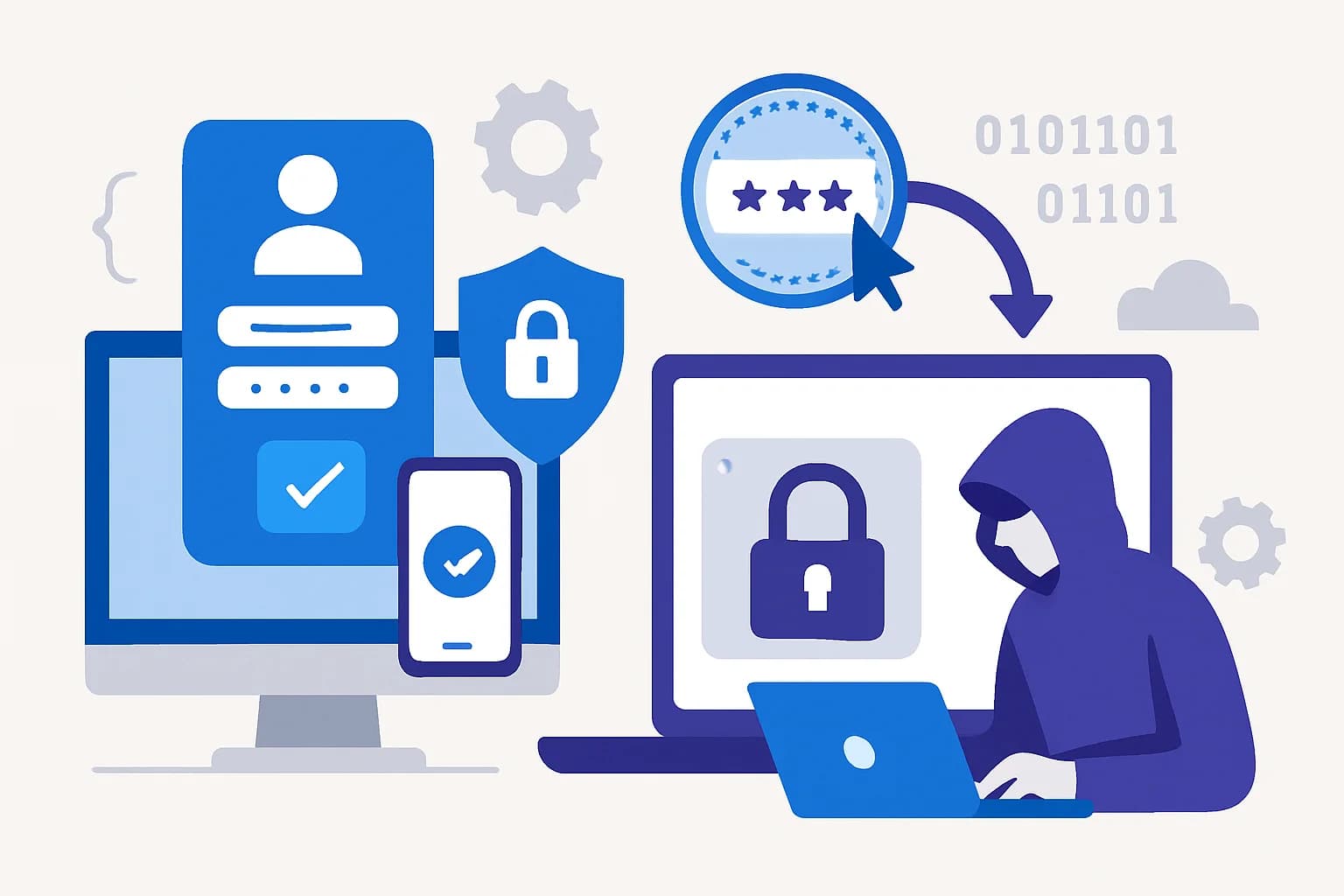
You've enabled phishing-resistant MFA to protect identities in your organization. Yet an attacker manages to steal a user session. Why does this happen, and how does Microsoft propose solutions for this specific type of threat? This article explores the token theft threat model and the advanced security tools integrated into Microsoft Entra ID to address it.
Threat model: how token theft works
Token theft involves capturing authenticated session tokens, allowing an attacker to log in without requiring passwords or other credentials.
Common techniques used
- AiTM Phishing relay (Attacks in the Middle): Attackers intercept tokens via active proxies in sophisticated phishing scenarios.
- Malware: Malicious software installed on the user's device can extract session tokens.
- Malicious browser extensions: Some plugins collect and exfiltrate sensitive data.
Caution
Even with robust MFA, these methods allow attackers to bypass traditional authentication barriers.
Microsoft controls to secure sessions
Faced with these threats, Microsoft Entra ID offers several solutions to strengthen user session security. Here is an overview of the main controls:
Token Protection
This feature binds an access token to a specific device. This prevents attackers from reusing a stolen token from an unauthorized environment.
Sign-in frequency control
Through Conditional Access (CA) rules, it is possible to require new regular authentication to limit the lifetime of a compromised session.
Linking with device compliance
By combining device state via Microsoft Intune, tokens can be linked only to endpoints that comply with defined security policies.
Continuous session evaluation
Although Continuous Access Evaluation (CAE) was covered previously, this approach complements the Zero Trust model by allowing constant monitoring of active sessions.
Tip
Enable token binding to devices to strengthen your Zero Trust strategy.
Detecting attacks in Entra logs
Administrators can collect key signals providing evidence of suspicious activities. Here are some examples of KQL queries for Microsoft Sentinel.
KQL query for token replay
1SigninLogs2| where ResultType == "50074" or ResultType == "50077"3| where DeviceDetail != PreviousDeviceDetail4| summarize LogCount = count() by UserPrincipalName, ResultTypeUnusual session anomalies
1SigninLogs2| where ResultType == "50125"3| sort by Timestamp desc4| summarize Count = count() by UserPrincipalName, IPAddressToken appearances across multiple IP addresses
1SigninLogs2| where DeviceDetail contains "Browser"3| summarize IPCluster = count() by IPAddress4| where IPCluster > 1Good to know
Specific access logs can be enabled to enrich detections in Microsoft Sentinel.
Implementation plan
Here is a methodology for implementing the controls described:
Create a pilot policy
Start by experimenting on a limited test group of users and devices.
Define appropriate scopes
Apply Conditional Access rules to strategic segments to limit operational risks.
Validate application compatibility
Ensure all critical applications support token binding mechanisms.
Prepare break-glass accounts
Keep super-administrator accounts exempt from new rules to prevent any lockout.
Operational checklist
To strengthen your session management strategy:
- Perform a complete audit of sessions via Entra logs.
- Enable Token Protection for high-risk users.
- Configure token binding to compliant devices.
- Deploy Sentinel monitoring with the provided KQL queries.
- Apply sign-in frequency controls via Conditional Access.
- Test policies on a restricted group before global deployment.
- Train IT teams on new detections and procedures.
- Review policies regularly based on new indicators.
Important
Inadequate deployment can cause false positives and issues for legitimate users.
Common pitfalls
Beware of:
- Unexpected lockouts: Carefully monitor the impact of your new rules on users.
- False positives: Fine-tune your detections to avoid slowing down your processes.
- Incompatible applications: Some legacy solutions do not support new mechanisms.
30/60/90 day plan
First month (30 days)
- Configure Entra logs to collect session data.
- Identify high-risk users and devices.
- Test policies in a restricted environment.
Second month (60 days)
- Deploy Token Protection to critical segments.
- Enable sign-in frequency controls via Conditional Access.
- Use Sentinel to monitor anomaly indicators.
Third month (90 days)
- Extend policies to your entire organization.
- Perform a complete audit of incidents and false positives.
- Train all users on new security processes.
Useful links
- Azure Conditional Access Documentation
- Microsoft Sentinel Logs Guide
- Token Protection Overview
- Zero Trust Implementation
Glossary
- Token replay: Recycling a session token to work in an unauthorized environment.
- Conditional Access: Controls defined in Azure to manage access rules at the time of login.
- Token Protection: Solution that binds tokens to specific devices to limit their reuse.
- Zero Trust: Security model where no access is implicitly granted, and everything is continuously verified.