Introduction
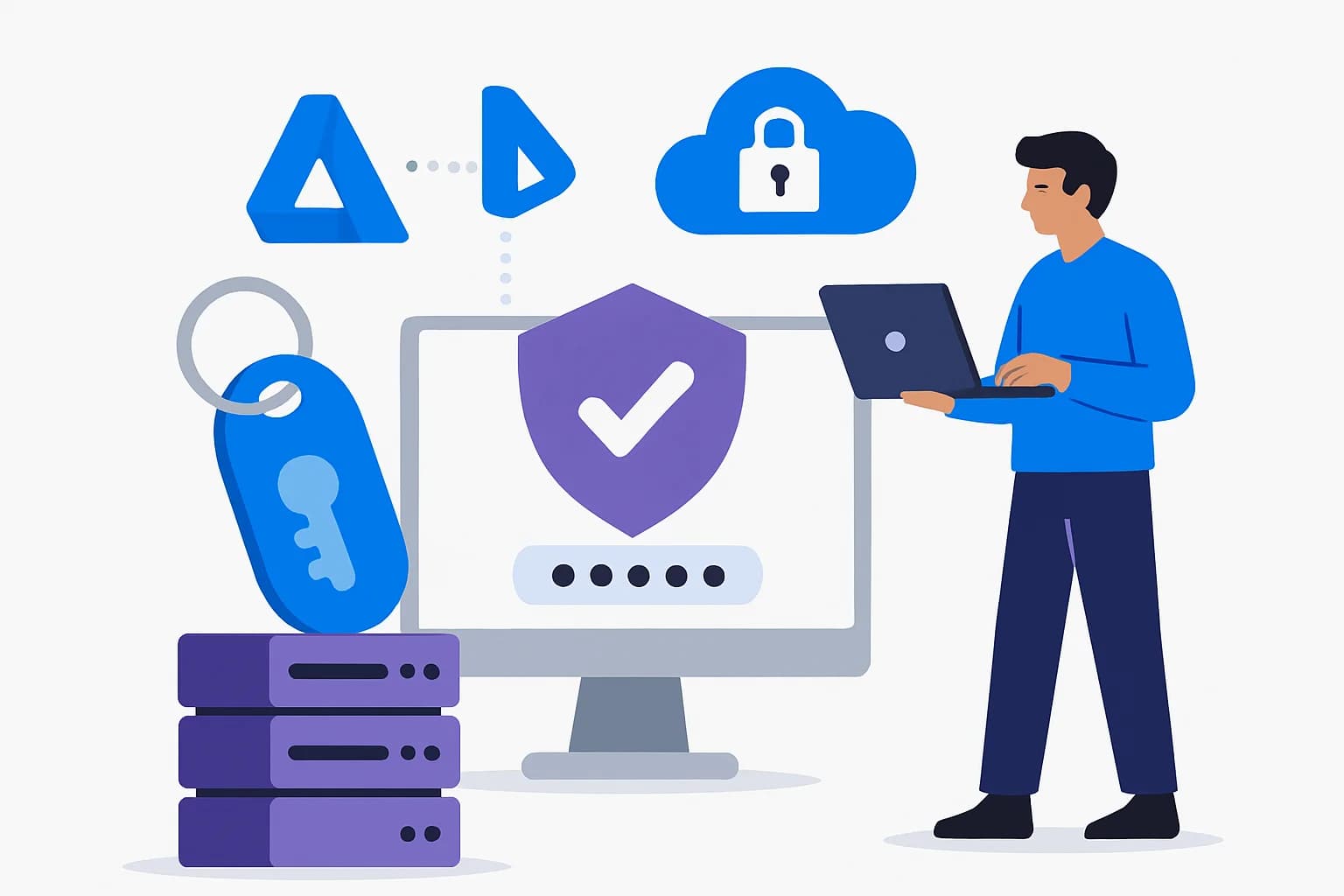
Multi-factor authentication (MFA) has long been considered a robust solution for securing access to enterprise resources. However, with the increase in sophisticated attacks such as phishing and token theft, it has become clear that more resistant methods are needed. Passkeys based on the FIDO2 standard represent this new generation of secure access, and Microsoft Entra ID (formerly Azure AD) plays a key role in their deployment.
In this article, we will analyze the available passkey models — Synced and Device-bound, their integration with Authentication Strengths and Conditional Access, and provide a comprehensive deployment strategy tailored to the needs of large enterprises.
[IMAGE:1:index:url:A person using a smartphone for secure authentication]
Why passkeys now?
A response to modern threats
Classic mechanisms, such as knowledge-based MFA or OTP tokens, remain vulnerable to growing threats such as:
- Phishing: Theft of credentials or OTP codes remains a frequent attack that can compromise the enterprise.
- OAuth token theft: A method used to hijack a user session via malicious applications.
Microsoft's vision
Microsoft is working to expand its security capabilities through reliable models resistant to phishing, while following its Zero Trust roadmap. Passkeys enable:
- Passwordless authentication attached to hardware.
- A drastic reduction in user support needs and reset issues.
Synced Passkeys vs Device-bound Passkeys
Synced Passkeys
Synced passkeys are stored in the Microsoft Account cloud and accessible across different user devices. (Advantage: ease of use, Disadvantage: slightly reduced assurance).
Device-bound Passkeys
These passkeys are only accessible on the device where they were configured, which ensures increased security. (Advantage: better assurance, Disadvantage: complex provisioning).
Good to know
Enterprises should align the passkey model with the needs of their population. For example, privileged administrators often require Device-bound passkeys.
[IMAGE:2:index:url:Comparison between synced and device-bound passkeys]
Integration with Conditional Access and Authentication Strengths
Advanced configurations in Entra ID
With Conditional Access, administrators can define specific requirements via Authentication Strengths to enforce the use of passkeys. Here is an example configuration:
1{2 "conditions": {3 "applications": {4 "include": ["all"],5 "exclude": []6 }7 },8 "controls": {9 "authenticationStrength": "RequiredAuthenticationStrengthPasskey"10 },11 "grantControls": {12 "operator": "AND",13 "builtInControls": ["RequireAuthenticationStrength"]14 },15 "sessionControls": {}16}Tip
Combine Conditional Access policies with Azure AD groups to progressively test passkeys without impacting the entire organization.
Deployment strategy
Ring-based methodology
Passkey deployment should follow these steps:
Pilot phase
Identify a restricted group of technical users to test the integration and gather feedback.
Expanded deployment phase
Offer passkeys to multiple offices or organizational units while adjusting Conditional Access policies.
Large-scale enforcement
Make passkey usage mandatory for the entire enterprise and update the support process.
Operational checklist
- Create specific Entra ID groups for passkey testing.
- Configure Authentication Strengths for test scenarios.
- Implement Conditional Access policies incrementally.
- Train IT staff and end users.
- Test passkey recovery flows.
- Integrate "breakglass" solutions for critical accounts.
- Ensure regular monitoring of access.
- Evaluate and iterate based on user feedback.
Common mistakes to avoid
- Ignoring the needs of non-technical users.
- Underestimating the time needed for Device-bound passkey provisioning.
- Neglecting testing of emergency scenarios for critical accounts.
- Failing to adapt IT support to the new authentication model.
- Migrating too quickly without monitoring impacts.
30/60/90 day plan
30 days
- Launch a limited pilot.
- Train IT teams.
60 days
- Expand deployment to global teams.
- Monitor impacts.
90 days
- Finalization of Conditional Access policies.
- Full organization-wide implementation.
Useful resources
- Microsoft Learn - Deploy FIDO2 and passkeys
- Official Microsoft Entra ID blog
- Zero Trust Framework
- Conditional Access documentation
Technical terms glossary
- Passkey: FIDO2 standard for phishing-resistant authentication.
- Conditional Access (CA): Mechanism to define access conditions in Entra ID.
- Authentication Strengths: Configurable authentication requirement level.
- Device-bound: Passkeys linked only to the device where they are created.
Important
It is essential to validate all recovery policies before applying passkeys as mandatory.