Introduction
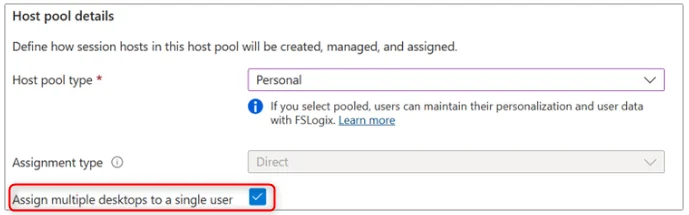
The virtual desktop infrastructure (VDI) is undergoing major evolution with Microsoft's announcement concerning Azure Virtual Desktop. The feature allowing multiple personal desktops to be assigned to the same user within a single host pool is now available in public preview. This advancement marks the end of complex architectures requiring multiple host pools to work around previous limitations.
Good to know
This new feature allows you to centralize the management of multiple personal environments within a single host pool, significantly reducing administrative complexity.
The operational benefits of this evolution
Rationalization of VDI infrastructure
Historically, assigning multiple customized environments to a user required the creation and maintenance of multiple separate host pools. This approach presented significant challenges:
- Administrative complexity: Multiplication of management points
- Resource consumption: Infrastructure duplication
- Operational costs: Increased maintenance and additional licenses
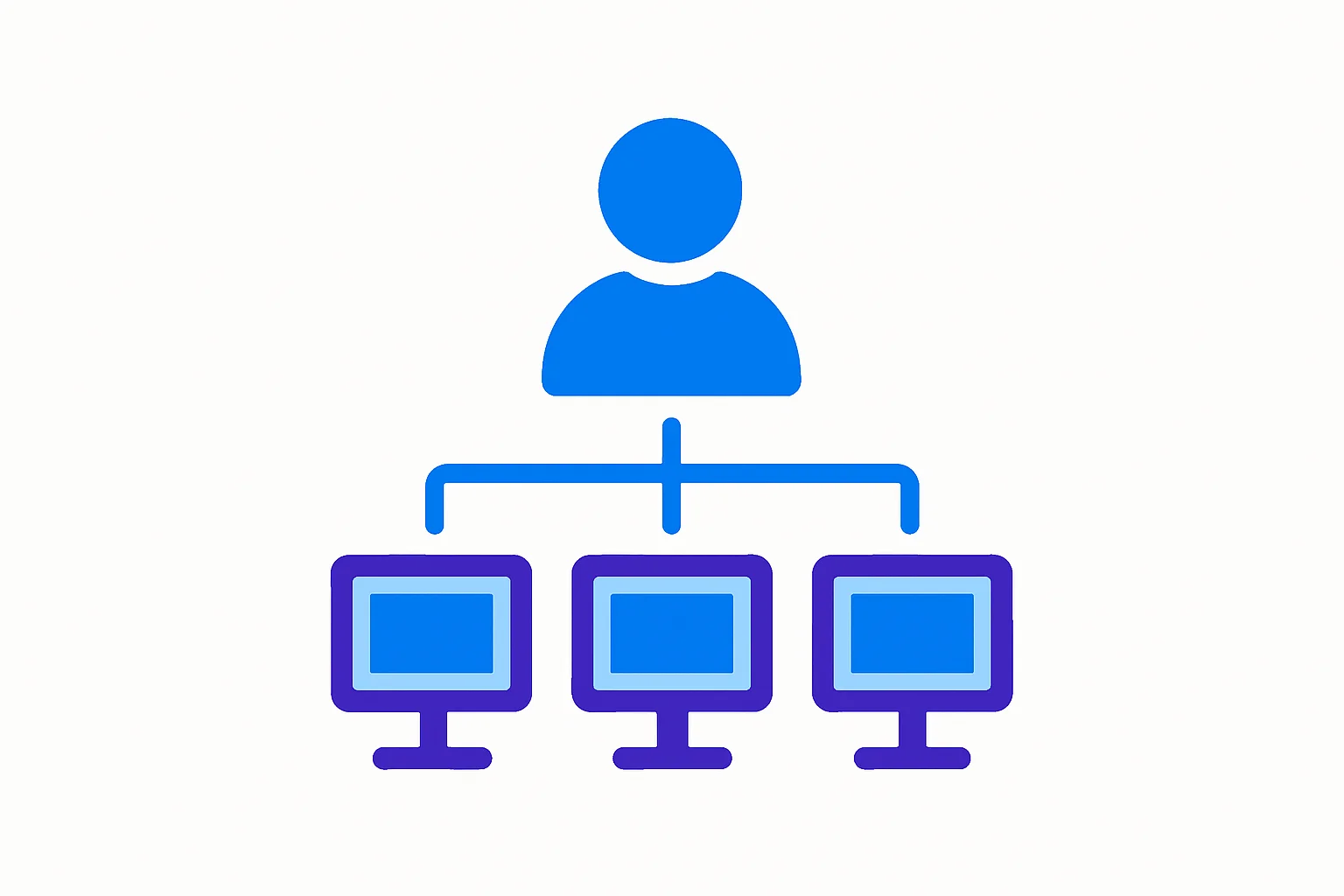
The new feature radically transforms this approach by enabling consolidation within a single host pool, offering:
- Centralized and simplified administration
- Optimization of Azure resources
- Reduction of infrastructure costs
Improvement of end-user experience
Users now benefit from a unified interface that allows them to access multiple customized work environments. Each desktop can be identified by a user-friendly name, facilitating navigation and reducing connection errors.
Tip
Assign descriptive names to each virtual desktop (e.g., "Dev-Python", "Prod-Finance", "Test-Application") to improve user experience.
Technical implementation
Available deployment options
Microsoft offers three implementation methods suited to different administrator profiles:
| Method | Use case | Advantages |
|---|---|---|
| Azure Portal | One-off deployments | Intuitive graphical interface, no scripting skills required |
| REST API | Integration into existing workflows | Complete automation, CI/CD integration possible |
| PowerShell | Bulk administration | Reusable scripts, batch management |
Quick configuration guide
Technical prerequisites
Ensure you have the following:
- An active Azure subscription
- Owner or Contributor permissions on the resource group
- An existing Azure Virtual Desktop host pool or one to create
Activation via PowerShell
Use the Az.DesktopVirtualization module to configure multiple desktops:
1# Connect to Azure2Connect-AzAccount3 4# Configure the host pool5$hostPoolName = "MyHostPool"6$resourceGroupName = "MyResourceGroup"7 8# Enable the feature9Update-AzWvdHostPool -Name $hostPoolName -ResourceGroupName $resourceGroupName -PersonalDesktopAssignmentType MultipleAssigning desktops to users
Assign multiple virtual machines to a specific user:
1# Assign multiple VMs2$userPrincipalName = "user@domain.com"3$vmNames = @("VM-Dev-01", "VM-Prod-01")4 5foreach ($vm in $vmNames) {6 New-AzWvdSessionHost -HostPoolName $hostPoolName -ResourceGroupName $resourceGroupName -Name $vm -AssignedUser $userPrincipalName7}Strategic impact for organizations
Financial optimization
Consolidating host pools generates substantial savings:
- Reduction in licensing costs: Fewer host pools to manage
- Economies of scale: Shared compute resources
- Decreased maintenance fees: Centralized administration
Operational flexibility
IT teams can now offer diverse usage scenarios:
- Separate development and production environments
- Isolated test spaces for validations
- Specialized desktops based on projects or clients
Attention
Although this feature is in public preview, it is recommended to test it in a non-critical environment before production deployment.
Perspectives and recommendations
This evolution of Azure Virtual Desktop represents a paradigm shift in VDI infrastructure management. Organizations should consider:
- Auditing their current infrastructure: Identify redundant host pools
- Planning the migration: Establish a consolidation timeline
- Training teams: Prepare administrators for new practices
Important
Since the feature is in preview, regularly monitor Microsoft updates regarding limitations and developments before the GA (Generally Available) release.
Conclusion
The introduction of multiple personal desktops per user in Azure Virtual Desktop significantly simplifies VDI architecture while offering increased flexibility. This innovation enables organizations to reduce operational complexity while improving user experience. IT teams should seize this opportunity to modernize their infrastructure and optimize costs.
Useful links
- Official Azure Virtual Desktop documentation
- Az.DesktopVirtualization PowerShell module
- Azure Virtual Desktop REST API
- Azure community forum
- Azure pricing calculator
Glossary
VDI (Virtual Desktop Infrastructure): Infrastructure that allows desktop environments to be hosted in centralized virtual machines.
Host Pool: Set of Azure virtual machines that provide virtual desktops to users.
Session Host: Individual virtual machine within a host pool that hosts user sessions.
Personal Desktop: Type of virtual desktop dedicated to a single user, as opposed to shared (pooled) desktops.
Public Preview: Testing phase open to all Azure users before general availability of a feature.
REST API: Programming interface allowing interaction with Azure services via HTTP requests.
PowerShell: Command shell and scripting language developed by Microsoft for system administration.