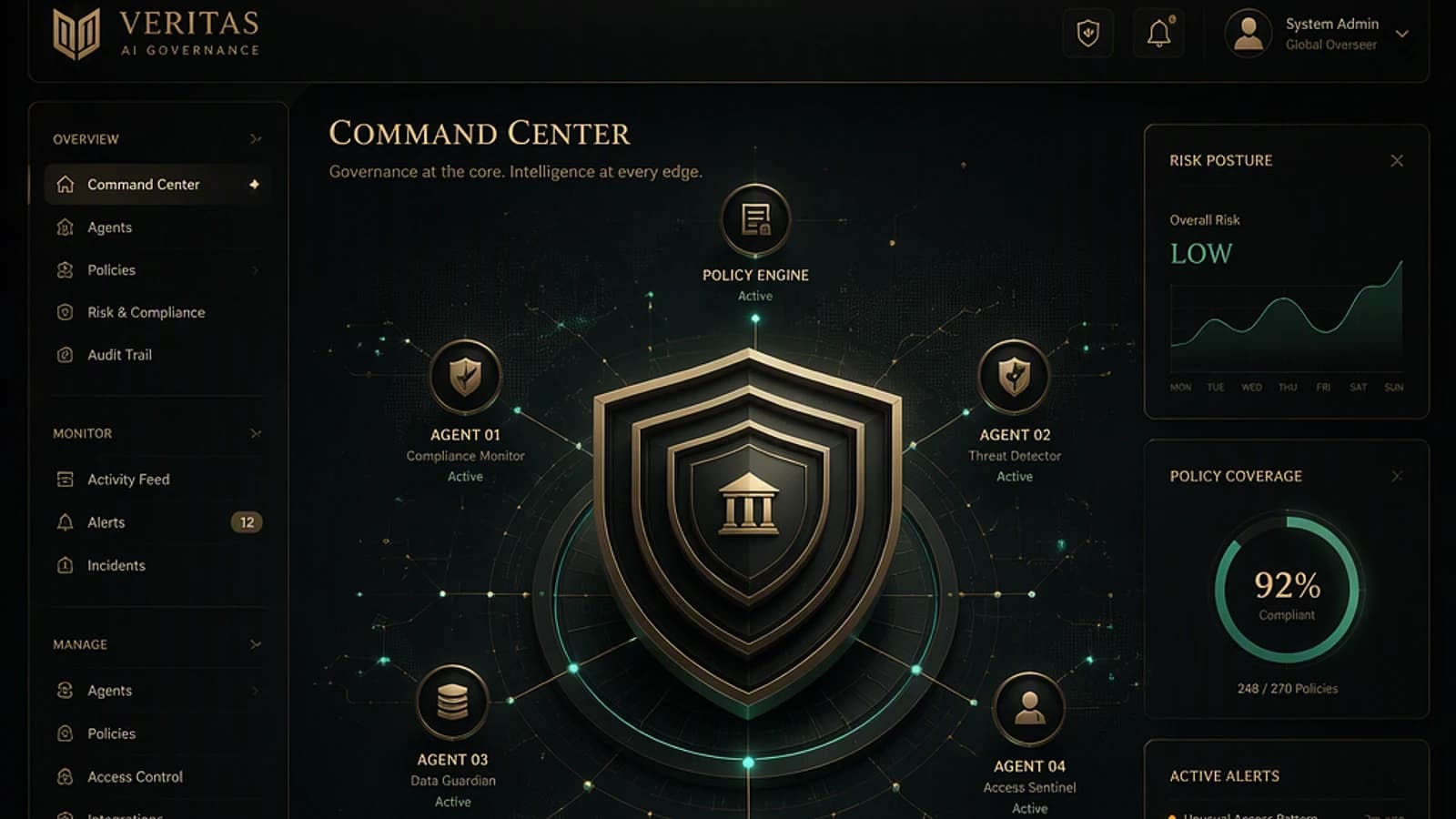
A data policy that blocks unauthenticated agents is useless if your makers build in the default environment, and a sharing rule only applies to authenticated agents. The nine Copilot Studio governance controls depend on one another: the deployment order decides what holds up in production. Here you will find that order, the limits to know as of October 2026, two PowerShell scripts and a troubleshooting table.
Why the order of controls matters more than the list
Every guide lists the same features. Few say which one fails when another is missing, yet these dependencies do most of the work:
- a data policy has no useful effect if agents are born in an environment without Managed Environment rules;
- a sharing rule only applies to agents that require authentication, so it depends on the data policy;
- Conditional Access on an agent's identity depends on the date the agent was created, or migrated;
- the inventory reads the published version: an unpublished draft is described as it was, not as it is;
- cost controls are allocated per environment and therefore inherit the strategy chosen in step 1.
The nine controls, in order: environments, data policies, sharing limits, identity, inventory and owners, audit, costs, lifecycle, and finally the register that turns the other eight into evidence.
September 1, 2025
Messages become Copilot Credits
Microsoft Learn documentation states that the unit changes without any change to the quantities per prepaid pack or to the pay-as-you-go rate.
March 18, 2026
First agent identities for new agents
The Microsoft Entra migration guide places the start of agent identity creation for all new agents on this date.
March 31, 2026
Agent inventory generally available
The Power Platform release plan records general availability of the inventory in the Power Platform admin center.
May 2026
One Entra Agent ID per new agent
According to the Copilot Studio documentation, before May 2026 each agent received an Azure app registration; afterwards, an Entra Agent ID is created for every new agent.
July 2026
Automatic creation, no opt-out
The what's new log specifies that creation is automatic for every new agent and can no longer be refused at the environment level.
September 2026
End of release plans
New Power Platform and Copilot Studio capabilities are now announced on the AI at Work roadmap.
Your quarterly review of new features must change source
Since September 2026, release plans are no longer published. If your governance program relied on them to anticipate changes, rebuild this monitoring from the AI at Work roadmap and the Copilot Studio what's new log.
Environments, data policies and sharing: the foundation of controls 1 to 3
Control 1: decide where publishing is allowed
Copilot Studio reuses the Power Platform environment model, and every following control hangs off it. Microsoft's security and governance recommendations propose three tiers:
| Tier | Data policies | Managed Environment rules |
|---|---|---|
| Personal development | Strict | Strict: no unauthenticated agents, most channels and connectors blocked |
| Dedicated development | Relaxed | Strict |
| Dedicated test and production | Relaxed | Relaxed, because the content has been reviewed there |
Managed Environments are the prerequisite for sharing limits and for rules applied at scale through environment groups. Since the Copilot Studio license includes the right to use premium connectors, no additional license blocks their use. The operational decision, often skipped: name the environments where production publishing is allowed, and make all the others places where people build without shipping.
Control 2: virtual connectors in data policies
Copilot Studio exposes its capabilities to Power Platform data policies as virtual connectors. The data policy documentation cites the common cases:
- enforce authentication by blocking the Chat without Microsoft Entra ID authentication in Copilot Studio connector (leaving Authenticate with Microsoft or Authenticate manually);
- block knowledge sources by type (local documents, SharePoint and OneDrive, public sites);
- block Power Platform connectors used as tools, HTTP requests, skills, specific publishing channels and event triggers.
For SharePoint, public sites and HTTP, the policy can also allow or deny specific endpoints and patterns.
Two enforcement facts matter more than the list. Enforcement has been effective for all tenants since early 2025 (message center notice MC973179), with no per-agent exemption. It is also immediate: the maker sees an error banner, the Publish button becomes unavailable and a details file lists each violation.
The trap documented by Microsoft is the default data group. Connectors released after 2019, including Chat without Microsoft Entra ID authentication in Copilot Studio and Direct Line channels in Copilot Studio, are probably classified by default in the "Non-business" group, which many organizations block automatically. A production website agent can therefore stop working the day the policy applies: check group assignments before, not after the outage. For the connector side, see also our article on Copilot Studio connector governance and risks.
Control 3: who can share an agent, and with whom
Sharing is governed as a Managed Environment control. The Editor right (edit, configure, share, publish) can only be granted to individuals, never to security groups; the Viewer right (chat with the agent) goes to individuals or groups. Four rules are available:
- allow granting the Editor right when sharing;
- allow granting the Viewer right;
- share only with individuals, not security groups;
- limit the number of viewers per agent.
Three details decide whether the control holds. Rules take up to an hour to apply. They only concern agents that require authentication, hence control 2 coming before this one. Finally, they govern new shares, not existing access: nobody loses access already granted. Record in the register (control 9) who had access the day the rule changed.
Control 4: the agent is a principal, its connectors are permissions
Before May 2026, Copilot Studio provisioned one Azure app registration per agent. Now, Copilot Studio automatically creates a Microsoft Entra Agent ID for every new agent, under a tenant blueprint named Microsoft Copilot Studio agent identity blueprint. The two dates mentioned by Microsoft (March 18 and May 2026) do not line up well: treat "created before spring 2026" as the boundary between the two models, and confirm agent by agent in the Microsoft Entra admin center.
What the identity brings
At publication, Copilot Studio attaches to the agent's identity one API permission per Power Platform connector used:
Operations.Execute.Allwhen the entire connector is added as a tool;- per-operation scopes when only certain actions are added;
- a generic execution scope for connectors without granular scopes.
Entra and Microsoft 365 administrators can thus read what an agent can do without opening the Power Platform admin center. Connections and audit events are logged under the agent's identity, no longer under a generic application.
Quota, owner, tokens
The Microsoft Learn documentation on app registrations, agent identities and authentication provides details that are discovered too late:
50 000
Default directory objects in the tenant
Microsoft Learn
300 000
Objects with a verified domain
Microsoft Learn
95 %
Maximum share of the quota usable by agents
Microsoft Learn
Each Entra Agent ID is a directory object that counts toward this quota. If the quota is reached, agent creation fails. The agent's owner is added as sponsor, and nobody in the tenant, administrators included, can generate tokens with this identity.
Conditional Access: enforced only in Teams today
The visibility of connector scopes in Entra applies to all agents. However, runtime enforcement, Conditional Access on the agent's identity included, only applies when the agent runs in Microsoft Teams, according to Microsoft Learn documentation. Other channels still use the old connector authentication flow. Custom connectors, MCP servers and REST tools do not add API permissions to the Agent ID, and scopes are recalculated at publication.
Existing agents and migration
Agents created before the Entra Agent ID rollout keep their app registrations; Microsoft will migrate them later, and governance works for both identity types during the transition. A manual migration is possible from the Power Platform admin center (Actions > Recommendations), by script or by API, preserving the application ID. It is still in preview and requires a Power Platform Administrator, Dynamics 365 Administrator or Global Administrator role. The page lists other prerequisites, including the Power Platform inventory: read it before planning.
Extending Entra security features to agents (Conditional Access, ID Protection, Entra ID Governance lifecycle) goes through Microsoft Agent 365, which Microsoft includes in Microsoft 365 E7 and offers as an option for E5, A5 and Business Premium. Agent 365 is also presented as the central control plane for Copilot Studio agents, with Entra network controls generally available. Settle the license question before promising Conditional Access on agents; for the overall model, see our article on governance with Agent 365 and Entra Agent ID and the one on Copilot and Conditional Access.
Inventory and audit: knowing what exists and what happened
Control 5: the inventory answers "how many, and whose"
The agent inventory, in the Power Platform admin center (Manage, then Copilot Studio), lists agents created with Copilot Studio or Agent Builder, drafts and published: creator, last publication, channels, authentication mode, capabilities. Changes generally appear within 20 minutes, and the same data is accessible via the Power Platform API and Azure Resource Graph, to feed a CMDB or a dashboard.
Two caveats. The inventory reflects the published version of each agent. It also excludes the classic bots from the first version of Copilot Studio, visible under Classic chatbots. To act rather than just observe, the Copilot Agent Kit adds an Agent Inventory with Reassign, Quarantine and Unquarantine actions: this is how an orphaned agent gets a living owner again.
Control 6: Purview sees the agent, provided you enable it
Microsoft Purview supports Copilot Studio agents: DSPM for AI, audit, classification, sensitivity labels, DLP, insider risk management, communication compliance, eDiscovery, data lifecycle and Compliance Manager. Interactions are logged as CopilotInteraction events, the channel appearing in the AppHost value. Labels continue to play their role: content the user cannot access is not returned, and encrypted content requires the EXTRACT usage right in addition to VIEW.
What trips up audits: the Audit solution keeps the transcript thread identifier, not the text. DSPM for AI is what returns the transcript, with links to the resources consulted. Another point to document in your data flow diagram: according to the Copilot Studio security documentation, Customer Lockbox covers neither runtime telemetry and audit, which go through the Purview audit pipeline, nor Agent 365 governance events.
Costs: Copilot Credits, 125% enforcement and per-agent caps
The rates on the billing management page are expressed in Copilot Credits:
| Usage | Cost in Copilot Credits |
|---|---|
| Classic answer | 1 |
| Generative answer | 2 |
| Agent action | 5 |
| Tenant graph grounding | 10 |
| Agent flow actions | 13 per 100 actions |
| Content processing | 8 per page |
| Voice | 10, 35 or 75 per minute depending on tier |
Text and generative AI tools are billed per response and per thousand tokens, according to the basic, standard and premium tiers. The employee usage of a Microsoft 365 Copilot licensed user is included in that license: the same agent can therefore cost nothing for one audience and a lot for another. Agents on the GitHub Copilot harness are not covered by this license; see our article on the GitHub Copilot harness in general availability.
Reference rates as of October 2026, according to the Microsoft licensing page: a capacity pack costs $200 per month (billed annually) for 25,000 Copilot Credits that do not roll over from one month to the next; pay-as-you-go costs $0.01 per Copilot Credit.
What the 125% enforcement does
For custom agents on prepaid capacity, Microsoft disables agents when consumption reaches 125% of prepaid capacity, with an email to the designated administrator. A conversation in progress is not interrupted, but new invocations are rejected. An environment with its own allocation remains protected as long as it is not exhausted, and pay-as-you-go is not subject to this enforcement. For agent flows, exhausted capacity blocks new runs without disabling the agent.
An overage can disable all custom agents in the tenant
Monthly per-agent limits do not cap an environment's aggregate consumption. To contain prepaid capacity, allocate a defined amount to the environment and uncheck "Draw from the available capacity in my tenant". Azure budgets and alerts notify without stopping consumption; according to the GitHub Copilot harness cost management page, the "Stop usage" option of the per-agent limit must be enabled to get an actual stop.
Lifecycle and register: turning controls into evidence
Agents live in Dataverse solutions: lifecycle management applies, with development, test and production environments linked by pipelines. The security documentation also mentions GitHub source control with deployment from Git and auditable deployment history, a runtime protection status for makers and connector dependency information viewable before deployment. This turns "someone modified the agent" into a trace: who, when, from which commit. Our guide to the complete copilot lifecycle details this chain.
The agent register is the only deliverable a committee or auditor can read. One line per agent (Copilot Studio, Agent Builder, AI-boosted automations) with:
- named owner and purpose;
- allowed knowledge sources and connectors, read from the data policy and the agent's API permissions;
- allowed actions, channels, environment;
- identity type (Entra Agent ID or app registration);
- monthly credit cap;
- dates of last review and of next review or retirement.
The inventory says what exists; the register says who answers for it, for what, and until when. Our three-zone model provides a grid for classifying agents.
Implementation: map the environments and audit the register
Two read-only scripts: the first produces the environment map from which you name the publishing locations, the second checks the quality of the register.
- Required module for the first:
Microsoft.PowerApps.Administration.PowerShell(Install-Module -Name Microsoft.PowerApps.Administration.PowerShell -Scope CurrentUser). - Permission: an account with a Power Platform administration role (for example Power Platform Administrator) to list the tenant's environments.
- Output:
carte-environnements.csv, thenregistre-agents.csv(created if it does not exist) and the list of anomalies on screen.
Open the environment list in the Power Platform admin center, identify the default environment and the development environments, then note for each whether production publishing is allowed. This decision feeds the register column and the definition of environment groups.
The second script checks the register: missing owner, identity type outside expected values, review overdue or unreadable. It creates a template to fill in on first run.
1# Contrôle de qualité du registre des agents (lecture seule, aucune connexion au tenant)2$cheminRegistre = './registre-agents.csv'3 4# Premier lancement : création d'un modèle avec les colonnes attendues5if (-not (Test-Path -Path $cheminRegistre)) {6 [pscustomobject]@{7 Agent = 'Agent-exemple'8 Proprietaire = ''9 Objectif = ''10 ConnecteursAutorises = ''11 Canaux = ''12 Environnement = ''13 TypeIdentite = 'EntraAgentID'14 PlafondCreditsMensuel = ''15 DerniereRevue = ''16 ProchaineRevue = ''17 } | Export-Csv -Path $cheminRegistre -NoTypeInformation -Encoding UTF818 Write-Host 'Modèle créé : renseignez-le puis relancez le script.'19 return20}21 22$registre = Import-Csv -Path $cheminRegistre23$aujourdhui = Get-Date24 25$anomalies = foreach ($ligne in $registre) {26 $problemes = @()27 28 if ([string]::IsNullOrWhiteSpace($ligne.Proprietaire)) {29 $problemes += 'propriétaire manquant'30 }31 if ($ligne.TypeIdentite -notin @('EntraAgentID', 'AppRegistration')) {32 $problemes += 'type d''identité non reconnu'33 }34 35 # Une date de revue absente, illisible ou dépassée est une anomalie36 $dateRevue = [datetime]::MinValue37 if (-not [datetime]::TryParse($ligne.ProchaineRevue, [ref]$dateRevue)) {38 $problemes += 'date de prochaine revue absente ou illisible'39 }40 elseif ($dateRevue -lt $aujourdhui) {41 $problemes += 'revue en retard'42 }43 44 if ($problemes.Count -gt 0) {45 [pscustomobject]@{46 Agent = $ligne.Agent47 Problemes = ($problemes -join ' ; ')48 }49 }50}51 52if ($anomalies) {53 $anomalies | Format-Table -AutoSize -Wrap54 Write-Host ('{0} agent(s) à corriger sur {1}.' -f @($anomalies).Count, @($registre).Count)55}56else {57 Write-Host 'Registre conforme : aucune anomalie détectée.'58}To verify the result, compare the number of register rows with the inventory in the Power Platform admin center: any gap indicates an agent without a recorded owner or a deleted agent to remove from the register.
Troubleshooting: common symptoms and resolutions
| Symptom | Probable cause | Resolution |
|---|---|---|
| A website agent stops responding after a new data policy | The authentication and Direct Line connectors are probably in the Non-business group, which is blocked automatically | Check the data groups before applying the policy and move the affected connectors |
| The Publish button is unavailable | A data policy is violated; the error banner flags each violation | Download the details file and fix each violation |
| A sharing rule seems to have no effect | Application delay of up to an hour, agent without authentication, or access already granted | Wait, enforce authentication through the data policy and handle existing access separately |
| Creating a new agent fails | Directory object quota reached; agents cannot exceed 95% | Free up objects or verify a domain to go from 50,000 to 300,000 |
| Conditional Access is not evaluated for an agent | The agent runs outside Teams, so the old connector authentication flow applies | Restrict channels, plan the migration and do not promise this control anywhere other than in Teams |
| New agent invocations are rejected | Exceeded 125% of prepaid capacity | Top up the capacity or allocate the environment; pay-as-you-go is not subject to enforcement |
| An agent change does not appear in the inventory | The inventory reads the published version, with a typical delay of 20 minutes | Publish the agent then wait |
| Unable to generate a token with an agent's identity | Expected behavior: nobody in the tenant, administrators included, can do so | None: document this point in the compliance file |
Frequently asked questions
Does every Copilot Studio agent have a Microsoft Entra Agent ID?
New agents do: creation is automatic, and since July 2026 it can no longer be refused at the environment level. Agents created before the rollout keep their app registrations until they are migrated or recreated. An identity inventory tells you which model each agent uses.
What happens when Copilot Credits run out?
At 125% of prepaid capacity, the tenant's custom agents are disabled: conversations in progress continue, new invocations are rejected. Environments with their own allocation are protected as long as it lasts. For agent flows, new runs are blocked without disabling the agent.
Is Microsoft Agent 365 required to govern Copilot Studio agents?
It conditions the extension of Entra security features to agents: Conditional Access, ID Protection, Entra ID Governance lifecycle. Microsoft includes it in Microsoft 365 E7 and offers it as an option for E5, A5 and Business Premium. The native controls described here (environments, data policies, sharing, inventory) are not tied to this license in the documentation cited.
Does Microsoft Purview record the content of conversations?
The audit keeps CopilotInteraction events with the transcript thread identifier, not the text. The transcript is returned by DSPM for AI, with links to the resources consulted.
Where to start: a four-week plan
The order follows the dependencies described above.
30-day governance plan
- Week 1: map the environments, set the Managed Environment rules, write the data policy and check the default data group of the authentication and Direct Line connectors
- Week 2: enable sharing limits, inventory identity types (Entra Agent ID or app registration), export the inventory and check the headroom on the directory object quota
- Week 3: confirm Purview audit, create DSPM for AI policies, set allocations and per-agent caps with "Stop usage" enabled, point alerts to a monitored mailbox
- Week 4: fill in the register with the script above, confirm owners or quarantine agents, set the review schedule
If your organization has many agents created before July 2026, put identity migration on a dated schedule before talking about Conditional Access. If you are aiming for Conditional Access on agents, settle the Agent 365 license first and accept that, to date, the control only applies in Teams.
Going further
- Manage Entra Agent IDs – Microsoft Copilot Studio: official reference on automatic Agent ID creation, the blueprint, connector permissions and Conditional Access.
- App registration, agent identities, and authentication – Copilot Studio: FAQ on limits (Conditional Access in Teams only), quotas and migration of existing agents.
- Billing rates and management – Copilot Studio: rates in Copilot Credits, 125% overage enforcement and per-environment allocation.
- Manage costs for agents powered by the GitHub Copilot harness: comparison of cost controls and their limits.
- What's new in Copilot Studio: monthly timeline of governance changes, including Agent ID and Agent 365.