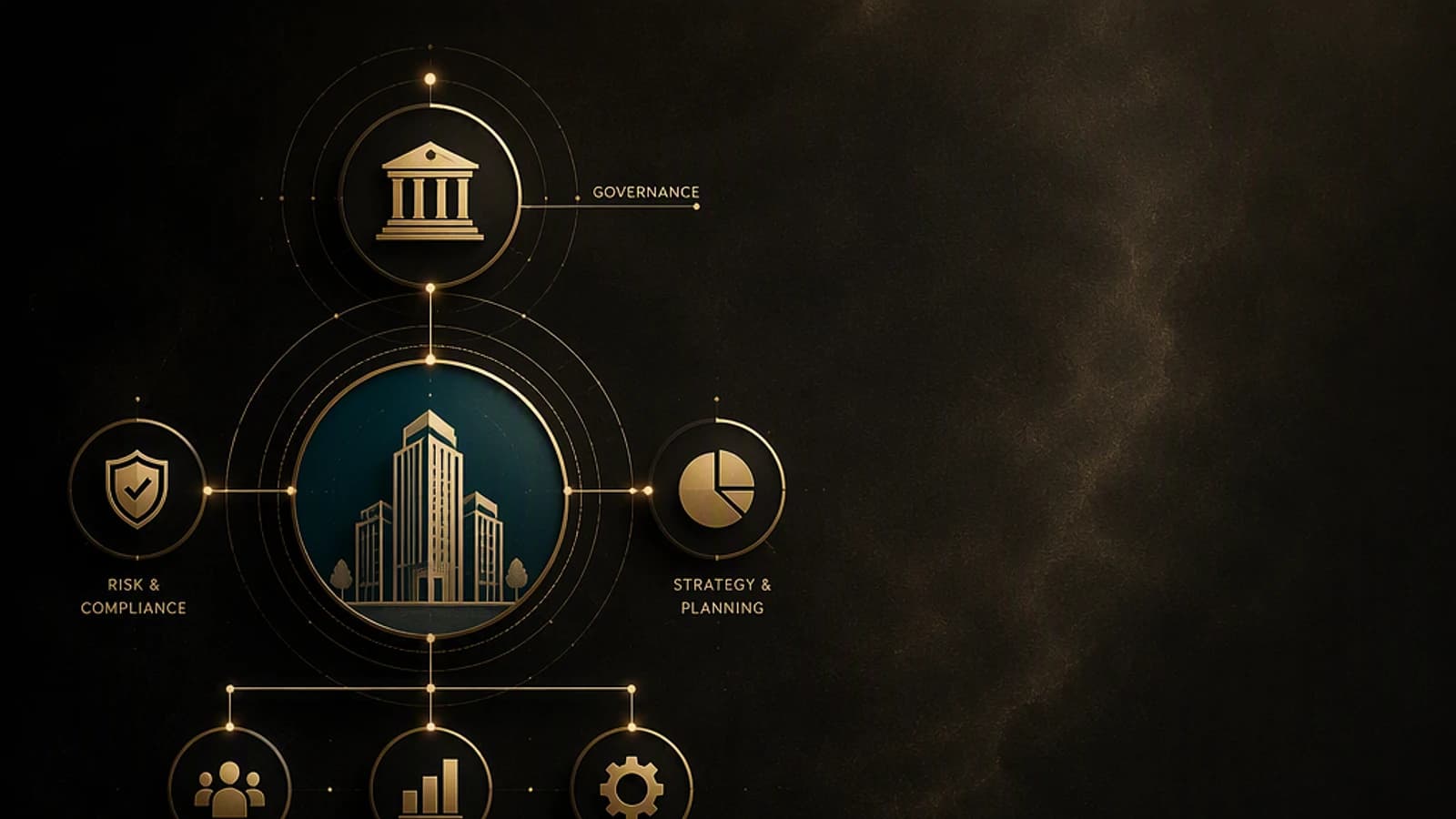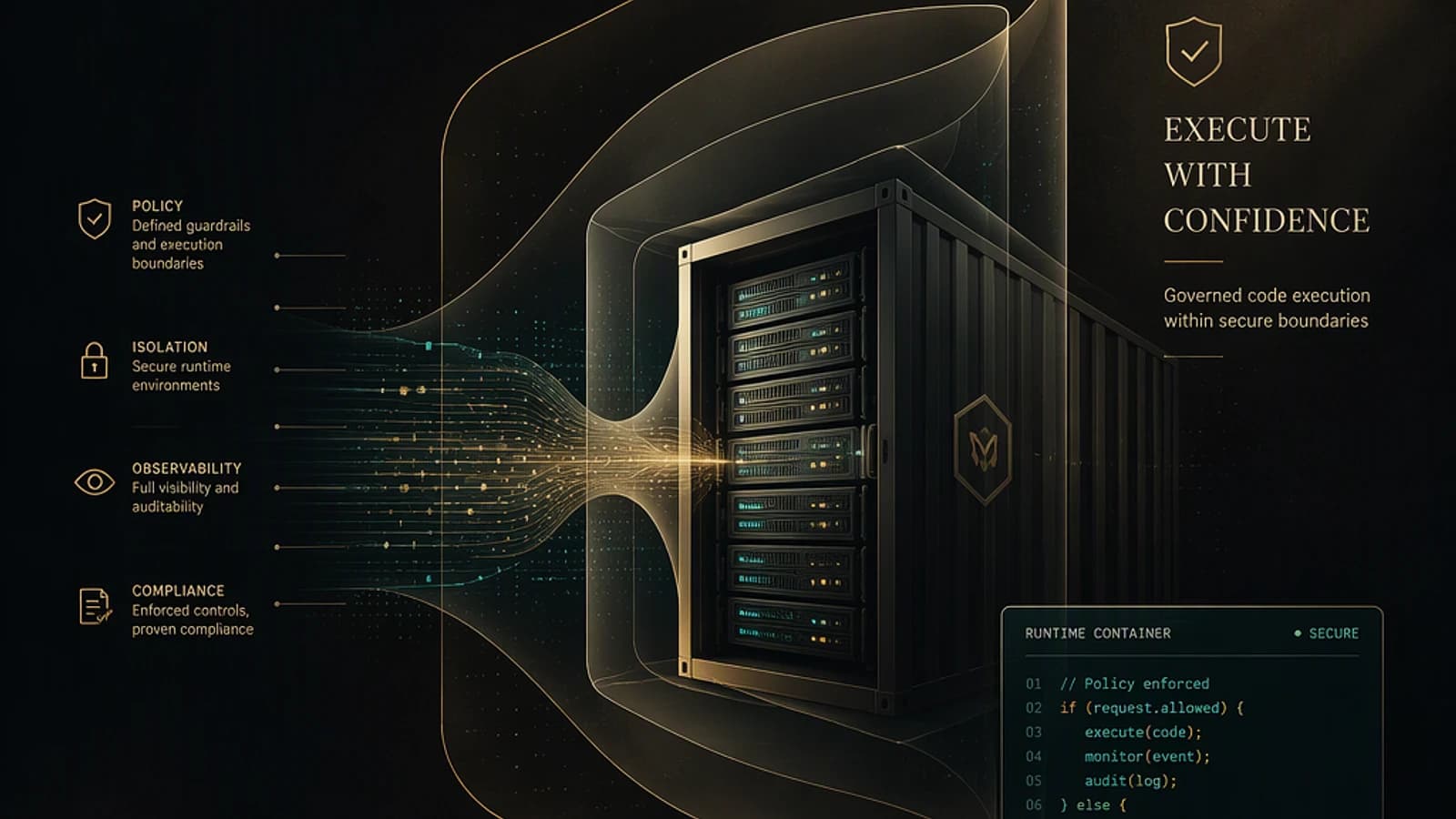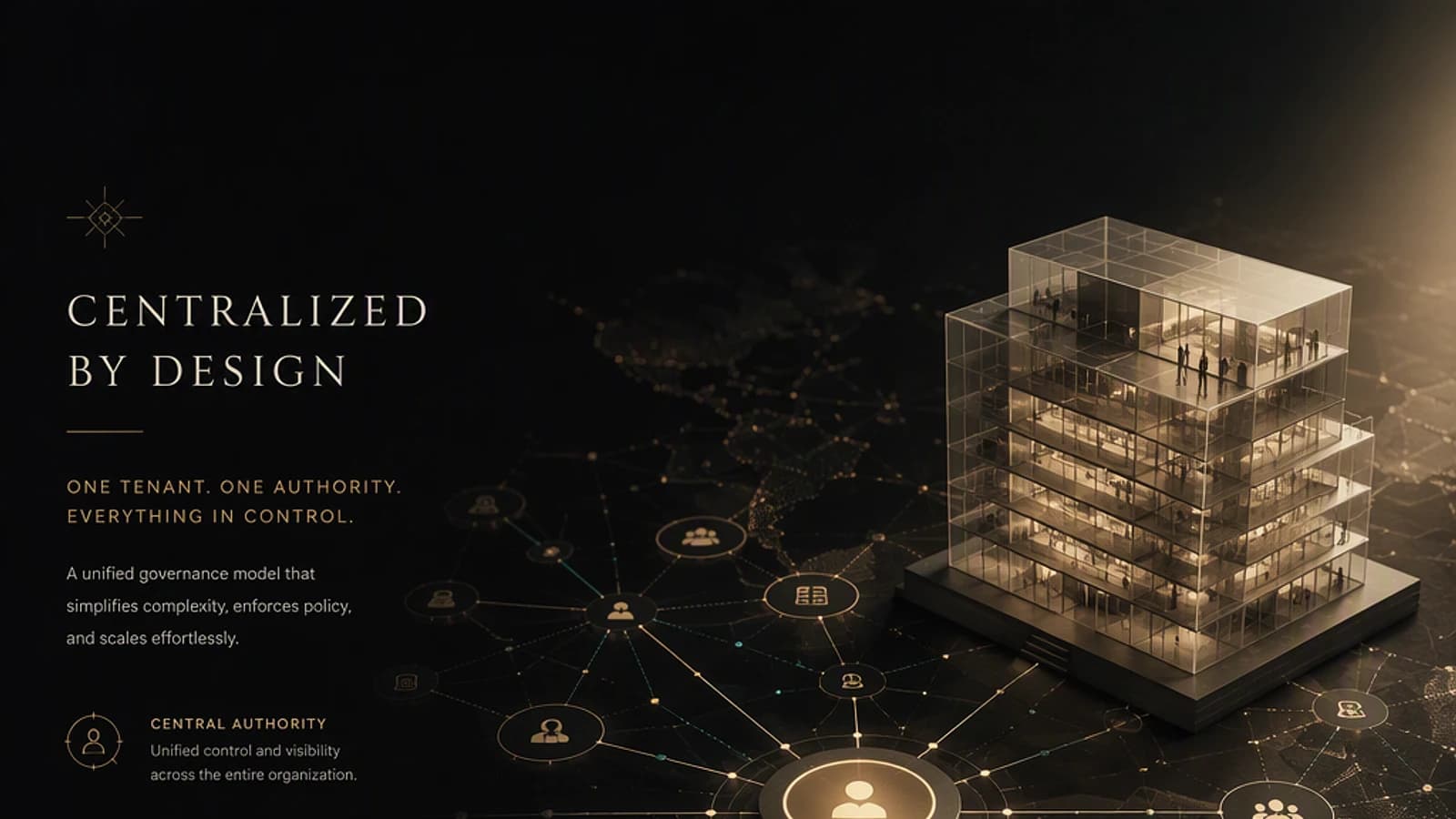
Managing a fleet of Microsoft 365 tenants inherited from acquisitions, pilot projects, or shadow IT quickly becomes a headache for IT teams. The Tenant Governance model proposes an architecture that centralizes control without duplicating identities or sacrificing the principle of least privilege. This article details its technical operation, its two planes — control and data — and how to exploit the audit log that results from it.
An architecture built on a single governance relationship
The principle of Tenant Governance can be summed up in one sentence: everything the platform does boils down to a governance relationship (the control) coupled with the Microsoft Graph TCM APIs (the data). This duality structures the entire architecture and determines what each tenant can — or cannot — do.
The model distinguishes two roles:
- The Governing Tenant, which acts as the central hub to control the entire fleet.
- The Governed Tenant or tenants, whether test environments, tenants from acquisitions, discovered shadow IT, or new add-on tenants created securely.
Between these two entities coexist a control plane and a data plane, each with its own mechanisms.
The governing tenant: the central hub of your strategy
The hub concentrates control capabilities. Two roles are defined: Tenant Governance Administrator and Tenant Governance Reader, which allow separating responsibilities between those who define policies and those who consult them.
The hub also includes:
- reusable governance policy templates applicable across the entire fleet;
- a baseline in JSON format, stored in your own version control system (Git, Azure DevOps, etc.);
- a job for exporting snapshots, coupled with an evidence store;
- a drift detection flow (drift feed) that feeds your ticketing tools or your SIEM (Security Information and Event Management).
Configuration as code
The JSON baseline versioned in your own repository transforms your compliance rules into artifacts reviewed, tested, and deployed like application code. The platform provides the mechanism; the repository, pipeline, and evidence store remain your responsibility.
Control plane and data plane: two complementary flows
The control plane establishes a one-way governance relationship, based on a GDAP (Granular Delegated Admin Privileges) configured with least privilege, enabled via an invitation and approval mechanism between the two tenants. The policy snapshot is frozen at the moment the relationship is created, guaranteeing a stable and auditable reference state over time.
The data plane is entirely based on the Microsoft Graph TCM APIs, now in general availability (GA) in version v1.0. These APIs provide three functions: snapshot, continuous monitoring, and drift detection, with monitors executed on a fixed cycle of 6 hours.
| Characteristic | Control Plane | Data Plane |
|---|---|---|
| Technical Foundation | GDAP with least privilege + invitation/approval | Microsoft Graph TCM API (GA in v1.0) |
| Main Function | Establishes one-way governance relationship | Snapshot, monitoring, and drift detection |
| Reference State | Policy snapshot frozen at creation | Fixed 6-hour monitor cycle |
| Identity | Delegated roles without second identity | Multi-tenant application injected optionally |
| Coverage | 200+ resource types | 6 services covered |
For new add-on tenants created via the secure flow, the governance relationship is attached at creation, the administrator recovery path is preserved, and the baseline applies from day one — without any compliance window.
Discovery and Prevention: Related Tenants and Secure Tenant Creation
Two complementary building blocks strengthen the setup, with different licensing models.
Related Tenants, reserved for the Premium offering, exploits discovery signals to reveal the existence of tenants linked to your organization: B2B (Business to Business) collaboration traffic, multi-tenant application permissions, and shared billing accounts. The limit is logical: a tenant that emits none of these signals remains invisible to the discovery system.
Secure Tenant Creation, offered for free, acts upstream: it allows you to control who has the right to create add-on tenants, automatically attach a governance relationship at creation, and preserve administrator recovery via the billing account.
| Capability | Related Tenants | Secure Tenant Creation |
|---|---|---|
| License | Premium | Free |
| Objective | Discover existing linked tenants | Control creation of new tenants |
| Mechanism | B2B signals, multi-tenant application permissions, shared billing accounts | Automatically attaches a governance relationship and applies baseline from day 1 |
| Known Limitation | A tenant without detectable signals remains invisible | Does not cover existing tenants outside scope |
For organizations facing tenant proliferation — acquisitions, undeclared pilot projects, autonomous subsidiaries — Secure Tenant Creation is the most pragmatic starting point: it acts on the incoming flow before shadow IT takes hold.
Traceability: Bidirectional Entra Audit
Every governance action — relationship creation, policy application, drift detection — is written to the Microsoft Entra audit log, both on the governing tenant side and on the governed tenant side. This dual write guarantees complete traceability, usable in case of compliance audit or security investigation.
It is this audit log that becomes the natural anchor point for building your own evidence pipeline, since the platform imposes neither format nor particular storage tool.
Implementation: Exploiting the Audit Log of Governance Actions
The required module is the Microsoft Graph PowerShell SDK. Install it if necessary:
1Install-Module Microsoft.Graph -Scope CurrentUserThe minimum permission to grant (principle of least privilege) is AuditLog.Read.All as delegated — sufficient to read the audit log without write rights.
The following script connects to the governing tenant, retrieves audit events from the last 24 hours, and isolates those likely to correspond to tenant governance actions, before exporting them to a CSV file reusable as a starting point for your evidence store.
1# Connection with read-only scope on the audit log2Connect-MgGraph -Scopes "AuditLog.Read.All"3 4# Observation window: last 24 hours5$dateDebut = (Get-Date).AddHours(-24).ToString("yyyy-MM-ddTHH:mm:ssZ")6 7# Retrieval of Entra audit log entries over the chosen period8$evenements = Get-MgAuditLogDirectoryAudit -Filter "activityDateTime ge $dateDebut" -All9 10# Isolation of events potentially related to tenant governance11# Exact labels (ActivityDisplayName, Category) depend on events12# actually logged by your deployment: verify them before freezing this filter13$evenementsGouvernance = $evenements | Where-Object {14 $_.ActivityDisplayName -match "Tenant|Governance|GDAP|Baseline" -or15 $_.Category -match "Tenant|Governance"16}17 18# Export to a file reusable as a starting point for your evidence store19$evenementsGouvernance |20 Select-Object ActivityDateTime, ActivityDisplayName, Category, Result, InitiatedBy |21 Export-Csv -Path ".\audit-gouvernance-tenant.csv" -NoTypeInformation -Encoding UTF822 23Write-Host "Export completed: $($evenementsGouvernance.Count) governance event(s) identified."To verify bidirectional traceability, repeat this collection on the governed tenant side by reconnecting with Connect-MgGraph -Scopes "AuditLog.Read.All" -TenantId "<id-of-governed-tenant>". The same actions should appear, timestamped within a few minutes apart, in both logs.
Tenant-wide Impact
Applying a governance baseline or validating a GDAP relationship affects an entire governed tenant. Before any large-scale deployment, test the baseline on an isolated test tenant and verify the contents of the frozen snapshot before extending the relationship to production tenants.
Troubleshooting: Common Errors
- "Insufficient privileges to complete the operation": the connected account does not have consent for the AuditLog.Read.All scope. Reconnect with
Connect-MgGraph -Scopes "AuditLog.Read.All"and validate admin consent if prompted. - Empty result on governed tenant side: verify that you are connected to the correct tenant via the
-TenantIdparameter ofConnect-MgGraph, and have not remained on the governing tenant. - Drift not detected immediately: data plane monitors run on a fixed 6-hour cycle — a recent change may not yet appear in the drift feed.
- Tenant invisible in Related Tenants: a tenant without B2B traffic, without shared multi-tenant application, and without common billing account emits no signal detectable by this Premium feature.
Limitations to Know Before Deploying
- Related Tenants relies only on indirect signals: it does not guarantee exhaustive discovery of your tenant fleet.
- The least-privilege GDAP intentionally limits the scope of action on governed tenants — a security guarantee, but which may require adjustments if your policies cover resources outside the 200+ types already supported.
- The fixed 6-hour monitor cycle introduces a propagation delay to integrate into your internal drift detection objectives.
Conclusion: Govern Without Multiplying Identities
This model demonstrates that it is possible to control a multi-tenant environment without creating second identities or sacrificing the principle of least privilege. By clearly separating the control plane from the data plane, and relying on versioned baselines and Graph TCM APIs in v1.0, the organization gains visibility, reactivity to drift, and auditable compliance.
If your organization accumulates tenants from acquisitions, undeclared pilot projects, or shadow IT, start by enabling Secure Tenant Creation — it's the fastest free lever to stop uncontrolled proliferation. Then complement with Related Tenants if your Premium license allows, and then equip your evidence store pipeline from the Entra audit log, as illustrated in the script above.