Copilot Cowork and Consumption-Based Billing: What Administrators Need to Know
With the arrival of Microsoft Copilot Cowork and the Work IQ API, Microsoft is introducing a new billing model based on actual consumption. This model coexists with the existing Microsoft 365 Copilot user subscription license (USL) and addresses different needs. Understanding the distinction between these two approaches is essential for optimizing costs and maximizing the value delivered to your organization.
Two Complementary Models: USL vs Consumption-Based Billing
M365 Copilot User Subscription License (USL)
The M365 Copilot license is based on a fixed monthly per-user rate, perfectly predictable. It includes a complete set of productive AI capabilities:
- Copilot Chat: interactive conversational assistant available in the M365 Copilot app and Microsoft Teams
- Copilot in applications: native integration in Word, Excel, PowerPoint, Teams and other Microsoft 365 applications
- Pre-built agents: Researcher, Analyst, and custom agents created via Agent Builder
- Work IQ anchoring: understanding of organizational context — artifacts, relationships between content, workflows and people
- Automatic model selection: the system chooses the AI model best suited to the request
Good to Know
The M365 Copilot USL license is not replaced by Copilot Cowork. The two coexist. The goal is to maximize the use of the fixed license where it meets the need, and resort to Cowork only for complex scenarios.
Copilot Cowork: For Complex, Results-Oriented Tasks
Copilot Cowork targets long, multi-tool requests that require autonomous execution. Rather than assisting the user step by step, Cowork receives an objective and accomplishes it autonomously. Its characteristics:
- Multi-step reasoning with the ability to request clarifications
- Production of multiple artifacts in a single interaction (documents, web applications, reports...)
- Use of multiple AI models depending on the complexity of each step
- Optimization through specialized skills that reduce token consumption without degrading quality
Concrete example: A request asking Cowork to simultaneously create a thematic PowerPoint presentation and a standalone HTML web application on Microsoft's technological evolution over 5 years generates two high-quality artifacts in a few minutes, for an estimated cost of about 17 Copilot credits (approximately $4 in pay-as-you-go).
Tip
To find out the credit cost of an ongoing Cowork interaction during a session, use the /cost command. It displays the number of credits consumed up to that point.
Cost Planning with the Cowork Estimator
Consumption-based billing can seem difficult to anticipate. Microsoft provides a cost estimator in the form of a downloadable spreadsheet at the following address:
aka.ms/customer-cowork-estimator
This tool structures estimation around four typical user profiles:
| Profile | Characteristics | Consumption Level |
|---|---|---|
| Corporate Knowledge Worker | Internal tasks, documents, summaries | Medium |
| Customer-Oriented Knowledge Worker | External writing, business proposals | Medium to High |
| Technical Worker | Code, architecture, data analysis | High |
| Manager / Senior Leader | Strategic decisions, consolidated reports | Variable |
For each profile, the tool distinguishes three levels of interaction:
- Light: lightweight model, 0-1 tool calls, 0-1 deliverable
- Medium: more capable model, multiple tool calls, moderate runtime, 2+ deliverables
- Heavy: large context aggregation, high-quality model, many tool calls, extended runtime
By entering the number of users per profile and the estimated frequency of interactions, the tool calculates a monthly estimate in credits and monetary cost.
Caution
The estimator provides a planning baseline, not a cost guarantee. Actual usage can vary significantly depending on prompt complexity and the volume of Work IQ context mobilized. Supplement the estimate with real testing in a production pilot using /cost.
Access Control and Quota Governance
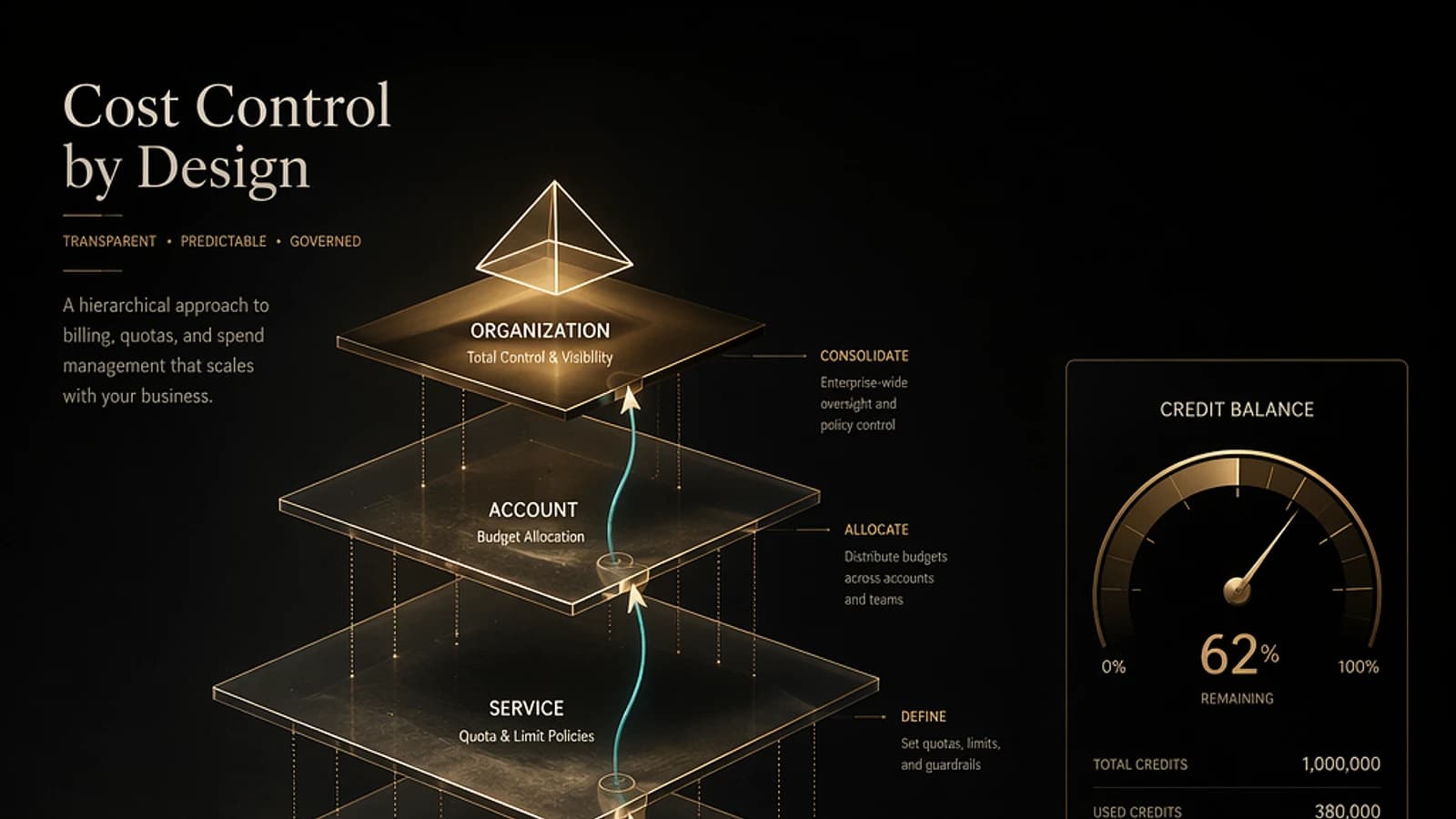
Copilot Cowork governance is structured around three successive levels of control, accessible from the Microsoft 365 Administration Center.
Level 1: Activation of Agents in the Registry
Via M365 Admin Center > Agents > All Agents, you can individually enable or block each agent (e.g., Researcher, Analyst). Copilot Cowork itself is not an agent and does not appear in this registry, but agents built with the Work IQ API are listed there.
Level 2: Discoverability of Usage-Based Billing Experiences
In organization settings, an option "AI experience enabled by usage-based billing" allows you to hide or expose all consumption-based billing experiences. This option is enabled by default and is rarely changed. It only affects discoverability, not actual access.
Level 3: Configuration of Credit Quotas
This is the main control level. Only Global Administrators or Billing Administrators can create quota policies. Configuration is performed in Cost Management > Configuration.
Example policy structure:
1{2 "policies": [3 {4 "name": "All users",5 "scope": "all_users",6 "monthly_limit_credits": 15000,7 "per_user_limit_credits": 10000,8 "billing_model": "pay_as_you_go",9 "includes": ["copilot_cowork", "workiq_api"]10 },11 {12 "name": "Leadership",13 "scope": "group:leadership",14 "monthly_limit_credits": 20000,15 "per_user_limit_credits": null,16 "billing_model": "pay_as_you_go",17 "includes": ["copilot_cowork", "workiq_api"]18 }19 ]20}Each policy allows you to define:
- A global monthly cap (in credits)
- A per-user cap within the group
- Automatic alerts at configurable consumption thresholds
- The functional scope covered (Cowork, Work IQ API, new agents)
Important
Configure your quota policies before training your users or communicating about Cowork. Without an assigned quota, users will receive a message inviting them to request access, which generates a difficult-to-manage administrative request flow.
Payment Models: Pay-as-You-Go or Pre-Purchase
Two billing options are available for Copilot credits:
- Pay-as-you-go: consumption billed on demand via a linked Azure subscription. Maximum flexibility, no volume commitment.
- Pre-purchase plan (P3): annual purchase of credits with a price discount. Ideal when estimated monthly volume is sufficiently predictable. Consumption beyond the prepaid volume automatically switches to pay-as-you-go.
Linking to an Azure subscription is configured from the M365 Administration Center > Cost Management.
Monitoring Consumption from the Administration Center
Cost Management Overview
The Cost Management dashboard centralizes consumption indicators:
- Total Copilot credits consumed (pre-purchase / pay-as-you-go breakdown)
- Number of active users consuming credits
- Pending quota increase requests
- Policies that have reached their spending limit
- Most and least consuming groups
- Consumption trend over time
- Breakdown by usage type: Copilot Cowork vs Work IQ API
- User ranking by consumption
Copilot Cowork > Usage Tab
The Usage tab in the Copilot Cowork section provides activity metrics:
- Number of active Cowork users
- Total number of tasks executed
- Average tasks per user
- Active users per day
- Task breakdown by type (user-initiated vs scheduled)
- Usage trend over time
- Per-user detail: total tasks, scheduled tasks, active days, last activity
Coming Evolution
Microsoft plans to bring together consumption (cost) and activity (usage) views in a unified interface within the M365 Administration Center. Enhancements are also planned in Viva Insights to better measure results achieved through Cowork.
Recommendations for Controlled Deployment
A successful Copilot Cowork deployment rests on three pillars:
-
User training: they must understand the difference between Copilot Chat (interactive, included in the license), Researcher/Analyst agents (asynchronous, included in the license) and Cowork (results-oriented, variable billing). The goal is to maximize the use of the fixed license and reserve Cowork for use cases that truly justify it.
-
Proactive governance: configure quotas by group before deployment, enable threshold alerts and clearly define authorized functional scopes.
-
Measured pilot: before broad deployment, execute the types of prompts representative of your organization, use
/costto calibrate your estimates, and adjust projections in the estimator spreadsheet.