The Real Attack Surface of an AI Agent
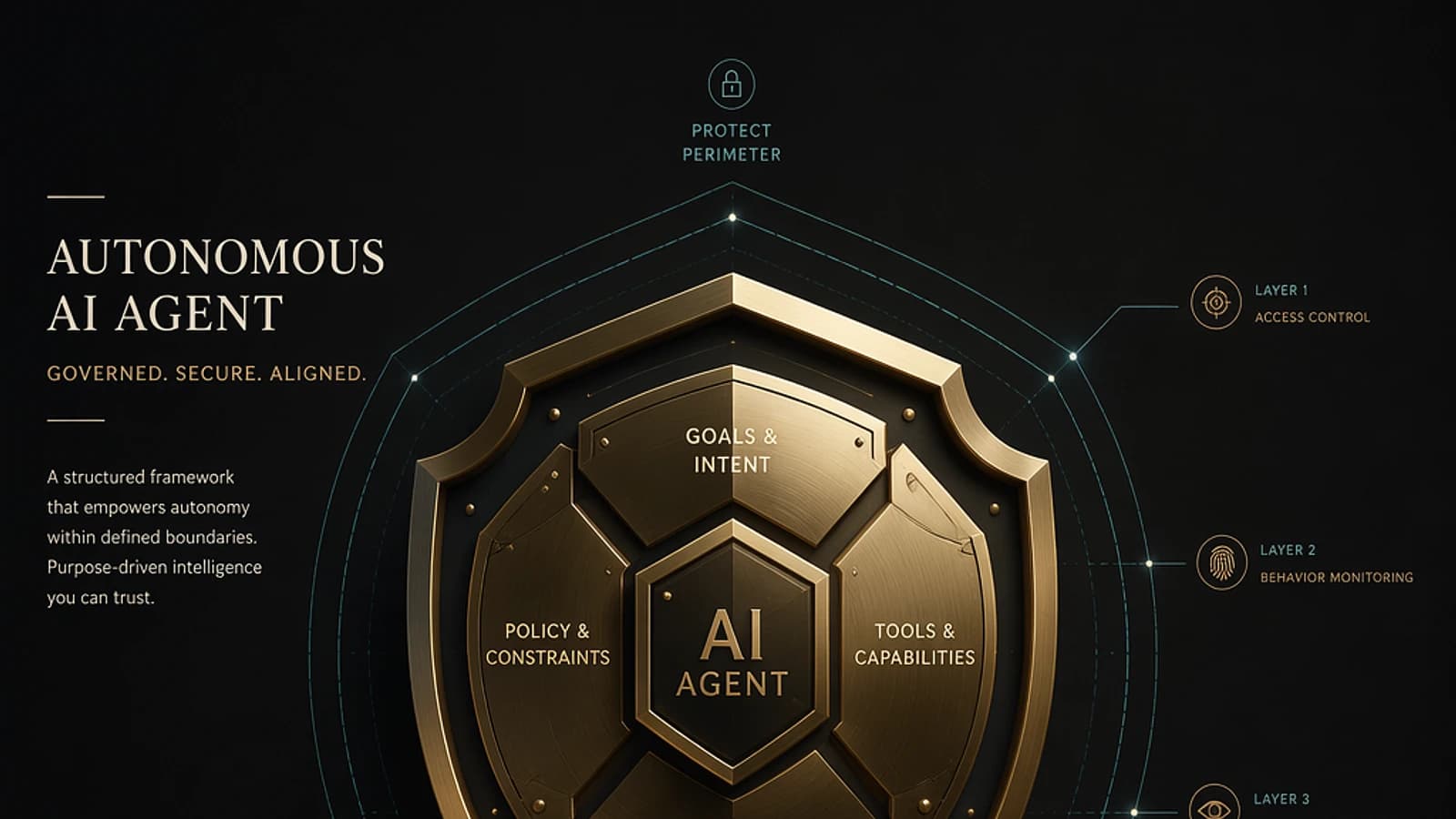
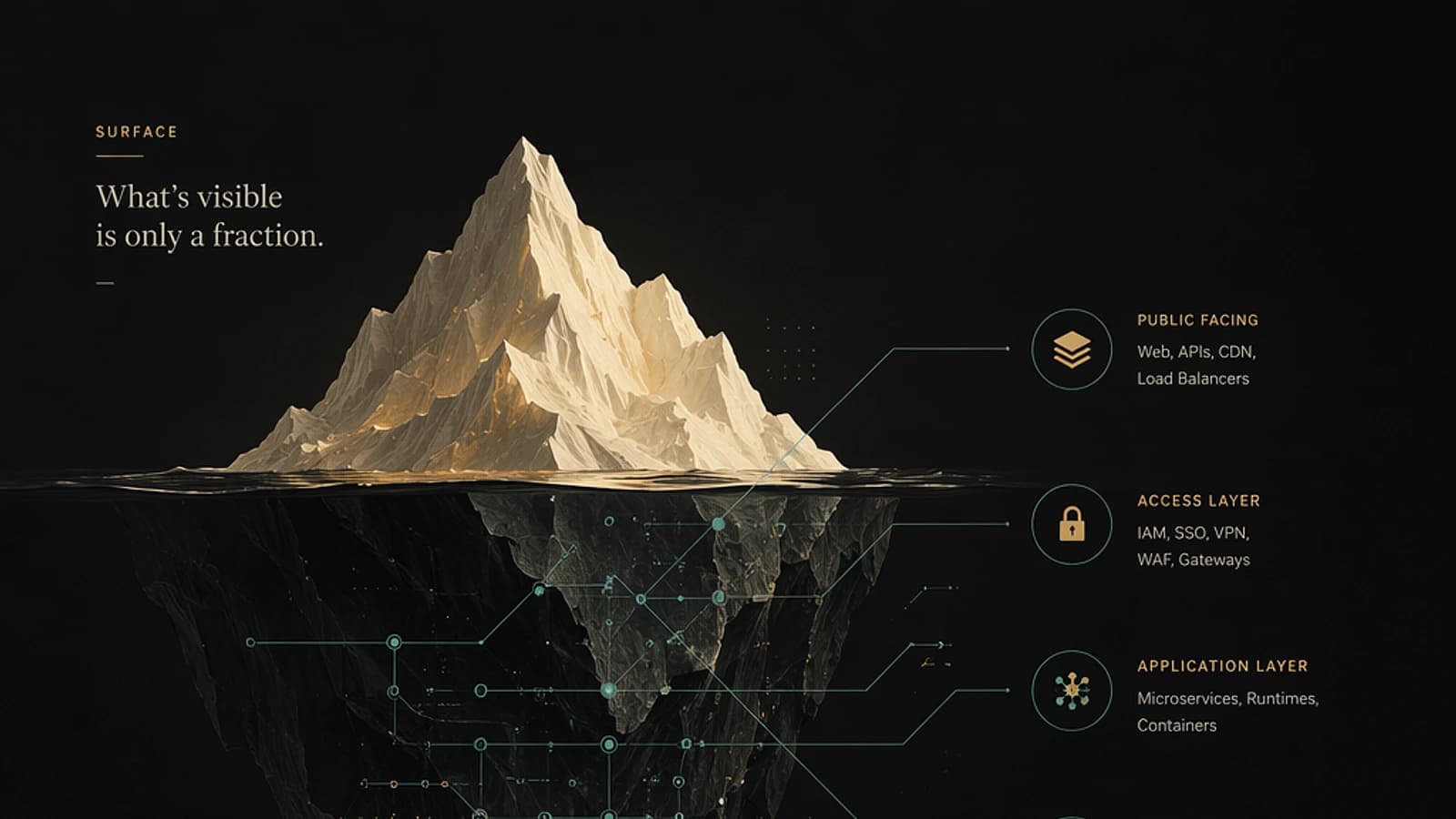
An autonomous AI agent never operates in isolation. Its capacity to act depends directly on the tools it can invoke and the Model Context Protocol (MCP) servers it is connected to. As a result, its attack surface is not limited to the underlying language model: it encompasses every resource it can read, modify, or execute.
This reality demands a paradigm shift in security governance. Teams already securing their Azure workloads or Microsoft 365 environments must extend their controls to agent orchestration layers.
Anatomy of Tools Exposed to Agents
Modern agents rely on several categories of tools, each bringing specific capabilities — and proportional risks:
- Email: sending, reading, and managing messages. A compromised agent can exfiltrate data or conduct internal phishing campaigns.
- Browser: web navigation, content extraction, form submission. Vector for prompt injection via malicious pages.
- Database: reading, writing, and querying structured data. Direct exposure to sensitive business data.
- Terminal: execution of system commands. The most critical vector — an unconstrained command can compromise an entire host.
- Filesystem: reading, writing, and deleting files. Risk of data exfiltration or destruction.
- Third-party APIs: integrations with external services. Each third-party endpoint is an additional trust point to validate.
Basic Rule
The broader an agent's action capabilities, the higher the cost of compromise. The scope of authorized tools must be proportional to documented business need, never to technical possibility.
Model Context Protocol: De Facto Standard, Systemic Risk
The Model Context Protocol (MCP) has emerged as the de facto standard for exposing tools and resources to AI agents. It facilitates integration, standardizes interface contracts, and reduces development friction. But it also introduces a new link in the trust chain.
A compromised MCP server can be sufficient to compromise an entire agent's behavior. The attacker does not need to access the model itself: they only need to alter the MCP server's responses to divert the agent's actions.
Documented attack vectors on MCP servers include:
- Indirect prompt injection via tool responses
- Server spoofing (man-in-the-middle on MCP transport)
- Privilege escalation by manipulating tool metadata
- Context exfiltration via seemingly benign tools
For more details on the MCP specification, official documentation is available at modelcontextprotocol.io.
Five Critical Risks to Know
| Risk | Description | Potential Impact |
|---|---|---|
| Tool Abuse | Exploitation of tools for unauthorized actions | Data exfiltration, destruction, lateral movement |
| Over-Privilege | Excessive permissions granted to agent or tools | Impact amplification in case of compromise |
| Insecure MCP Servers | Poorly protected or unauthenticated MCP servers | Entry point to divert agent actions |
| Untrusted Integrations | Vulnerable or malicious third-party integrations | Injection of unwanted behaviors into agent flow |
| Data Exposure | Disclosure of sensitive data via tool outputs | Confidentiality breach, regulatory non-compliance |
Security Best Practices
Principle of Least Privilege on Tools
Each tool must receive only the permissions strictly necessary for its role. For an agent deployed on Azure, this translates to granular RBAC roles rather than broad roles like Contributor. For tools connected to Microsoft 365, prefer the most restrictive Graph API scopes possible.
Example: an email summary agent should only have the Mail.Read scope, never Mail.ReadWrite or Mail.Send.
1# Check the effective permissions of a service principal in Azure2Get-AzRoleAssignment -ObjectId "<service-principal-object-id>" | Select-Object RoleDefinitionName, ScopeInput and Output Validation
Tools must systematically validate the data they receive from the agent and that they return to it. A malformed response from an MCP server can trigger unexpected behaviors. Implement strict validation schemas on the MCP server side.
1{2 "tool": "read_file",3 "inputSchema": {4 "type": "object",5 "properties": {6 "path": {7 "type": "string",8 "pattern": "^/allowed/base/path/.*"9 }10 },11 "required": ["path"],12 "additionalProperties": false13 }14}Tip
Limit Filesystem-accessible paths to an explicit whitelist. A regex pattern in the tool's MCP schema is an effective first barrier against path traversal.
Use Only Verified MCP Servers
Establish an internal registry of approved MCP servers, with versioning and integrity controls. Reject any MCP server not referenced in this registry. For deployments on Azure Container Apps or Azure Kubernetes Service, apply Azure Policy policies to restrict authorized images and endpoints.
Monitoring and Logging
Every tool call must be logged with: the calling agent's identity, tool name, input parameters (without sensitive data), result, and timestamp. In an Azure context, Microsoft Sentinel can ingest these logs to build detection rules for abnormal behaviors.
1// Detect excessive Terminal calls from an agent in 1 hour2AgentToolLogs_CL3| where ToolName_s == "terminal"4| summarize CallCount = count() by AgentId_s, bin(TimeGenerated, 1h)5| where CallCount > 506| project TimeGenerated, AgentId_s, CallCountPeriodic Permission Review
Define a quarterly review cycle for permissions granted to each agent and MCP server. Immediately revoke access for agents removed from production. Treat this review with the same rigor as user account access reviews in Microsoft Entra ID.
Critical Point
An MCP server in production without active logging is a security blind spot. No detection is possible without audit trails. Enable logging before any deployment, not after.
Applying Zero Trust to Agentic AI
The principles of Zero Trust apply directly to AI agent architectures:
- Verify explicitly: authenticate every agent-to-MCP-server connection, never accept connections implicitly trusted.
- Least privilege access: size tool permissions individually, not globally for the agent.
- Assume compromise: design detections on the assumption that a tool or MCP server could be compromised at any time.
Microsoft documentation on Zero Trust applied to AI workloads is available at learn.microsoft.com/security/zero-trust.
Key Takeaways
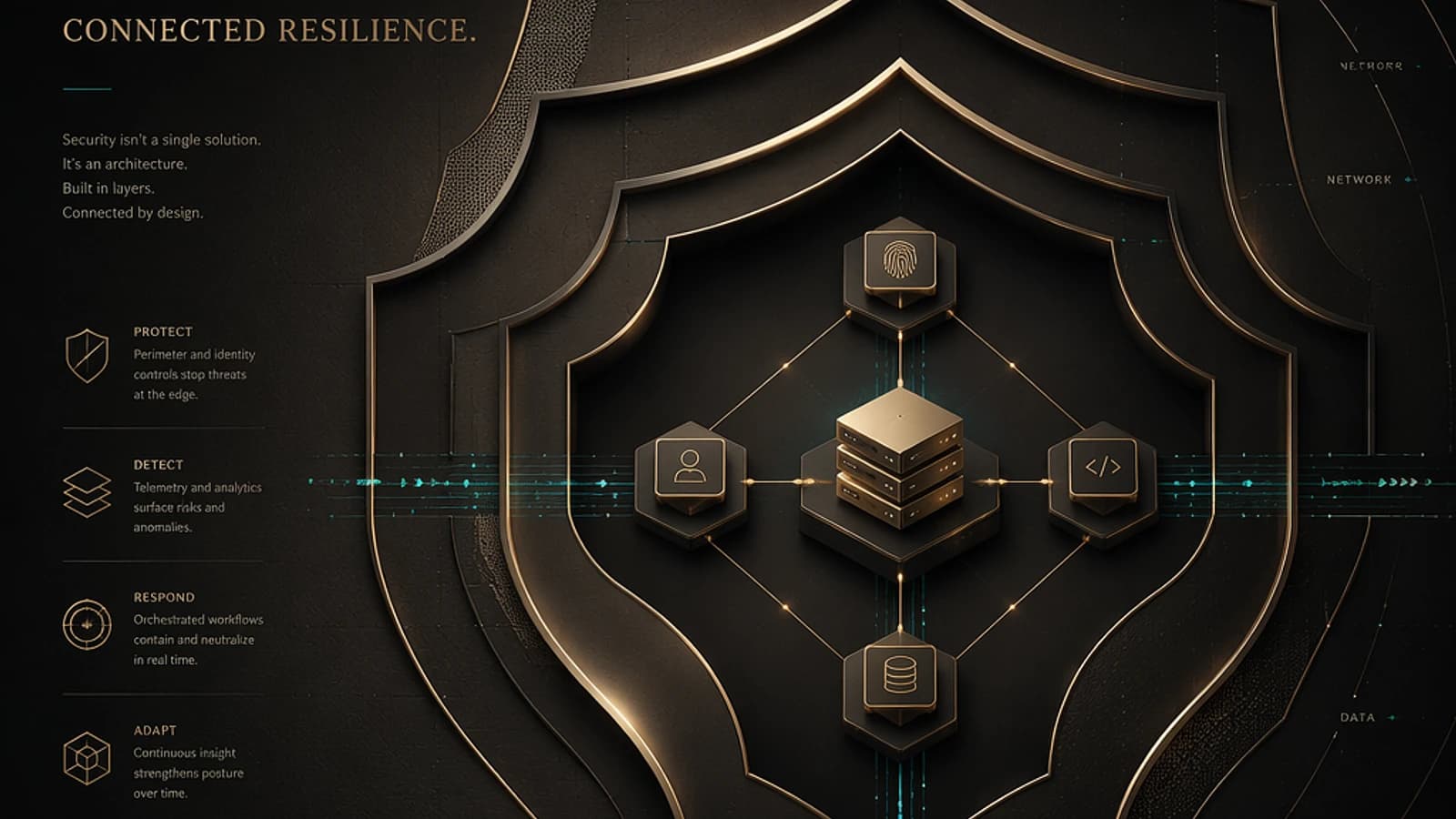
Securing an AI agent amounts to securing all the tools and MCP servers it orchestrates. Technical controls — least privilege, schema validation, logging, approved server registry — are not optimizations: they form the foundation without which no reliable governance is possible. Security teams must treat each tool as an extension of the attack surface and build their detections accordingly.