Why AI agent security cannot be added as an afterthought
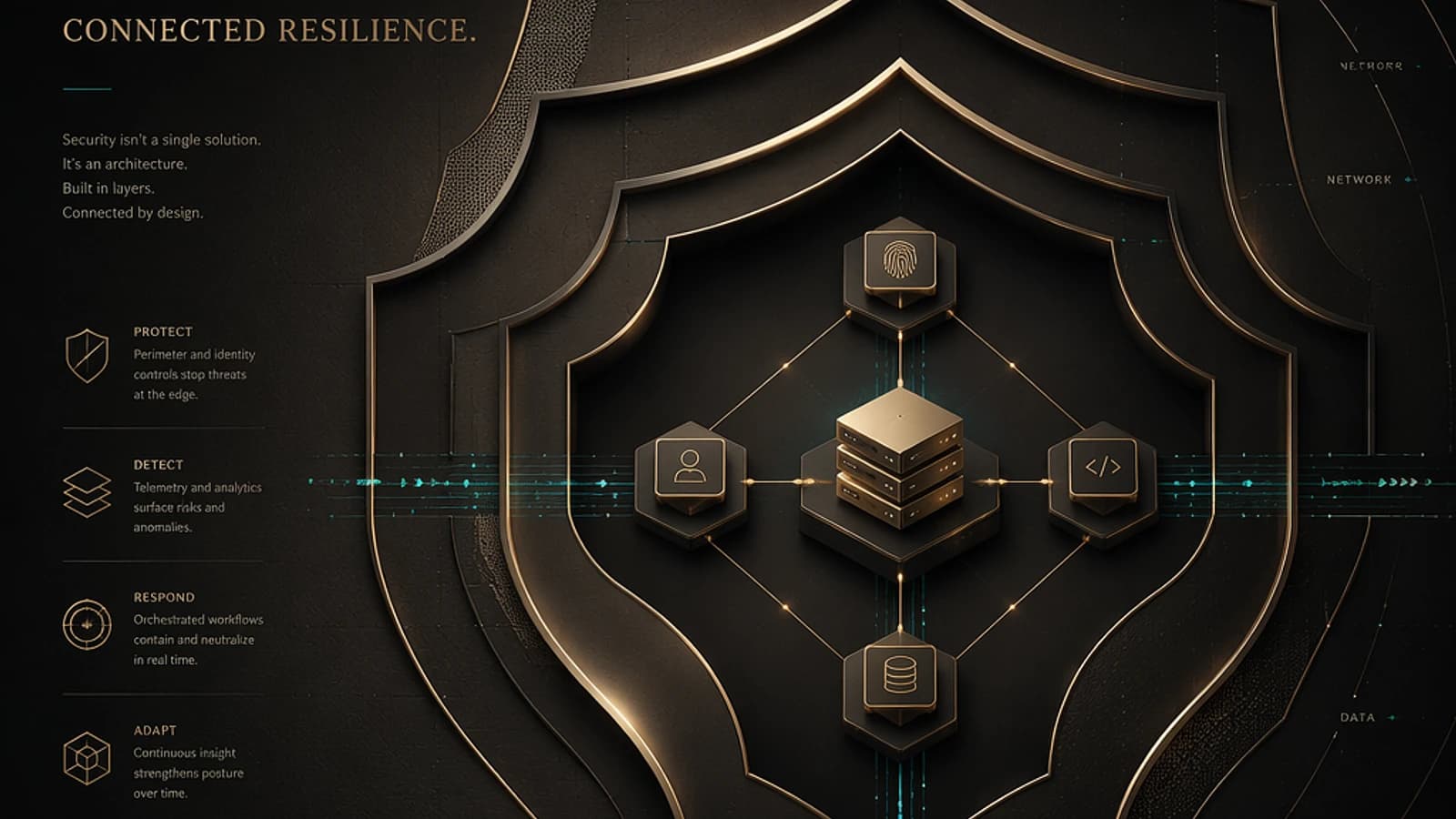
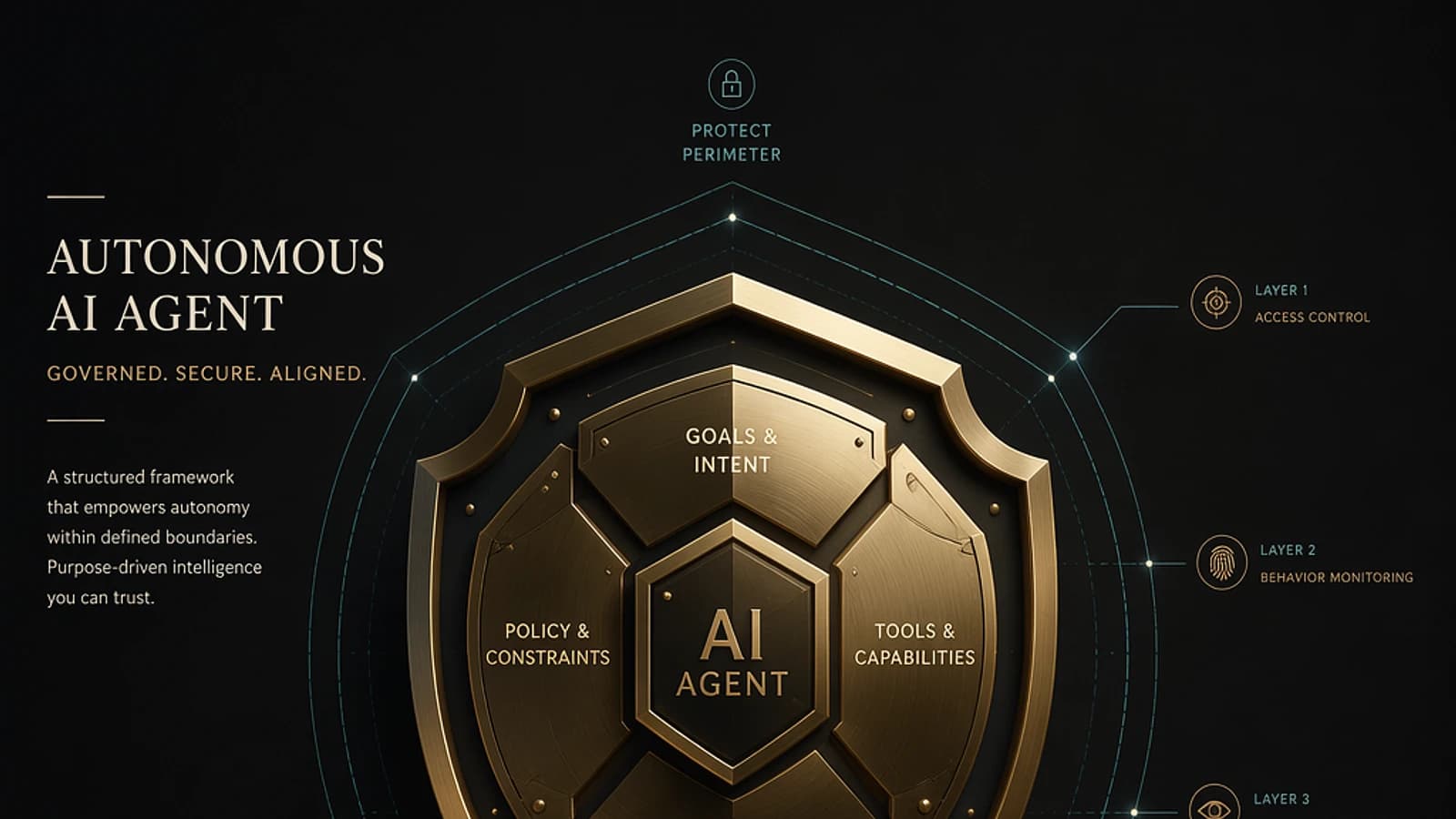
Autonomous AI agents — whether they rely on Microsoft Copilot Studio, Azure AI Foundry or custom orchestrations — are not simple conversational assistants. They execute actions, access data sources and interact with business systems in real time. This autonomy significantly amplifies the attack surface.
Unlike a traditional application, a misconfigured agent can exfiltrate sensitive data, escalate its own privileges, or propagate malicious input across an entire tool chain. Security must therefore be embedded from the design phase, not applied as an afterthought.
Risk of uncontrolled autonomy
An agent with excessive permissions and without human supervision over critical actions constitutes an operational and regulatory risk. This point is systematically underestimated during pilot phases.
The six phases of the secure lifecycle
AI agent governance is structured around a lifecycle organized in six stages. Each includes precise requirements that determine the reliability of the whole.
Design securely
Explicitly define the agent's functional scope, business purpose, and security requirements before writing a single line of code or configuring any connector. Document expected data flows and systems the agent is authorized to interact with.
Build with verified components
Relying exclusively on tools, connectors, and data sources validated by your security team. Apply the principle of least privilege from the creation of service identities in Microsoft Entra ID. Avoid integrating unaudited third-party dependencies.
1# Example: create a service principal with a limited role via Microsoft Graph2New-MgServicePrincipal -AppId "<AppId>" -DisplayName "AgentIA-Prod"3# Assign only the necessary role, never Global Administrator4New-MgServiceAppRoleAssignment -ServicePrincipalId "<SpId>" -PrincipalId "<SpId>" -ResourceId "<ResourceId>" -AppRoleId "<RoleId>"Validate rigorously before deployment
Conduct security tests (red teaming, prompt injection, bias testing) before any production release. Verify that the agent correctly rejects malformed inputs and that its outputs do not disclose out-of-scope information.
Deploy in a hardened environment
Enable conditional access control via Microsoft Entra Conditional Access on agent identities. Segment environments (development, staging, production). Encrypt secrets via Azure Key Vault — never hardcode credentials in code or unprotected environment variables.
1// Example of Azure Key Vault reference in an agent configuration2{3 "apiKey": "@Microsoft.KeyVault(SecretUri=https://<vault-name>.vault.azure.net/secrets/<secret-name>/)"4}Operate and monitor continuously
Enable logging of all agent actions. In Azure AI Foundry, configure diagnostics to a Log Analytics workspace. Centralize alerts in Microsoft Sentinel to correlate signals with the rest of your environment.
Improve iteratively
Analyze incidents, detected anomalies, and blocked violations to refine security policies. Update access rules and regression tests with each functional evolution of the agent.
Recommended practices and critical errors to avoid
The distinction between what to do and what to avoid is often the boundary between a reliable agent and an incident vector.
| Recommended practices | Errors to avoid |
|---|---|
| Apply least privilege on each service identity | Grant broad permissions to simplify configuration |
| Validate and sanitize all agent inputs and outputs | Trust unaudited tools or data sources |
| Systematically log every executed action | Ignore anomalies or unexpected behaviors |
| Maintain a human in the loop for high-impact actions | Leave the agent with total and uncontrolled autonomy |
| Encrypt data at rest and in transit | Hardcode secrets in source code |
| Conduct regular security and bias testing | Skip security reviews during updates |
| Use Azure Key Vault for secret management | Unnecessarily expose sensitive data in logs |
Zero Trust alignment
These practices are directly aligned with Microsoft's Zero Trust model: verify explicitly, use least privilege, assume compromise. Microsoft Entra policies and Microsoft Defender for Cloud rules allow automating much of these controls.
Key indicators to pilot security posture
Without metrics, AI agent security remains conviction without proof. Here are the indicators to instrument as a priority:
- Blocked privilege violations: number of out-of-scope access attempts intercepted.
- Detected anomalies: deviant behaviors identified by Microsoft Sentinel analytical rules.
- MTTR (Mean Time To Respond): average delay between incident detection and resolution.
- Compliant tool usage rate: proportion of tool calls respecting the defined allowlist.
- Sensitive data exposure incidents: occurrences where classified data transited outside authorized channels.
- Agent reliability: response accuracy, service availability, error rate on executed actions.
These signals can be centralized in a Microsoft Sentinel dashboard via KQL queries, providing unified supervision to the SOC team.
1// Example: KQL query to detect unauthorized tool calls by an agent2AIAgentLogs_CL3| where TimeGenerated > ago(24h)4| where ToolName_s !in ("ApprovedTool1", "ApprovedTool2")5| summarize Count = count() by AgentId_s, ToolName_s, bin(TimeGenerated, 1h)6| order by Count descDefender integration
Microsoft Defender for Cloud offers security recommendations specific to Azure AI resources. Enable the Defender for AI plan to benefit from threat detection on inference endpoints.
Governance and human accountability
The execution speed of AI agents exceeds that of traditional human control processes. Two compensatory mechanisms are essential.
Human-in-the-loop control must be enforced for any irreversible action: data deletion, external communications, system configuration modifications. In Copilot Studio, this mechanism is configured via confirmation nodes in action flows.
Traceability must cover the entire chain: who triggered the agent, what input was received, what tools were called, what output was produced. This traceability is essential for compliance audits, particularly in contexts subject to the European AI Regulation (AI Act).
References for further reading
To deepen each aspect covered in this article, the following official Microsoft resources are reliable entry points:
- Security in Azure AI Foundry
- Zero Trust principles for AI applications
- Secret management with Azure Key Vault
- Microsoft Sentinel — Getting started
- Defender for Cloud — Defender for AI plan
- AI Act — Official EUR-Lex text
Regulatory vigilance point
The European AI Regulation imposes transparency and traceability obligations for high-risk systems. Verify the classification of your AI agents before production deployment to anticipate compliance requirements applicable to your organization.