Why Defense in Depth is Essential for AI Agents
Autonomous agents deployed in Microsoft 365, Azure AI, and Copilot Studio are no longer simple chatbots. They invoke tools, query APIs, access sensitive data, and make decisions without systematic human validation. A single security control is insufficient to cover this expanded attack surface.
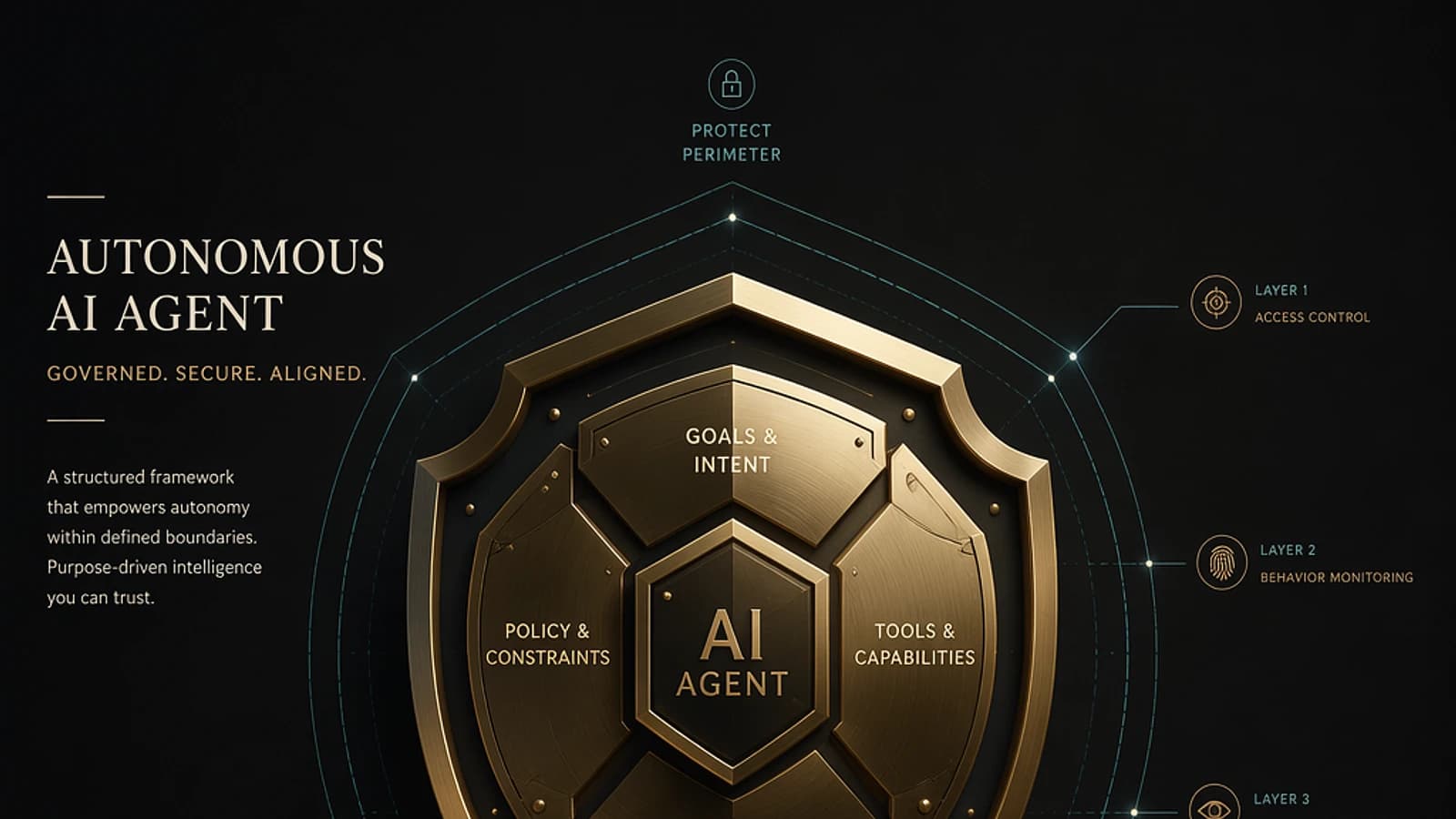
The AI Agent Defense Framework addresses this reality by structuring protection as a five-level pyramid, complemented by permanent cross-functional controls. Each layer compensates for potential gaps in adjacent layers. The goal: make the agent resilient even when an individual control is bypassed.
Framework Scope
This framework applies to any AI agent operating in an enterprise environment: Copilot Studio agents, Azure AI Foundry workflows, LangChain orchestrators hosted on Azure, or custom solutions based on Azure OpenAI Service.
The Five Levels of the Security Pyramid
Level 1 — Secure Foundation: Harden the Infrastructure
The base of the pyramid focuses on hardening the execution environment before the agent receives its first request.
Concrete actions:
- Host models on Azure AI Foundry to benefit from Microsoft compliance guarantees.
- Encrypt data at rest (Azure Storage Service Encryption) and in transit (TLS 1.2 minimum).
- Apply Azure Security Baselines via Azure Policy.
- Validate the integrity of third-party dependencies (packages, SDKs, connectors).
Level 2 — Least Privilege: Limit Access to What's Necessary
Each agent must have only the permissions required to accomplish its defined task. Any additional permission expands the attack surface in case of compromise.
1# Example: assign a limited role to a managed identity in Azure2New-AzRoleAssignment `3 -ObjectId "<managed-identity-object-id>" `4 -RoleDefinitionName "Cognitive Services User" `5 -Scope "/subscriptions/<subscription-id>/resourceGroups/<rg-name>"- Use Managed Identities rather than static API keys.
- Drive access to data via Microsoft Entra ID and role-based access control (RBAC).
- Restrict connector permissions in Copilot Studio at the level of each action.
- Regularly review role assignments with Entra ID Access Reviews.
Level 3 — Validation: Control Inputs, Outputs, and Tool Calls
An unvalidated agent is vulnerable to prompt injection attacks and data exfiltration via malformed outputs.
- Systematically sanitize user input before transmitting it to the model.
- Validate the parameters of each tool call (type, value range, length).
- Filter model responses before exposing them to the end user.
- Enable content filtering functions in Azure AI Foundry to block at-risk content categories (violence, personal data, hateful content).
1// Example content filter configuration in Azure AI Foundry2{3 "contentFilters": [4 { "name": "hate", "severityThreshold": "medium", "blocking": true },5 { "name": "violence", "severityThreshold": "medium", "blocking": true },6 { "name": "selfHarm", "severityThreshold": "low", "blocking": true },7 { "name": "sexual", "severityThreshold": "medium", "blocking": true }8 ]9}Prompt Injection
Prompt injection attacks remain the primary threat to LLM agents. A malicious user can attempt to redefine system instructions through the user field. Level 3 validation is the first line of defense against this vector.
Level 4 — Guardrails: Govern Agent Behavior
Guardrails define what the agent is authorized to do, independent of what the model might propose.
- Define a whitelist (allowlist) of authorized actions for each agent.
- Block destructive operations (deletion, mass modification) without explicit validation.
- Configure governance policies in Copilot Studio to restrict accessible data sources and connectors.
- Implement rate limiting on tool calls to prevent runaway execution loops.
Level 5 — Monitoring & Response: Monitor and Respond
The top of the pyramid ensures visibility into the agent's actual behavior in production.
- Centralize activity logs in Microsoft Sentinel to detect abnormal patterns.
- Configure alerts on out-of-norm behaviors: unusual API call volume, access to unplanned resources, repeated validation failures.
- Enable Microsoft Defender for Cloud for protection of Azure workloads hosting the agent.
- Consult Entra ID audit logs to trace every authorization granted to the agent's identity.
The Five Cross-Functional Controls: A Permanent Layer
These controls are not tied to a specific level. They apply across the entire pyramid continuously.
| Control | Description | Associated Microsoft Tool |
|---|---|---|
| Human Oversight | Maintain human validation for high-risk or irreversible actions | Copilot Studio — approval steps |
| Audit & Logging | Log all agent actions and regularly review logs | Microsoft Sentinel, Log Analytics |
| Data Protection | Classify data, apply encryption and masking | Microsoft Purview, Azure Key Vault |
| Test & Red Team | Test the agent against real attack scenarios on a regular basis | Azure AI Foundry — Safety Evaluations |
| Continuous Improvement | Analyze incidents to strengthen existing controls | Microsoft Defender XDR, Sentinel Incidents |
Red Teaming AI Agents
Azure AI Foundry offers safety evaluation tools (Safety Evaluations) that allow you to automatically test an agent against known jailbreaks and prompt injections. These evaluations are distinct from standard functional tests and should be planned separately.
Progressive Implementation: Where to Start
Faced with an existing deployment, full compliance with the framework can seem heavy. A sequential approach is recommended.
Audit Current Identities and Permissions
Identify all identities (service accounts, managed identities, API keys) used by production agents. Remove unjustified permissions.
1# List role assignments for a managed identity2Get-AzRoleAssignment -ObjectId "<managed-identity-object-id>" | Select-Object RoleDefinitionName, ScopeEnable Content Filtering on Azure AI Foundry
Navigate to Azure AI Foundry > your model deployment > Content filters and configure a profile suited to your agent's risk level.
Connect Logs to Microsoft Sentinel
Enable the Azure OpenAI or Azure AI Foundry data connector in Microsoft Sentinel to centralize agent telemetry.
Define Guardrails in Copilot Studio
For Copilot Studio agents, configure governance policies via the Power Platform Admin Center: authorized data sources, blocked connectors, target environments.
Plan Your First Red Teaming Exercise
Use Safety Evaluations from Azure AI Foundry or mandate an internal team to test the agent with adversarial prompts before expanding the scope.
Limitations and Points of Caution
No Framework Replaces Business Risk Analysis
The AI Agent Defense Framework provides a generic structure. It does not eliminate the need for risk analysis specific to each agent: the data being manipulated, downstream systems, affected users, and impact in case of compromise vary from one deployment to another.
A few limitations to keep in mind:
- Azure AI Foundry content filtering functions do not cover all attack vectors (e.g., exfiltration through encoding, side-channel via timing).
- Entra ID Access Reviews require Microsoft Entra ID P2 or Microsoft Entra ID Governance licensing.
- Anomaly detection in Microsoft Sentinel requires manual configuration of analytical rules: no out-of-the-box rule specifically covers AI agents by default.
- Multi-model or complex multi-orchestrator agents complicate decision traceability: each component must log independently.