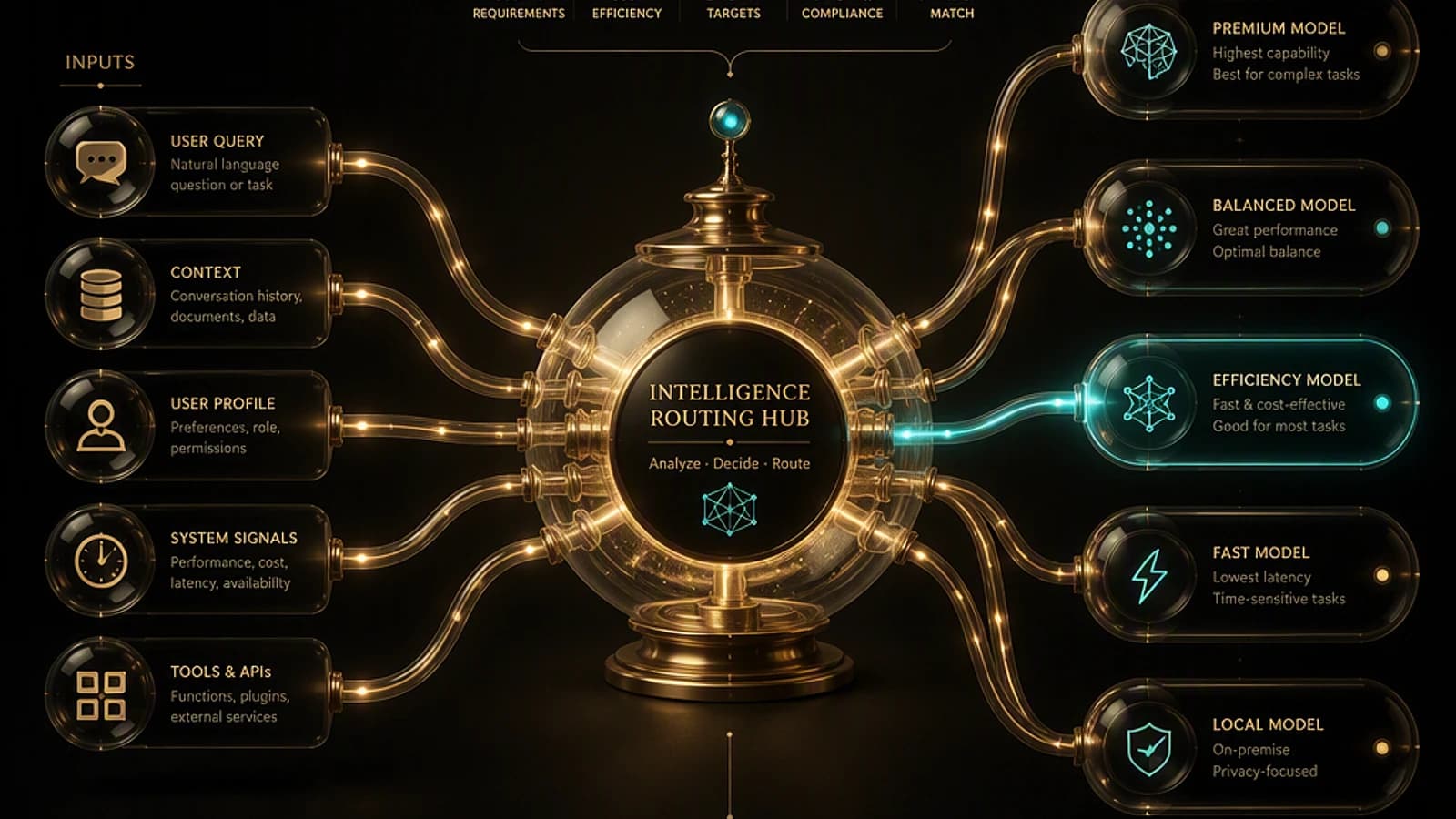
Introduction: a matter of context, not competition
When an organization launches an enterprise AI agent project, the question consistently arises: should we use Microsoft Copilot Studio or Microsoft Foundry? While legitimate, this question can be misleading if it positions these two platforms as competing alternatives.
In reality, Copilot Studio and Microsoft Foundry serve different builder profiles, distinct development styles, and varied operational models. The real question is:
Which starting point best matches the team building the agent today, while providing an evolution path as requirements become more complex?
This article proposes a structured decision framework for architects, developers, and IT teams planning AI agent initiatives in a Microsoft 365 and Azure environment.
Good to know
Copilot Studio and Microsoft Foundry are complementary platforms. Most mature organizations use both in parallel, depending on team profiles and the nature of deployed agents.
Start with the team and operational model
Before selecting a platform, three structural questions must be addressed by architects responsible for the AI program.
Who builds and maintains the agent?
Builder profiles have radically different needs:
- Business users and IT admins: prefer guided interfaces with minimal software engineering dependencies.
- Pro-makers and citizen developers: appreciate low-code environments with preconfigured connectors.
- Developers, architects, and AI engineers: require full control over orchestration, deployment, security, and CI/CD pipelines.
How does the team work today?
Existing development practices directly influence platform choice:
- Guided authoring and visual configuration → low-code environment
- Source control, pull requests, automated tests, deployment pipelines → code-first approach
What level of control is required?
- Managed experience (SaaS): infrastructure is abstracted, governance is delegated.
- Customer-controlled environment: private networking, data residency, advanced observability, model lifecycle management.
AI agent classification
While agent type classification alone is insufficient to guide platform choice, it remains a useful reference:
- Knowledge agent: helps users search, synthesize, and reason over trusted information.
- Workflow agent: automates business processes such as approvals, ticket creation, or status tracking.
- Autonomous system or multi-agent: coordinates multiple tools, systems, models, or agents to produce complex results.
Caution
Agent complexity should not be the sole criterion for platform selection. Builder profile, ownership model, deployment requirements, and operational control level often have a more decisive impact on long-term success.
Copilot Studio: the ideal starting point for business teams
Microsoft Copilot Studio is the reference platform when an organization needs to create agents quickly through a guided, low-code experience. It is particularly suitable for business users, IT admins, and pro-makers who want to build and improve agents without directly managing underlying infrastructure.
Recommended use cases for Copilot Studio
Choose Copilot Studio when the scenario involves:
- Ownership driven by business or IT teams
- Low-code or guided authoring
- Short time-to-production (rapid time to value)
- Experiences integrated with Microsoft 365 and Microsoft Teams
- Standard business process automation
- Managed deployment and operations
- Continuous iteration by business stakeholders
- Minimal software engineering resource dependencies
Typical examples: HR assistant, onboarding agent, internal policy assistant, employee self-service agent, departmental workflow solutions.
Official reference
Microsoft Copilot Studio Documentation: https://learn.microsoft.com/en-us/microsoft-copilot-studio/
Microsoft Foundry: the starting point for AI engineering teams
Microsoft Foundry (formerly Azure AI Foundry) is the reference platform when an organization requires a code-first, Azure-native environment to build, deploy, and govern AI applications and agents.
Foundry is particularly relevant for developers, architects, and AI engineers who build agents as software products and require complete control over architecture, deployment, evaluation, and operations.
Recommended use cases for Microsoft Foundry
Choose Microsoft Foundry when the scenario involves:
- Ownership driven by developers or architecture teams
- Code-first development
- Custom orchestration and bespoke integrations
- Advanced model selection and lifecycle management
- Multi-agent or long-running workflows
- Advanced evaluation, tracing, and observability
- Integration with GitHub, Visual Studio Code, and DevOps pipelines
- Customer-controlled Azure environments
- Private networking and enterprise security perimeters
- Data residency, compliance, and operational governance requirements
Official reference
Microsoft Azure AI Foundry Documentation: https://learn.microsoft.com/en-us/azure/ai-foundry/
Tip
For teams already working with Git repositories, pull requests, automated tests, and deployment pipelines, Microsoft Foundry is typically the most natural and least disruptive starting point.
Decision framework: comparison table
| Decision Criterion | Copilot Studio | Microsoft Foundry |
|---|---|---|
| Primary builder | Business users, IT admins, pro-makers | Developers, architects, AI engineers |
| Authoring model | Guided experiences, low-code | Code-first development |
| Runtime ownership | Managed SaaS experience | Customer-controlled Azure resources |
| Network requirements | Managed environment | Private networking and secure perimeters |
| Development cycle | Configuration-driven | Source control, CI/CD, automated tests |
| Customization | Standard business workflows | Custom orchestration and integrations |
| Observability | Basic monitoring | Advanced tracing and evaluation |
| Best fit | Business agents and employee experiences | Developer-led AI applications and advanced multi-agent systems |
Practical scenarios
Scenario 1: HR Policy Assistant
An HR team needs an internal agent answering questions about policies, benefits, onboarding, and leave processes, leveraging SharePoint content and internal documentation.
Recommended starting point: Copilot Studio
The ownership model is business-driven, content evolves frequently, and rapid deployment is a priority.
Scenario 2: IT Helpdesk Triage Agent
An IT team needs an agent capable of answering support questions, creating tickets, checking status, and escalating unresolved incidents.
Recommended starting point: Copilot Studio or hybrid approach
Copilot Studio efficiently covers conversational experiences and workflow automation. If requirements evolve toward custom orchestration, advanced retrieval, or engineering-owned services, Foundry can extend the solution.
Scenario 3: Enterprise Architecture Advisor
An architecture team wants an agent capable of analyzing requirements, recommending architectural patterns, generating design artifacts, and identifying risks.
Recommended starting point: Microsoft Foundry
This scenario requires structured outputs, reasoning, orchestration, evaluation, and integration into engineering workflows.
Scenario 4: Multi-Agent Claims Processing System
An insurance company wants to automate document understanding, fraud assessment, policy validation, customer communication, and escalation processes.
Recommended starting point: Microsoft Foundry, with Copilot Studio for user-facing experiences
The solution involves orchestration, monitoring, governance, and multiple interacting components that benefit from a code-first platform.

Using Copilot Studio and Foundry together
Most organizations ultimately use both platforms. A common pattern is to use Copilot Studio to deliver a business-oriented experience, while Foundry powers custom orchestration, advanced reasoning, enterprise integrations, evaluation, or operational requirements.
Rather than treating platform selection as a single, final decision, organizations can start where a team progresses fastest today, then expand as requirements mature.
Hybrid architecture example
Here's an example configuration for calling a Foundry agent from Copilot Studio via a custom HTTP action:
1// Example: calling an Azure AI Foundry endpoint from a Power Automate action2// associated with a Copilot Studio agent3 4const response = await fetch('https://<your-foundry-endpoint>.openai.azure.com/openai/deployments/<deployment-name>/chat/completions?api-version=2024-02-01', {5 method: 'POST',6 headers: {7 'Content-Type': 'application/json',8 'api-key': process.env.AZURE_OPENAI_API_KEY9 },10 body: JSON.stringify({11 messages: [12 { role: 'system', content: 'You are an enterprise architecture advisor.' },13 { role: 'user', content: userQuery }14 ],15 max_tokens: 800,16 temperature: 0.317 })18});19 20const data = await response.json();21console.log(data.choices[0].message.content);Good to know
Documentation on interoperability between Copilot Studio and Azure AI Foundry is available here: https://learn.microsoft.com/en-us/microsoft-copilot-studio/agent-extend-ai-foundry
Interoperability and governance at scale
Enterprise AI programs rarely operate within a single platform. Agents must interact with tools, workflows, business systems, and other agents across the organization.
Four layers of interoperability
- Tools and connectors: APIs, plugins, and enterprise systems.
- Agents: collaboration between specialized agents.
- Workflows: integration with business processes and automation.
- Channels: Microsoft 365, Teams, Copilot experiences, and custom applications.
Governance: a prerequisite, not an afterthought
Governance is as important as technical selection. Organizations must define, before scaling:
- Ownership of each agent (responsible team, point of contact)
- Identity controls (authentication, authorization, access management)
- Data perimeters (residency, classification, sovereignty)
- Evaluation processes (quality, security, reliability)
- Monitoring (alerting, dashboards, SLOs)
- Lifecycle management (versioning, deprecation, rollback)
Agent 365 and associated governance capabilities enable organizations to maintain visibility and oversight over agents built via Copilot Studio, Microsoft Foundry, and other Microsoft AI experiences.
Reference: https://learn.microsoft.com/en-us/microsoft-365/admin/misc/copilot-microsoft-365-admin
Common mistakes to avoid
Mistake 1: Pitting Copilot Studio and Foundry against each other
The vast majority of organizations ultimately use both platforms. The question is not which product "wins," but which starting point best matches the team, operational model, and governance requirements.
Mistake 2: Deciding solely on agent complexity
Complexity is a factor, but it shouldn't be the only one. Builder profile, ownership model, deployment approach, and operational control requirements often have greater impact on platform success.
Mistake 3: Deferring evaluation and governance
Enterprise AI agents require evaluation, monitoring, security, and governance from the start. Defining quality, security, reliability, and operational metrics early significantly reduces production risks.
Important
Never deploy an AI agent to production without first defining your evaluation metrics, security policies, and monitoring processes. The costs of post-deployment remediation are exponentially higher.
Implementation guide: next steps
Identify the primary builder profile
Determine who will be responsible for building and maintaining the agent: business user, IT admin, pro-maker, developer, architect, or AI engineer. This profile directly conditions platform choice.
Define the operational model
Characterize your team's development approach:
- Guided authoring / low-code configuration → Copilot Studio
- Code-first engineering / DevOps pipelines → Microsoft Foundry
- Combination of both → hybrid approach
Evaluate security and compliance requirements
Identify networking constraints (private vs managed), data residency, regulatory compliance, and access control. These requirements may mandate Microsoft Foundry even for simple use cases.
Plan evaluation and monitoring before production
Define your quality, security, and reliability metrics before deployment. Configure observability tools appropriate to your chosen platform.
1# Example: retrieve metrics for an Azure AI Foundry project via Azure CLI2az cognitiveservices account show \3 --name <foundry-project-name> \4 --resource-group <resource-group-name> \5 --query '{endpoint: properties.endpoint, provisioningState: properties.provisioningState}'Choose your starting point and plan evolution
Select the platform that best matches your team's needs today. Document the criteria that would trigger expansion to the other platform (volume, complexity, technical requirements, new teams involved).
Conclusion
Microsoft Copilot Studio and Microsoft Foundry are complementary platforms supporting distinct builder profiles, different development styles, and varied operational models.
Copilot Studio is the optimal starting point for business teams needing a managed, low-code experience with rapid time to value. Microsoft Foundry is the optimal starting point for developers and architects requiring code-first development, secure enterprise perimeters, advanced orchestration, and extended operational control.
Rather than standardizing on a single platform, organizations should adopt a decision framework that helps each team start in the right place and evolve as requirements become more complex. This structured flexibility distinguishes successful enterprise AI programs.