Two major new features for Exchange Online
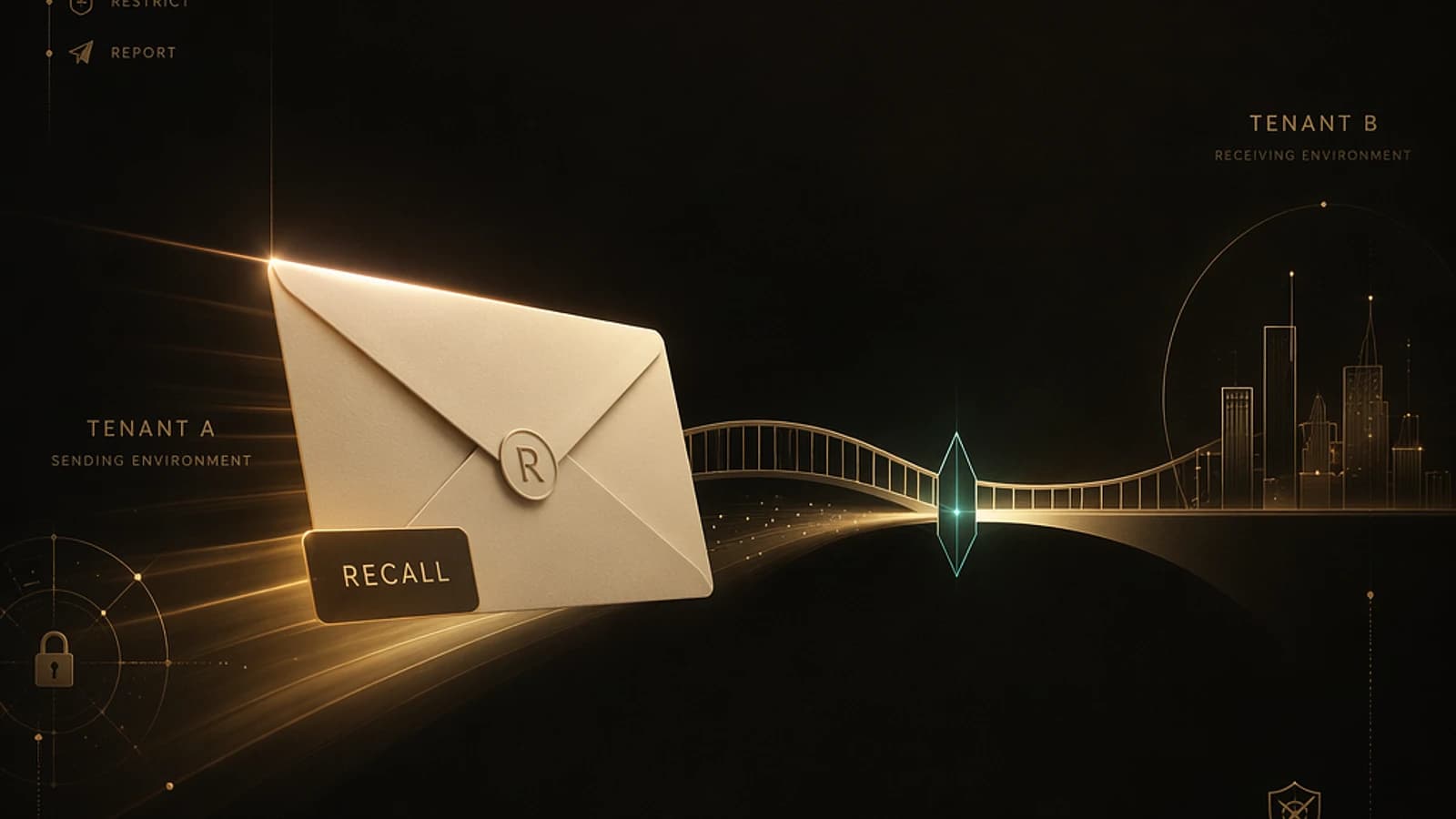
The Exchange Online development team has announced two significant updates that enhance messaging and administration capabilities. The first concerns the detection and blocking of duplicate dynamic distribution groups (DDGs) during their creation (notification MC1420903 from July 8, 2026). The second introduces a long-awaited feature: cross-tenant message recall, described in notification MC1423106 from July 10, 2026.
These two developments continue Microsoft's efforts to optimize reliability, governance, and security of cloud messaging.
General availability
Cross-tenant message recall will be rolled out across all clouds starting mid-August 2026, with full availability expected by early September 2026.
Blocking duplicate dynamic distribution groups
Reminder on how DDGs work in Exchange Online
Dynamic distribution groups (DDGs) are based on recipient filters expressed in OPATH format. Unlike standard Microsoft 365 groups, DDGs are not Entra ID objects: their member list is resolved dynamically by Exchange Online at send time by querying the service's internal directory.
This dynamic resolution consumes server resources. Microsoft has progressively implemented several measures to limit its impact:
- Introduction of "modern" DDGs in early 2022
- Limitation to 3,000 DDGs per tenant since April 2025
- Bug fixes related to filters with wildcards on email domains
Duplicate blocking logic
Starting with the deployment of this feature, Exchange Online performs a verification when creating a new DDG, regardless of the user interface used (admin portal, Exchange Admin Center, PowerShell). The properties compared are as follows:
- Recipient filter
- Delivery management settings
- Message approval/moderation settings
- Delegation settings
- Message visibility settings
If all these properties match exactly with an existing DDG, Exchange Online returns an error and blocks the duplicate creation.
Non-retroactive behavior
This verification does not apply to DDGs that already exist. Duplicate groups created before the deployment continue to function normally. Only the creation of new duplicates is blocked.
It is important to note that Microsoft has not confirmed whether this feature will be ported to Exchange Server SE (on-premises), which makes sense since the cloud resource constraint does not exist in a local environment.
Cross-tenant message recall: a strategic evolution
Context and current limitations
Since the launch of the enhanced message recall mechanism for Exchange Online more than three years ago, the feature has provided a reliable experience for messages sent within the same tenant. Successive improvements have enabled:
- Recalling protected messages (web clients only)
- Supporting recall from Outlook Mobile clients
However, a major limitation remained: as soon as a message left the tenant through a connector — even to another Microsoft 365 tenant — recall became impossible. In a context where a significant portion of business communication is external, this gap represented a real operational risk, particularly for confidential information sent in error to partners.
Security best practice
Highly confidential information should always be protected by sensitivity labels with encryption, limiting access to a defined audience. Message recall constitutes a complementary safety net, not a substitute for data classification.
How cross-tenant recall works
Microsoft introduces a cross-tenant recall trust list / allow list mechanism. The process unfolds as follows:
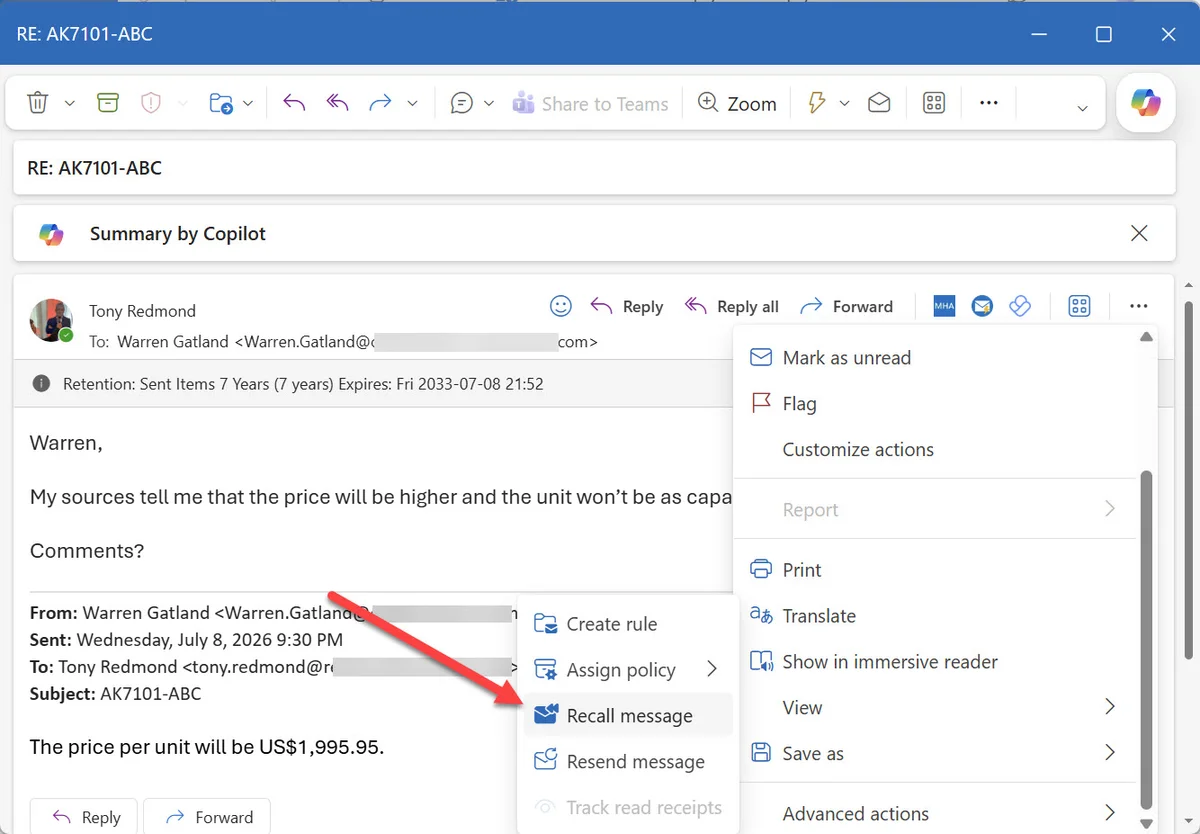
- The sender selects the message in their Outlook client and triggers the recall action.
- Exchange Online processes the recall for internally delivered messages.
- For messages delivered in other tenants, Exchange Online queries the destination tenants to verify if recall is authorized.
- If the destination tenant has enabled cross-tenant recall and the sender tenant is in its allow list, recall is executed according to the same process as an internal recall.
- If the destination tenant has not enabled the feature or if the sender tenant is not in the list, recall fails — as is the case today.
Important limitation
Cross-tenant recall is exclusively available for messages delivered to other Microsoft 365 tenants. No recall mechanism is planned for messages sent to external destinations (Gmail, Proton Mail, etc.). The only viable protection for these cases remains encryption via sensitivity labels.
No client update is required: all processing is performed on the service side.
Configuring cross-tenant message recall
Prerequisites
Configuration is performed via the Exchange Online Management PowerShell module. The Set-CrossTenantRecallConfiguration cmdlet will be available in a version later than module V3.10 (currently not available in this version). Make sure to keep your module up to date.
To install or update the module:
1# Initial installation2Install-Module -Name ExchangeOnlineManagement -Force3 4# Update to the latest available version5Update-Module -Name ExchangeOnlineManagement6 7# Check the installed version8Get-Module -Name ExchangeOnlineManagement -ListAvailable | Select-Object Name, VersionEnabling cross-tenant recall
The feature is disabled by default. To enable it on your tenant (destination tenant):
Connect to Exchange Online
Connect to the Exchange Online Management module with an account that has Exchange administration rights.
1Connect-ExchangeOnline -UserPrincipalName admin@contoso.comEnable cross-tenant recall
Run the following cmdlet to allow trusted tenants to recall messages delivered in your organization:
1Set-CrossTenantRecallConfiguration -CrossTenantRecallEnabled $trueTo disable the feature:
1Set-CrossTenantRecallConfiguration -CrossTenantRecallEnabled $falseConfigure the Allow List
Add the tenant identifiers (Tenant IDs) of external organizations authorized to recall messages. You can obtain a tenant identifier via https://www.whatismytenantid.com or via Microsoft tools.
1Set-CrossTenantRecallConfiguration -AllowedSenderTenantIds @{2 Add = "91c369b5-1c9e-439c-989c-1867ec606603",3 "72f988bf-86f1-41af-91ab-2d7cd011db47",4 "22e90715-3da6-4a78-9ec6-b3282389492b"5}To remove a tenant from the allow list:
1Set-CrossTenantRecallConfiguration -AllowedSenderTenantIds @{2 Remove = "91c369b5-1c9e-439c-989c-1867ec606603"3}Verify configuration
Check the configuration in place to validate the applied parameters:
1Get-CrossTenantRecallConfigurationMissing allow list
If you enable cross-tenant recall (CrossTenantRecallEnabled $true) without configuring an allow list (AllowedSenderTenantIds), no external tenant will be able to recall messages. The allow list is mandatory for the feature to be operational.
Behavior summary table
| Scenario | CrossTenantRecallEnabled | Tenant in Allow List | Recall Result |
|---|---|---|---|
| Internal recall (same tenant) | N/A | N/A | ✅ Always works |
| Cross-tenant recall — feature disabled | $false (default) | N/A | ❌ Recall fails |
| Cross-tenant recall — enabled, tenant not in list | $true | No | ❌ Recall fails |
| Cross-tenant recall — enabled, tenant in list | $true | Yes | ✅ Recall executed |
| Recall to non-M365 destination (Gmail, etc.) | N/A | N/A | ❌ Impossible |
Official references
To learn more about these topics, consult the following resources:
- Microsoft Documentation — Message Recall in Exchange Online
- Microsoft Documentation — Dynamic Distribution Groups
- Exchange Online Management PowerShell Module
- Microsoft 365 Message Center — MC1420903 & MC1423106
- Microsoft Purview Sensitivity Labels
Summary: targeted but high-impact developments
These two features illustrate the progressive maturity of Exchange Online in terms of governance and operational security.
Duplicate DDG blocking primarily represents a benefit for Microsoft in terms of cloud resource optimization, but it also contributes to cleaning up tenant configurations whose number of groups is approaching the 3,000 limit.
Cross-tenant message recall constitutes a significant advance for organizations working in close collaboration with external partners on Microsoft 365. It offers a concrete remediation mechanism in case of accidental transmission of sensitive data, provided that both parties have previously established a trust relationship via the allow list.
IT teams are invited to anticipate the deployment of these features by preparing their lists of trusted partner tenants and communicating internally on best practices for using message recall.