Introduction: Beyond the Language Model
With the generalization of solutions like Microsoft Copilot, Copilot Agents and agentic architectures based on Azure OpenAI, a deep understanding of what an AI agent really is has become a fundamental skill for IT professionals.
An AI agent is not a simple language model exposed via an interface. It constitutes a distributed system that orchestrates foundation models, memory mechanisms, action tools and connectors to external systems. Each component of this chain presents functional and security implications that must be mastered, whether you are a solutions architect, AI engineer or cybersecurity officer.
Article Scope
This article is based on architectural patterns used in the Microsoft 365 and Azure ecosystem, particularly Copilot Agents, Azure AI Foundry and MCP integrations. However, the principles described are transversal to all agentic platforms.
The End-to-End Flow of an AI Agent
The architecture of an AI agent follows a logical and sequential chain. Understanding this flow is the first step to anticipating failure points and attack vectors.
From User Request to Concrete Action
Here are the key stages of agentic processing:
- User Input: the user submits an objective, request or instruction in natural language.
- Orchestration: the agent receives this input and plays the role of orchestrator. It breaks down the objective into sub-tasks, determines which tools to mobilize and in what order.
- Reasoning (LLM): the language model constitutes the "brain" of the system. It interprets the context, reasons about the steps to follow and generates appropriate instructions or responses.
- Memory and Context: the agent consults and updates its different memory layers to maintain consistency of exchanges.
- Tool Invocation: as needed, the agent invokes external tools via standardized connectors.
- Result and Action: the agent returns a response, executes a task or triggers a business process.
1flowchart LR2 U([User]) --> O[Orchestrator / Agent]3 O --> L[LLM - Reasoning]4 L --> M[(Memory)]5 L --> T[Tools & Connectors]6 T --> E[External Systems]7 E --> O8 O --> R([Result / Action])Architectural Tip
In Azure AI Foundry implementations, the orchestrator can be implemented via Prompt Flow or Semantic Kernel. These frameworks natively manage sub-task planning and error handling between agentic steps.
Foundation Models and Memory Layers
Foundation Models
Foundation models (GPT-4o, Phi-3, Mistral, etc.) provide natural language understanding, logical reasoning and content generation capabilities. In the Microsoft ecosystem, these models are accessible via Azure OpenAI Service with guarantees of data residency and enterprise privacy.
The choice of model directly impacts:
- The quality of multi-step reasoning (chain-of-thought)
- Multimodal capabilities (text, image, code)
- Available context window
- Inference cost per token
Types of Agentic Memory
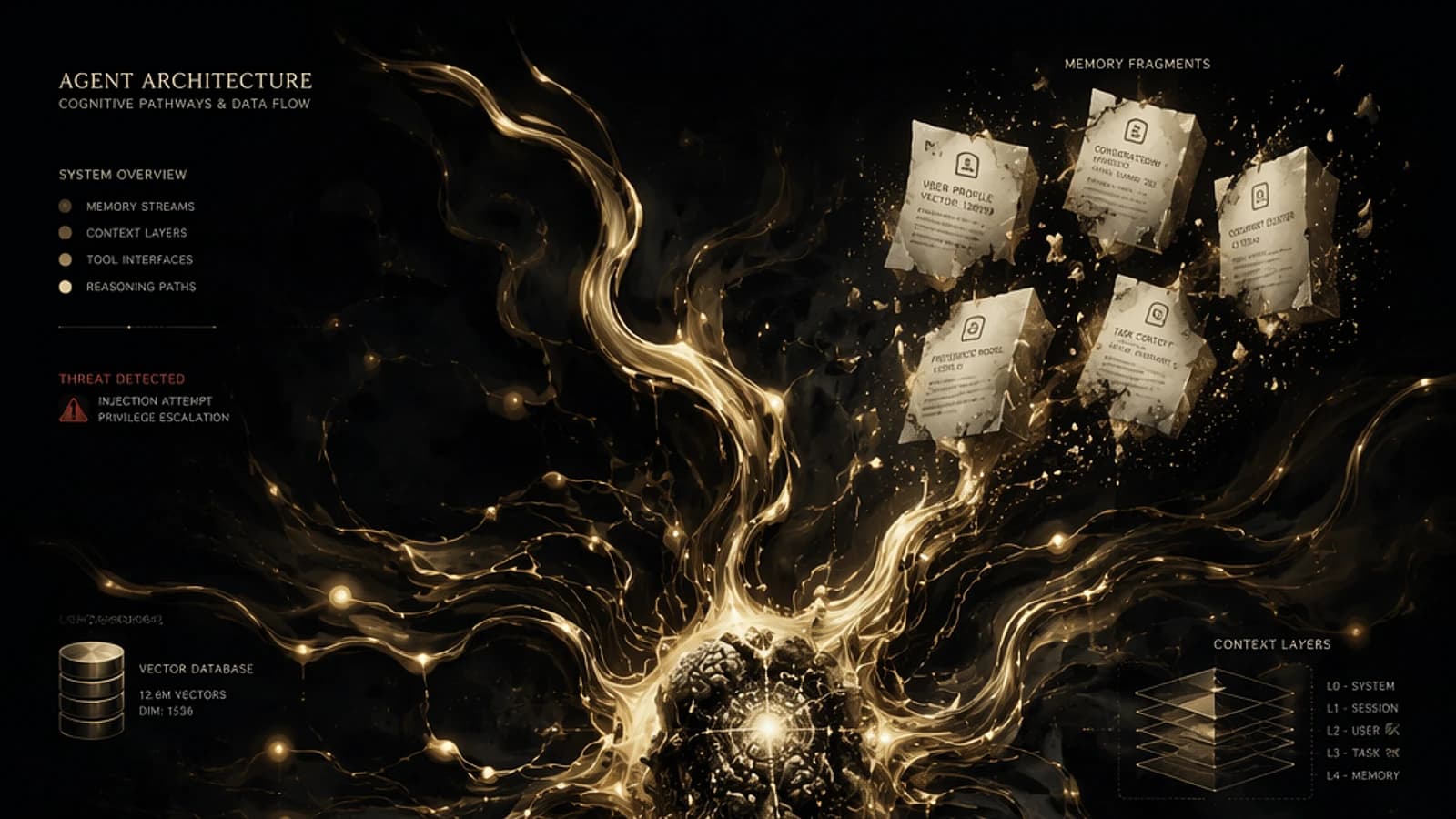
An agent's memory is not limited to conversation history. It is structured in multiple levels:
| Memory Type | Description | Typical Use Case |
|---|---|---|
| Short-term Memory | Context of the current session (context window) | Multi-turn conversation, tracking an ongoing task |
| Long-term Memory | Persistent history between sessions | User preferences, interaction history |
| Vector / Semantic Memory | Embeddings stored in a vector database | Semantic search, RAG over document corpus |
| External Knowledge Base | Structured or unstructured repositories | Internal documentation, HR policies, business knowledge base |
The RAG Pattern (Retrieval Augmented Generation)
Vector memory is at the heart of the RAG pattern, which allows enriching model responses with proprietary data without requiring fine-tuning. In Microsoft 365, this pattern is notably implemented in Microsoft Copilot via the semantic index of Microsoft Graph.
Here is a simplified example of RAG implementation with the Azure AI Search Python SDK:
1from azure.search.documents import SearchClient2from azure.core.credentials import AzureKeyCredential3from openai import AzureOpenAI4 5# Initialize Azure AI Search client6search_client = SearchClient(7 endpoint="https://<your-search-service>.search.windows.net",8 index_name="knowledge-base",9 credential=AzureKeyCredential("<your-api-key>")10)11 12# Initialize Azure OpenAI client13openai_client = AzureOpenAI(14 azure_endpoint="https://<your-openai-resource>.openai.azure.com",15 api_key="<your-api-key>",16 api_version="2024-02-01"17)18 19def rag_query(user_query: str) -> str:20 # Step 1: Semantic search in the knowledge base21 results = search_client.search(22 search_text=user_query,23 query_type="semantic",24 semantic_configuration_name="default",25 top=326 )27 context = "\n".join([doc["content"] for doc in results])28 29 # Step 2: Augmented generation with retrieved context30 response = openai_client.chat.completions.create(31 model="gpt-4o",32 messages=[33 {"role": "system", "content": f"Use the following context to answer:\n{context}"},34 {"role": "user", "content": user_query}35 ]36 )37 return response.choices[0].message.contentWatch Out for Memory Poisoning
Knowledge bases and vector indexes constitute a critical attack surface. Malicious content injected into the corpus (e.g., via a document uploaded by a user) can influence the agent's responses to all users. Implement content validation and classification pipelines before indexing.
Tools and Connectors: The Interface with the Real World
It is the capacity to act that fundamentally distinguishes an AI agent from a conventional chatbot. An agent can invoke tools to interact with third-party systems, execute code or trigger business workflows.
Catalog of Agentic Tools
Here are the most commonly integrated tool categories:
- Search and Navigation: web search (Bing Search API), online content exploration
- Code Execution: Python interpreter, PowerShell scripts, secure sandboxes
- File Management: read/write on SharePoint, OneDrive, Azure Blob Storage
- Communication: sending emails via Microsoft Graph, publishing on Teams
- Structured Data: SQL queries, Dataverse access, REST API calls
- Transactions and Automation: Power Automate triggers, ERP system calls
The MCP Protocol (Model Context Protocol)
The Model Context Protocol (MCP), initiated by Anthropic and quickly adopted by Microsoft, standardizes how AI agents connect to tools and data sources. It defines a uniform interface contract between the agentic orchestrator and external services.
1{2 "mcpVersion": "1.0",3 "server": {4 "name": "sharepoint-connector",5 "version": "0.1.0"6 },7 "tools": [8 {9 "name": "search_documents",10 "description": "Search for documents in SharePoint Online",11 "inputSchema": {12 "type": "object",13 "properties": {14 "query": {15 "type": "string",16 "description": "Search query in natural language"17 },18 "site_url": {19 "type": "string",20 "description": "URL of the target SharePoint site"21 }22 },23 "required": ["query"]24 }25 }26 ]27}In the Microsoft ecosystem, MCP is now natively supported in Azure AI Foundry and Copilot Studio, facilitating the integration of third-party tools without developing proprietary connectors.
Official Resources
To learn more about the MCP protocol: modelcontextprotocol.io — Official protocol documentation. For Microsoft integrations: Azure AI Foundry MCP support.
Agentic Security: Mapping the Attack Surface
Each component of the agentic architecture represents a potential attack vector. Ignoring this reality during design exposes the organization to significant risks.
Main Threats by Component
| Component | Main Threat | Mitigation Measure |
|---|---|---|
| User Input | Prompt Injection | Input filtering, malicious pattern detection, instruction sandboxing |
| LLM / Model | Jailbreak, reasoning manipulation | Robust system prompts, content safety (Azure AI Content Safety) |
| Vector Memory | Data poisoning | Content validation before indexing, access control to ingestion pipelines |
| Execution Tools | Malicious code execution, privilege escalation | Principle of least privilege, isolated sandboxes, call auditing |
| Connectors / APIs | Data exfiltration, SSRF | OAuth 2.0 with minimal scopes, URL validation, outbound call monitoring |
| Agent Outputs | Sensitive information disclosure | Output filtering, DLP, response logging |
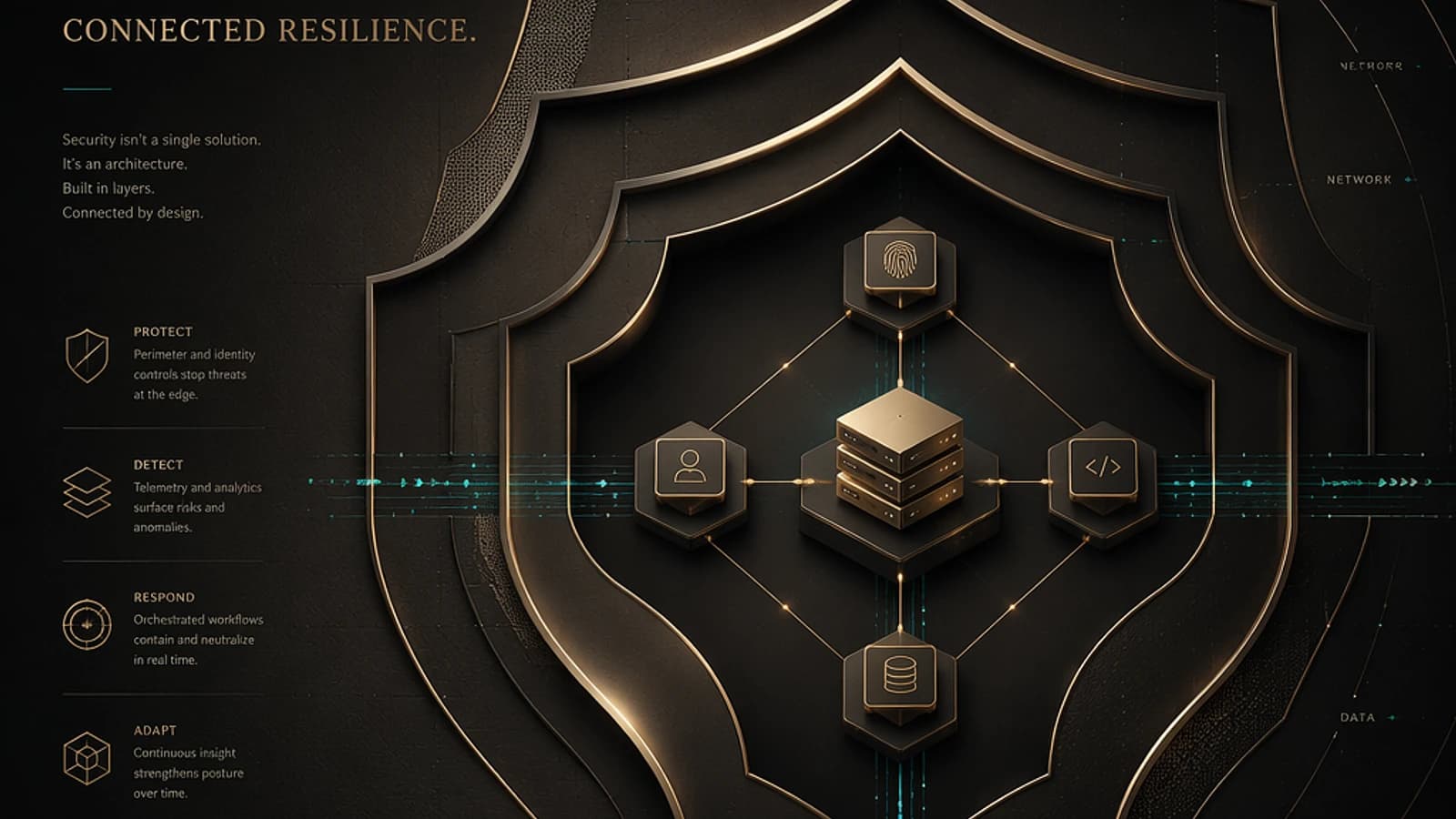
Implementing Defense in Depth
Define the Agent's Authorization Scope
Apply the principle of least privilege to each tool and connector. In Copilot Studio, explicitly configure authorized connectors and OAuth scopes. In Azure AI Foundry, use Managed Identities to avoid secret management.
1# Example: assigning a restricted role to a Managed Identity for Azure AI Foundry2New-AzRoleAssignment \3 -ObjectId "<managed-identity-object-id>" \4 -RoleDefinitionName "Cognitive Services User" \5 -Scope "/subscriptions/<sub-id>/resourceGroups/<rg>/providers/Microsoft.CognitiveServices/accounts/<aoai-resource>"Enable Azure AI Content Safety
Azure AI Content Safety allows filtering agent inputs and outputs in real time. Configure detection policies for prompt injections, inappropriate content and exfiltration attempts.
1from azure.ai.contentsafety import ContentSafetyClient2from azure.ai.contentsafety.models import AnalyzeTextOptions3from azure.core.credentials import AzureKeyCredential4 5client = ContentSafetyClient(6 endpoint="https://<your-content-safety>.cognitiveservices.azure.com",7 credential=AzureKeyCredential("<your-key>")8)9 10def is_safe_input(user_input: str) -> bool:11 request = AnalyzeTextOptions(text=user_input)12 response = client.analyze_text(request)13 # Block if any severity score exceeds acceptable threshold14 return all(cat.severity < 2 for cat in response.categories_analysis)Log and Monitor Tool Calls
Every tool invocation must be traced. In Azure, enable Diagnostic Settings on Azure OpenAI and configure log forwarding to Microsoft Sentinel for behavioral anomaly detection.
Implement Output Guardrails
Do not trust raw model output. Implement a post-generation validation layer that checks for the absence of sensitive data (card numbers, passwords, PII) before returning the response to the user. Integrate DLP rules compatible with Microsoft Purview.
Critical Point: Indirect Prompt Injection
One of the most sophisticated threats to AI agents is indirect prompt injection: malicious content embedded in a document, web page or API response that the agent consults can alter its behavior without the legitimate user's knowledge. This vector is particularly dangerous in RAG architectures. Reference: OWASP Top 10 for LLM Applications.
Governance of AI Agents in the Enterprise
Technical component security is necessary, but insufficient. Structured AI agent governance rests on three complementary pillars:
- Inventory and Classification: document each deployed agent, its data sources, its tools and its sensitivity level. In Microsoft 365, Microsoft Purview offers classification capabilities applicable to Copilot agents.
- Design Review (AI Design Review): integrate a dedicated security review into the agent development cycle, similar to a Threat Model review for traditional applications.
- Continuous Monitoring: implement alerts on abnormal behaviors (unusual API call volume, access to out-of-scope data, abnormal latencies) via Microsoft Sentinel and Azure Monitor workbooks.
Conclusion
Understanding the architecture of an AI agent in its entirety — from the foundation model to connectors through memory layers — is an essential prerequisite for any IT professional involved in the design, deployment or security of these systems.
The attack surface of an agent is proportional to its capabilities: the more powerful and integrated it is, the more potential compromise vectors it exposes. This reality should not hinder adoption, but rather encourage a security by design approach from the earliest project phases.
Teams that invest now in understanding these architectures and implementing appropriate controls will be better positioned to leverage the productivity gains offered by AI agents without compromising their organization's security posture.