Why this AI ecosystem deserves your attention right now
For some years now, Microsoft has stopped simply adding an "AI" button to its products: the company is building a complete architecture where artificial intelligence, data governance, and automation form a coherent whole. If you're a systems administrator, cloud architect, or IT manager, you've probably already come across terms like Copilot, Fabric, or Purview without always knowing how they fit together.
This article offers you a clear navigation map through 12 key concepts that Microsoft considers the pillars of its AI offering by 2026. Three of them — Work IQ, Copilot Cowork, and Microsoft Scout — are recent innovations that deserve particular attention.
To make reading easier, we progress from the most familiar to the most innovative, following three complementary logics: productivity assistance, automation through agents, and then data governance and valorization.
Basic vocabulary
An AI agent is a program capable of perceiving a context, planning actions, and executing them autonomously — unlike a simple assistant that answers a question without acting on its own.
Pillar 1 — Productivity Assistance: Copilot, Work IQ, and Copilot Cowork
Microsoft 365 Copilot: the assistant that knows your content
Microsoft 365 Copilot is the AI assistant integrated into Microsoft 365 office applications (Word, Excel, Teams, Outlook…). It drafts, summarizes, and reasons about your existing work data. Think of it as a colleague who has read all your emails and documents before responding to you — with the caveat that it doesn't "understand" in the human sense, but predicts the most likely tokens in a given context.
To learn more: Official Microsoft 365 Copilot Documentation
Copilot Studio: create your own assistants
Copilot Studio is the low-code platform that allows you to create custom copilots for your organization. You assemble Skills (specific capabilities, such as querying an HR database) and Plugins (connectors to third-party services) to obtain a custom business assistant.
A new unified experience now brings together the former Power Virtual Agents interface and extended Copilot Studio features into a single environment.
Documentation: Copilot Studio – Quick Start
Work IQ: the context engine (new)
What is Work IQ?
Work IQ is Microsoft's context engine. It aggregates your work data — emails, Teams conversations, SharePoint documents — to make them available to copilots in the form of enriched context. Without Work IQ, a copilot would respond generically; with it, it knows you have a budget meeting tomorrow and that your latest report mentions a 12% variance.
Concretely, Work IQ acts as a constantly updated personal semantic index that agents can query to anchor their answers in your professional reality.
Copilot Cowork: intelligent delegation (new)
Copilot Cowork takes the logic one step further: instead of simply suggesting, it executes tasks for you by jointly mobilizing Skills, Plugins, and Work IQ. This is the transition from a copilot that advises to one that acts — what's called an agentic use of Copilot.
Attention to delegation
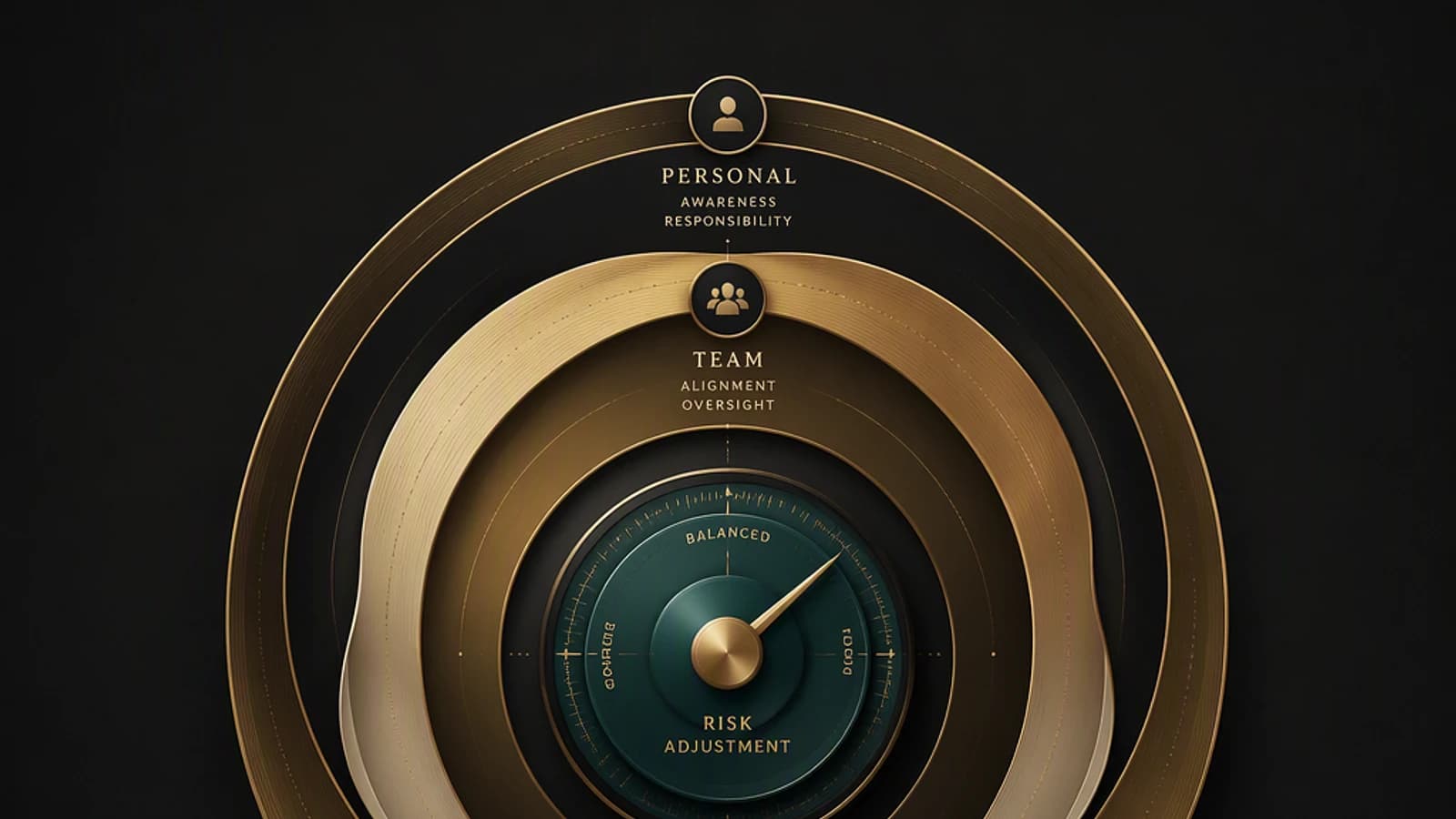
Any task delegated to an agent must be governed by clear governance policies (see Microsoft Purview below). An agent with overly broad access can expose sensitive data without the user noticing.
Pillar 2 — Agents and Development: Foundry, Agent 365, Code Apps, App Builder, D365 Agents
Microsoft Foundry: the complete lifecycle of your AI
Microsoft Foundry — formerly known as Azure AI Foundry — is the platform for developers and data teams who want to build, evaluate, and deploy AI models in production. It covers:
- Design and testing of prompts (instructions given to the model)
- Evaluation of responses via quality metrics
- Deployment on Azure
- Continuous supervision of behaviors in production
Reference: Azure AI Foundry – Documentation
Memory aid
Foundry = the foundry. You melt raw models there to mold them into AI applications ready for the enterprise.
Agent 365: govern your agents at scale
Agent 365 is the centralized control plane that allows administrators to deploy, monitor, and revoke AI agents within the Microsoft 365 infrastructure. It answers a concrete question: when you have ten different agents accessing your company data, how do you know what they're doing?
Code Apps and App Builder: from natural to pro-code
These two tools cover the complete spectrum of application development:
- App Builder allows a business user to describe the application they want in natural language, then generates the interface and logic in Copilot M365 with AI suggestions.
- Code Apps targets developers who need pro-code capabilities (complex logic, advanced integrations) while staying within the Power Apps ecosystem.
The analogy: App Builder is the simplified architect's plan for the client; Code Apps is the structural engineer's drawing table.
D365 Agents: automation in Dynamics 365
D365 Agents are preconfigured agents that automate workflows in Dynamics 365 — CRM, ERP, customer service. They handle repetitive tasks such as lead qualification, customer file updates, or report generation, while directly accessing Dynamics data.
Reference: Agents in Dynamics 365
Pillar 3 — Governance, Data and Supervision: Purview, Fabric, Microsoft Scout
Microsoft Purview: compliance at the heart of AI
Microsoft Purview (formerly Azure Purview + Microsoft 365 compliance features) is Microsoft's data governance solution. In the AI context, its role becomes critical: it classifies sensitive data, applies access policies, and generates audit logs to prove regulatory compliance (GDPR, NIS2, financial sector…).
Without Purview, an AI agent could theoretically read and summarize confidential HR data without leaving any trace.
Reference: Microsoft Purview – Overview
Critical point
Before deploying any AI agent in production, verify that your Purview sensitivity labels are in place. An agent that ignores labels can exfiltrate classified data to unauthorized users.
Microsoft Fabric: a unified data platform
Microsoft Fabric is the analytics platform that unifies data engineering, storage (OneLake), and real-time analysis in a single SaaS service. For AI, Fabric plays the role of reliable data provider: it ensures that agents and models work with clean, fresh, and traceable data.
A useful analogy: if Work IQ is a user's personal context, Fabric is the organizational data warehouse that agents can query at scale.
Reference: Microsoft Fabric – Documentation
Microsoft Scout: your personal always-on agent (new)
Microsoft Scout is one of the most striking innovations on this list. Described as an always-on personal agent, Scout is natively integrated into Teams, Outlook, and SharePoint. It monitors your activity, detects actions to be taken, and can act for you without you having to formulate an explicit request.
Scout vs classic Copilot
Where Microsoft 365 Copilot waits for you to ask a question, Microsoft Scout takes the initiative: it notices you haven't replied to a critical email and alerts you, or prepares a meeting summary before you even ask.
Overview of the 12 concepts
| Concept | Pillar | Main role | New |
|---|---|---|---|
| Microsoft 365 Copilot | Productivity | AI assistant integrated into M365 apps | No |
| Copilot Studio | Productivity | Creation of custom copilots | No |
| Work IQ | Productivity | Context engine anchored to your work data | Yes |
| Copilot Cowork | Productivity | Task delegation to an agentic copilot | Yes |
| Microsoft Foundry | Development | Complete lifecycle of AI models | No |
| Agent 365 | Development | Governance and supervision of M365 agents | No |
| Code Apps | Development | Pro-code capabilities in Power Apps | No |
| App Builder | Development | Creation of business apps in natural language | No |
| D365 Agents | Development | Automation of Dynamics 365 workflows | No |
| Microsoft Purview | Governance | Compliance, classification, and security of AI data | No |
| Microsoft Fabric | Data | Unified analytics platform for AI at scale | No |
| Microsoft Scout | Supervision | Always-on personal agent in Teams, Outlook, SharePoint | Yes |
Frequently asked questions about the Microsoft AI ecosystem
Each component has its own licensing model. Microsoft 365 Copilot requires an additional specific license on top of Microsoft 365. Copilot Studio charges per session. Microsoft Fabric has dedicated capacity. Microsoft Purview is partially included in Microsoft 365 E3/E5. Always consult the official pricing page for your tenant before any deployment.
The recommended order is generally: (1) enable and configure Microsoft Purview to protect your data, (2) deploy Microsoft 365 Copilot to a pilot group, (3) explore Copilot Studio for specific business use cases, (4) plan Microsoft Fabric if your organization has advanced analytics needs.
These three services are announced as innovations in the Microsoft 2025-2026 roadmap. Their general availability (GA) may vary depending on your region and license. Check the Microsoft 365 Roadmap for real-time deployment status.
How to prepare your organization starting now
Before waiting for each component to reach general availability, several preparatory actions are possible today:
- Audit your data with Microsoft Purview — identify sensitive data that should not be accessible to agents.
- Train your users on using Microsoft 365 Copilot — adoption depends as much on culture as on technology.
- Build a Copilot Studio pilot on a limited business use case to understand orchestration mechanisms.
- Plan your data architecture in Microsoft Fabric if you're considering agents that query large volumes.
- Follow the Microsoft 365 Roadmap and Microsoft Ignite announcements to anticipate availability dates.
Tip for IT teams
Create a cross-functional working group with IT + Compliance + Business before any agent deployment. Security and GDPR questions are much easier to resolve upstream than in production.
Microsoft's AI ecosystem in 2026 is not limited to a single isolated product: it's a layered architecture where each component strengthens the others. Understanding the 12 concepts presented here equips you with the vocabulary and vision needed to drive — or support — a successful AI transformation.