Introduction
Managing edge infrastructures, such as retail stores, factories, or branch offices, has always presented a complex challenge. It often requires on-site technical expertise, making the process slow, costly, and error-prone, particularly for large-scale deployments.
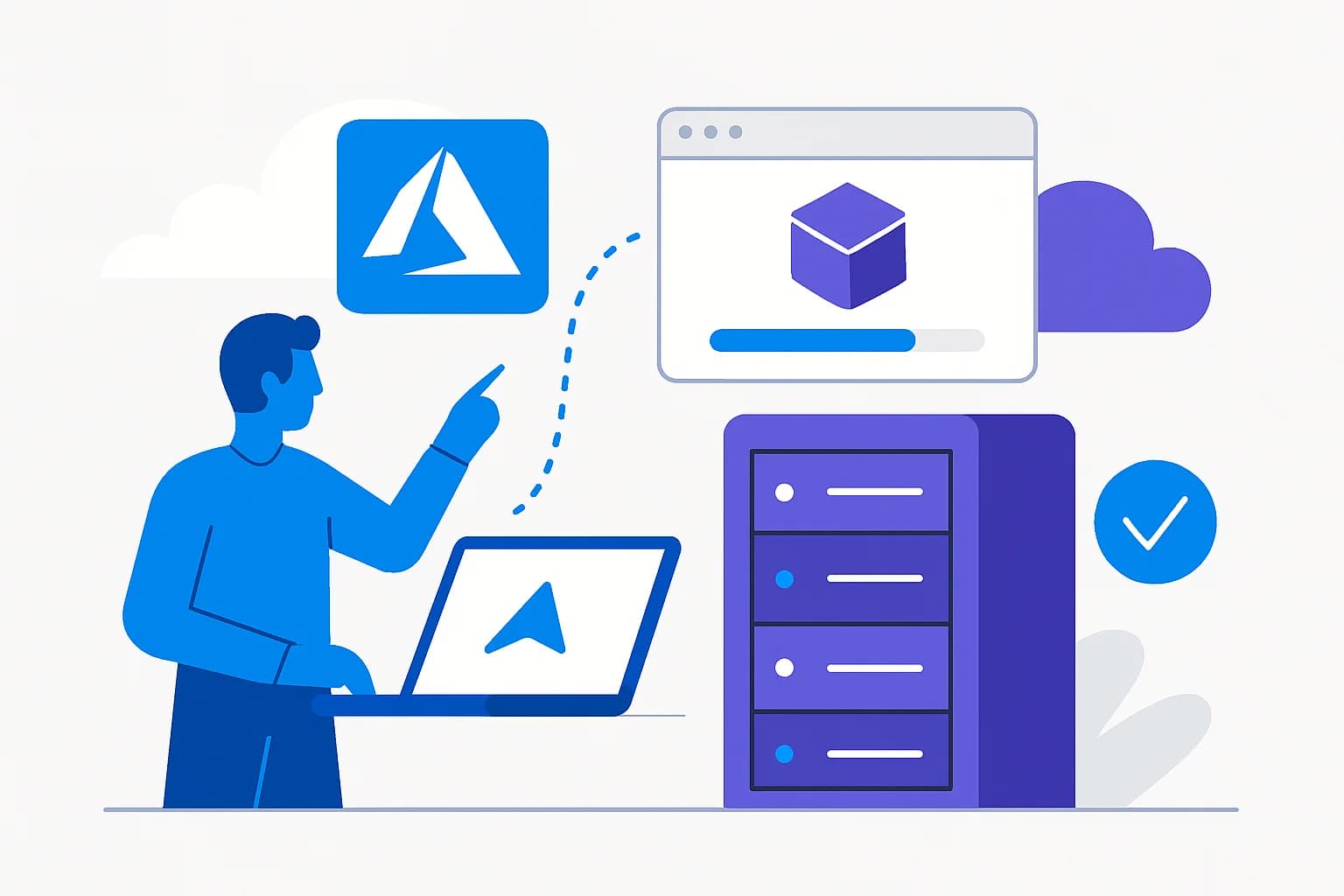
To address these challenges, Microsoft announces the Public Preview of Azure Local, a new approach enabling simplified provisioning of Azure Local hardware with minimal on-site interaction, while maintaining centralized control via Azure.
[IMAGE:index:url:alt]
Good to know
This new method is based on open standards to ensure security and efficiency in the provisioning process.
Benefits of Simplified Provisioning
Simplified provisioning relies on shifting configuration to Azure, reducing the need for local technical expertise. IT teams can benefit from several features:
- Define provisioning configurations directly in Azure
- Perform secure remote provisioning with minimal steps
- Automate provisioning workflows using ARM templates for increased consistency
Based on Open Standards
This process uses the FIDO Device Onboarding (FDO) specification, an industry standard ensuring secure device integration at scale.
- Machine identity and secure transfer: protection ensured through zero-trust security principles.
- Extensibility: the consistent integration model can be applied to other device classes beyond servers, facilitating expanded edge scenarios.
Centralized Configuration via Azure Arc
Centralized management is enhanced through Azure Arc Site, enabling customers to define a single configuration and apply it uniformly across multiple machines. In this context, an Azure Arc site represents a specific physical location, such as a store or factory, along with associated resources.
Key Features of Azure Arc Site
- Central creation and management of provisioning parameters via the Azure portal
- Definition of network and environmental configurations at the site level
- Reuse of existing configurations for new machines
Tip
Use Azure Arc for rapid deployment and consistent management at scale.
Reduced On-Site Interventions
With this method, on-site personnel only need to rack-mount the hardware, power it on, and insert a prepared USB drive. No need for deep infrastructure or Azure expertise.
The prepared USB drive is generated using Microsoft's USB preparation tool, included in the maintenance environment via the Azure portal. This maintenance environment is a lightweight operating system allowing:
- Hardware connection to Azure
- Installation of Azure Arc extensions
- Download and installation of the Azure Local operating system
Tutorial: Provisioning Steps
Prepare a USB device
Generate a ready-to-use USB key using the provisioning software available in the Azure portal.
Start the machine
Insert the USB key and start the target machine.
Transfer the ownership voucher
Export the ownership voucher and share it with the IT team.
Configure via Azure
Create an Azure Arc site, configure network, subscription, and deployment parameters, then download provisioning artifacts from Azure.
Deploy the Azure Local cluster
Once provisioning is complete, proceed with creating an Azure Local cluster and deploying workloads.
Visibility and Process Management
Customers benefit from complete visibility into deployment progress. At any time, they can check the process status in the Azure portal or use the Configurator application to monitor, diagnose, and finalize provisioning remotely.
Attention
Ensure that provisioning artifacts and network configurations are properly defined to avoid any process interruption.
Transition to Azure Local Clusters
Once provisioning is complete, machines are ready to be integrated into Azure Local clusters to enable workload deployment. The simplified workflow ensures speed, consistency, and scalability at scale.
Glossary of Technical Terms
- Azure Arc Site: Service for managing groups of physical resources in Azure Arc.
- FIDO Device Onboarding (FDO): Security standard for device integration.
- Prepared USB: Device containing files necessary for provisioning Azure Local machines.