Introduction
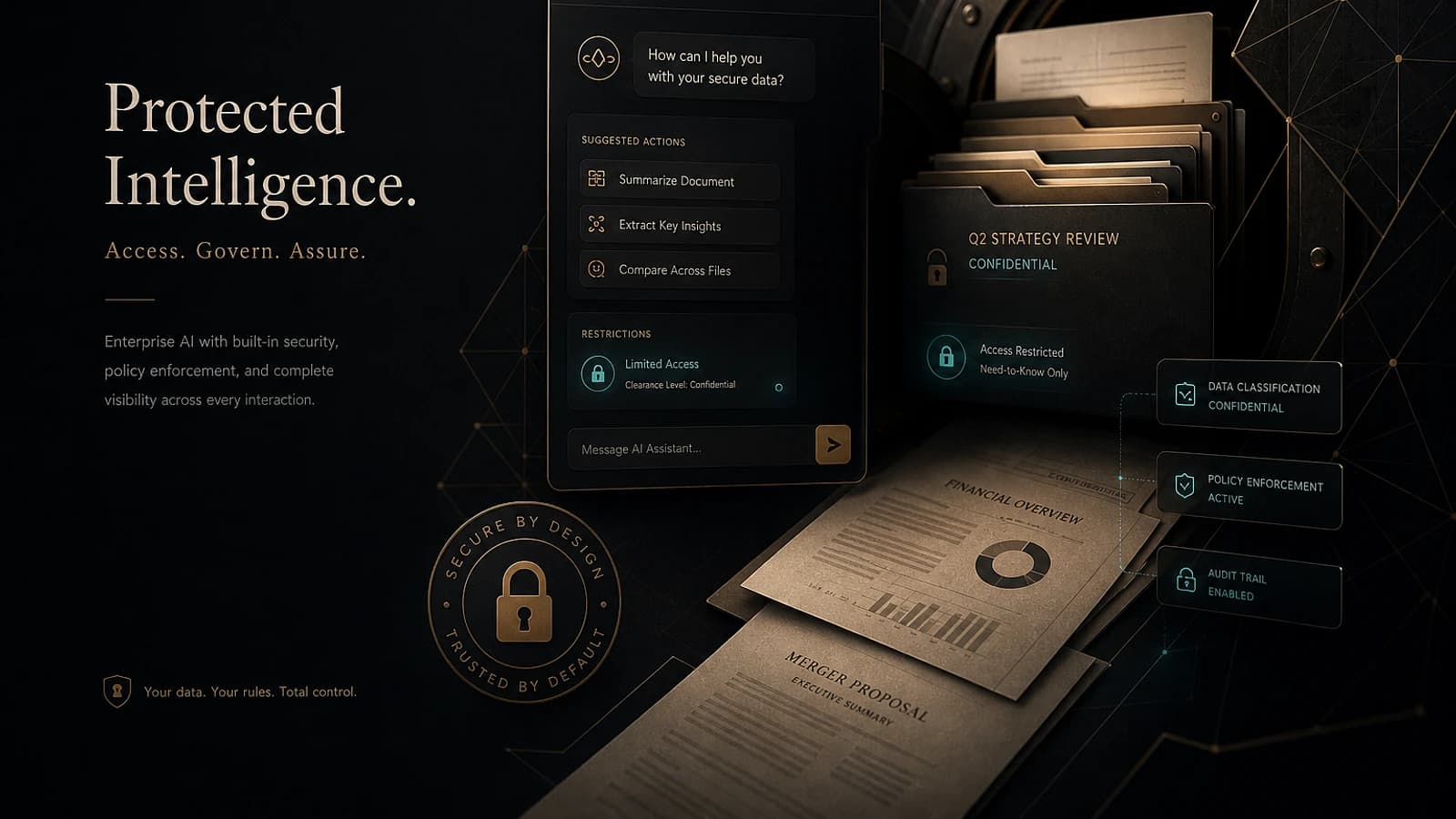
When implementing Microsoft 365 Copilot, it is essential to ensure meticulous preparation to protect sensitive data while maximizing the benefits offered by artificial intelligence (AI). This article explores the main technical considerations, including access restrictions, the use of sensitivity labels, and the implementation of data loss prevention (DLP) policies.
Launch a pilot deployment with Group-Based licenses
To start, it is recommended to deploy Microsoft 365 Copilot progressively. This involves assigning a small number of licenses to selected users.
Good to know
The use of group-based license management simplifies administration in the long term, compared to direct assignments. This allows for centralized and scalable management.
Licenses should be assigned only to relevant teams or users in order to validate security settings and explore features in a controlled environment.
Restrict access to sensitive content
A critical step in deploying Microsoft 365 Copilot is to enable the Restricted Content Discovery (RCD) feature. This limits Copilot's ability to access files stored on sites containing confidential information.
Identify sensitive sites
Draw up a list of sites containing sensitive data. Make sure to use RCD to block Copilot's accessibility.
Enable RCD
Configure the feature directly in the properties of the affected sites.
1Set-PnPSite -Identity "https://contoso.sharepoint.com/sites/HR" -RestrictedContentDiscoveryEnabled $TrueIt is also advisable to introduce granular management through Sensitivity Labels. These can be combined with DLP policies to secure individual files with critical data.
Rely on DLP policies
A DLP (Data Loss Prevention) policy dedicated to Microsoft 365 Copilot can prevent AI from processing sensitive data or requests containing confidential information.
Warning
Failure to enable RCD or DLP policies is a major risk for sensitive data security when using Copilot.
Find the balance between security and accessibility
Microsoft Work IQ, which personalizes Copilot for an organization, relies on information available within the tenant. However, overly broad access can be problematic, while limited access risks hindering the tool's capabilities.
It is therefore imperative to strike a balance by restricting access at the beginning of the deployment while continuously examining sites that can be safely accessed.
Tips for optimal balance
- Secure critical data via RCD from launch.
- Use Sensitivity Labels for file-by-file control.
- Encourage teams to report specific sharing needs.
Maintain the strategy in the long term
Once solid foundations are established, several complementary actions can be implemented:
- Leverage reports available via SharePoint Advanced Management to monitor sharing.
- Identify "authoritative" sites for Copilot.
- Configure reasonable values for organization-wide sharing links.
Tip
Use initial deployment data to continuously adjust tenant settings and security policies.
Conclusion
The initial phase of deploying Microsoft 365 Copilot is crucial to laying the groundwork for sustainable management. By combining RCD, Sensitivity Labels, and DLP policies, organizations can minimize risks while leveraging the benefits of Microsoft's AI.
To learn more about related topics, consult our articles on Microsoft 365 Security and Managing Access in SharePoint.