What July 2026 Changes for Microsoft 365 Copilot
July 2026 is one of the densest months since the launch of Microsoft 365 Copilot. Microsoft is simultaneously deploying new foundation models, expanding the agentic capabilities of Copilot Cowork, strengthening administration tools, and generalizing several functions that remained in preview. Here is the structured detail of each update, with prerequisites and points of attention for IT teams.
Document Scope
This article covers the updates selected by Microsoft for their relevance to Microsoft 365 Copilot. Deployment dates are indicative and may vary depending on the region and tenant configuration.
New Foundation Models Available in Copilot
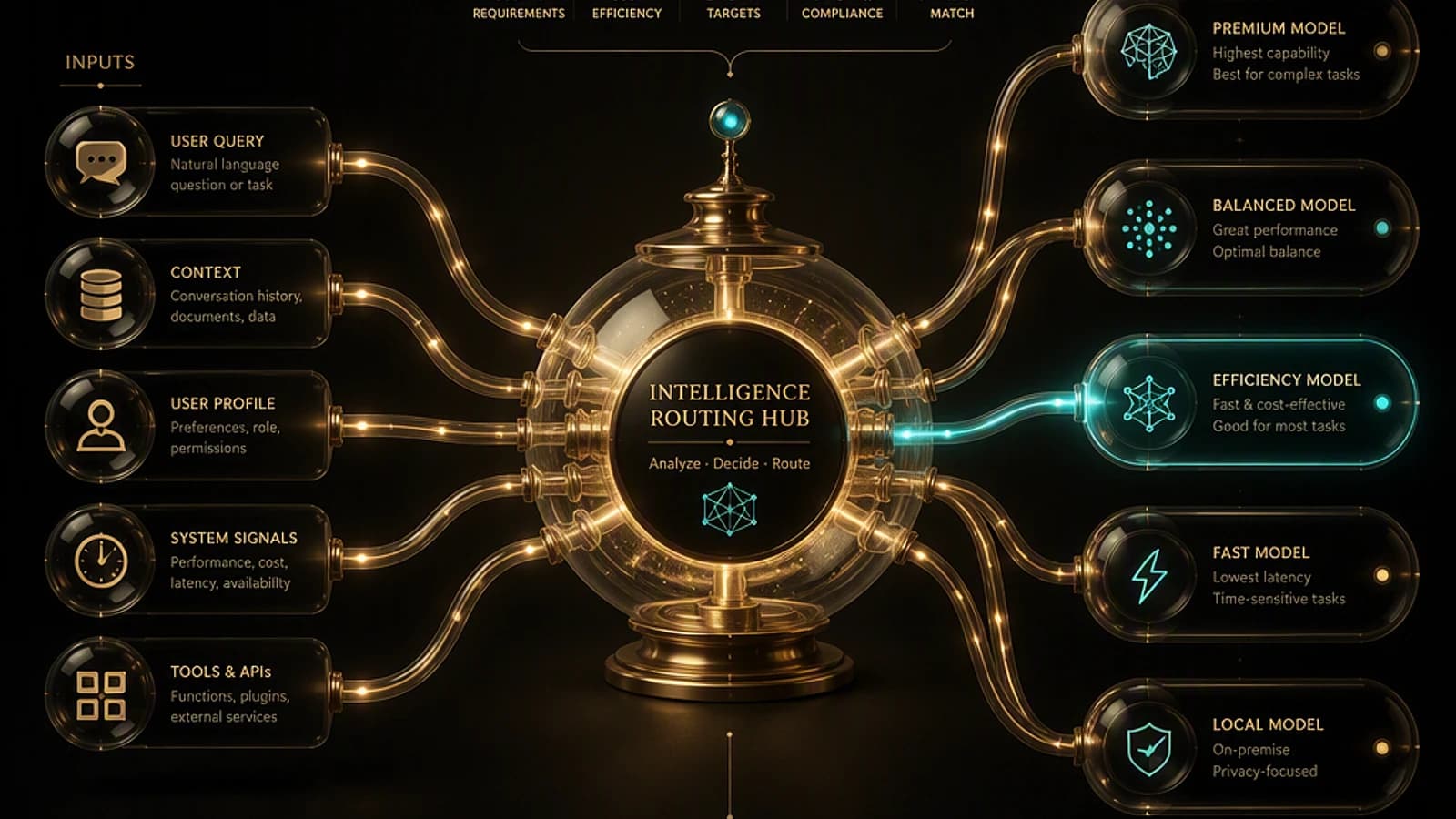
Microsoft now offers a true model selector in M365 Copilot. Three new families are available in July 2026.
GPT-5.6 from OpenAI
GPT-5.6 is optimized for professional knowledge tasks. It is deployed in July in Copilot for Word, Excel, PowerPoint, Chat, and Cowork. Its strengths:
- More robust multi-step reasoning on complex tasks.
- Integration with Work IQ to anchor responses in the user's files, tools, and business data.
- Noticeable improvement in the quality of Word drafts, Excel analysis, and PowerPoint presentation generation.
Claude Sonnet 5 and Claude Opus 5 from Anthropic
Claude Sonnet 5 targets multi-step agentic workflows. It is available in PowerPoint, Word, and Cowork, anchored via Work IQ on files, meetings, and business data.
Claude Opus 5, announced on July 24, 2026, brings superior "long-horizon" reasoning compared to Opus 4.8. Its availability extends to the model selector in Word, Excel, PowerPoint, Chat, Cowork, and Copilot Studio. In Copilot Studio, it becomes a foundation for building agents on the preview orchestrator.
Variable Availability
Claude Opus 5 availability may vary depending on region and tenant configuration. Check the admin center before communicating its availability internally.
Claude Fable 5 in Copilot Cowork
Claude Fable 5 is available in Copilot Cowork for long and ambitious projects requiring in-depth context management. This model plans, executes, and verifies work on multi-step tasks with less manual supervision. It is disabled by default and must be explicitly enabled.
Copilot Cowork: Extended Automation and Customization
Copilot Cowork receives four major new capabilities in July.
Edge Browser Automation
Cowork can now act in Microsoft Edge on behalf of the logged-in user: browsing internal portals, SaaS tools, websites. The goal is to reduce back-and-forth between tabs during repetitive tasks.
Event-Triggered Tasks
Event-triggered tasks allow Cowork to monitor Teams and Outlook based on natural language criteria: sender, @mention, keyword, event name. Triggers cover Teams chats, channels, Outlook emails, and meetings. This feature is deployed in July in the Frontier program.
Frontier Program
The Frontier program is Microsoft's early access for experimental Copilot features. Enrollment is managed from the Microsoft 365 admin center.
Custom Skills and Plugins
Users can create skills via a guided Create new flow or by uploading a .md, .zip, or .skill file. Plugins in Claude or Open-Plugin format are automatically converted to publishable packages with integrated MCP skills and connectors. Sharing is controlled by the owner: each modification automatically propagates to people with access.
New Features in Microsoft 365 Applications
Word: Transparent Review and Automatic Structure
- Review workflows: Copilot in Word now proposes its changes with track changes enabled by default. It can also add, read, reply to, and manage comments. Deployed in June.
- Drafting workflows: Copilot inserts and updates tables of contents, manages headers, footers, page numbers, and footnotes. Deployed in July.
Excel: Branding, Themes, and Power BI Data
| Feature | Availability | Prerequisites |
|---|---|---|
| Brand kit skill | Deployed in July | Brand kit configured in Microsoft 365 Brand Center |
| Theme design skill | Deployment in August | No specific prerequisites |
| Power BI context | Deployment in August | Power BI report with RLS configured |
| Copilot with AutoSave disabled | Deployment in August | Windows or Mac, file saved in the cloud |
For Power BI context, Copilot respects row-level security (RLS) without exporting or reconciling data. The user attaches a Power BI report via the work content selector.
PowerPoint: Brand Kit, Custom Skills, and Comment Management
- Branded assets: logos, icons, themes, and fonts from the Microsoft 365 Brand kit are available in Copilot for PowerPoint. Brand managers control updates. Deployed in July (MC1405505).
- Custom user skills: creation, import, and update of skills stored in OneDrive. Deployment in August.
- Comment management: Copilot can draft, reply to, and resolve comment threads. Deployed in July.
- Assign tasks: transformation of comments into assigned tasks with stakeholder notification. Deployment in August.
- Multi-step actions on iOS and iPad: multi-step creation, editing, and analysis with anchoring on the current slide or attached files. Deployed in July.
- Presentation reference and restyle: Copilot can recreate or restyle a deck based on another PowerPoint file as a visual reference. Deployed in June.
Teams, SharePoint, and Copilot Notebooks
- Meeting recaps app: new pinnable application in the Teams sidebar, which centralizes AI summaries of the last 30 days with filters and audio summary. Deployed in July (MC1404322).
- Audio summary for SharePoint News: AI-generated audio summary of SharePoint News articles, available in the SharePoint app for Teams (Viva Connections). Deployed in June.
- Copilot Notebooks: support for
.txtand.rtffiles deployed in July; Markdown support planned for August.
Agents: New Capabilities and General Availability
Word, Excel, and PowerPoint Agents in Copilot Chat
Users can now @mention the Word, Excel, and PowerPoint agents directly in Copilot Chat to create files without leaving the application. Deployed in July (ID 548641).
Sales Agent in General Availability
Sales Agent moves to general availability in Microsoft 365 Copilot. It combines CRM data (opportunities, contacts) with Microsoft 365 data (emails, meetings, calendars) for natural language access. It works in Outlook, Teams, and Dynamics 365 while respecting each user's CRM access rights. Administrators control which environments, users, and applications have access to it.
Administration Tools: Enhanced Governance and Visibility
Domain Exclusion for Web Grounding
Administrators can exclude up to 1,000 domains from Copilot's web grounding. This configuration sits between completely enabling web grounding and completely disabling it. It is not enabled by default and is configured via PowerShell script by a Search Administrator or Global Administrator. Deployed in July (MC1411435).
1# Example of domain exclusion configuration via PowerShell2# Refer to Microsoft Learn documentation for the complete script3# https://learn.microsoft.com/microsoft-365/admin/misc/copilot-overviewMicrosoft Purview DLP: External Email Restriction
In Public Preview since June, the new Microsoft Purview DLP extension for M365 Copilot allows administrators to prevent messages from external senders from being summarized, referenced, or used as grounding data in Copilot responses.
Reports and Dashboards for Administrators
| Tool | Availability | Scope |
|---|---|---|
| Agent 365 Dashboard in Insights | Deployed in July | Adoption, retention, trends by group |
| Agent Access Insights Heatmap | Deployed in July | Agent activity on SharePoint and OneDrive |
| Copilot Connectors usage report | Public Preview since June | Microsoft 365 admin center |
| Copilot Chat usage report GCC/GCC High/DoD | Deployed in July | US government clouds only |
Cost Management: Alerts and Policy Enforcement
Spending alerts are improved for usage-based billing services. Microsoft clarifies that administrators must recreate alerts on existing spending policies to benefit from new notifications. This action is required if notifications are expected on Cowork consumption and Work IQ APIs.
Action Required
If your organization uses alerts on existing Copilot spending policies, recreate them in the admin center to ensure notification continuity after the Cost Management update.
Copilot Connectors: Sector Expansion and DoD Clouds
- New connectors cover financial services, professional services, manufacturing, software, healthcare, retail, and cross-sector sources. They are in general availability for administrators. Deployed in July.
- US Government DoD customers have access to Microsoft connectors, including Atlassian Jira and Confluence. Content is indexed in Microsoft Graph within the tenant scope, with respect for existing permissions and compliance. Deployed in June.
Release Notes: 44 Updates on Current Channel in July
Microsoft 365 Copilot's official release notes list 44 updates deployed to the Current Channel in July 2026, spread across three waves:
- July 1st (27 updates): watermarks for AI-generated content, scheduled tasks for agents, Copilot Notebooks in OneNote for iOS, Office file generation from Notebooks, generated files inherit sensitivity labels, Agent Mode in PowerPoint, Copilot Chat integration in Outlook (inbox, calendar, enterprise data).
- July 15th (7 updates): agent access via Model Context Protocol in Office applications, brand kit creation from brand guidelines, organizational-scale prompt publishing via Copilot Prompt Gallery, agent submission to Agent Store from Agent Builder.
- July 29th (10 updates): lists in Context IQ, email attachments in Copilot, screenshot in Copilot, SharePoint lists support in Agent Builder, rich images embedded in responses, Overview experience redesign in Copilot Notebooks (OneNote).
Key Takeaways
- Three new models are available in the M365 Copilot selector: GPT-5.6, Claude Sonnet 5, and Claude Opus 5. Claude Fable 5 arrives in Cowork, disabled by default.
- Copilot Cowork gains Edge automation, event-triggered tasks (Frontier), and customization via skills and plugins.
- Sales Agent moves to general availability with granular admin control over environments and users.
- Domain exclusion for web grounding is configurable via PowerShell by a Search or Global Administrator, up to 1,000 domains.
- Administrators using Cost Management alerts must manually recreate their alerts.
- GCC, GCC High, and DoD government clouds benefit from now-available Copilot Chat reports and Copilot connectors.
- 44 updates were delivered on the Current Channel in July, including sensitivity label inheritance on files generated by Copilot.