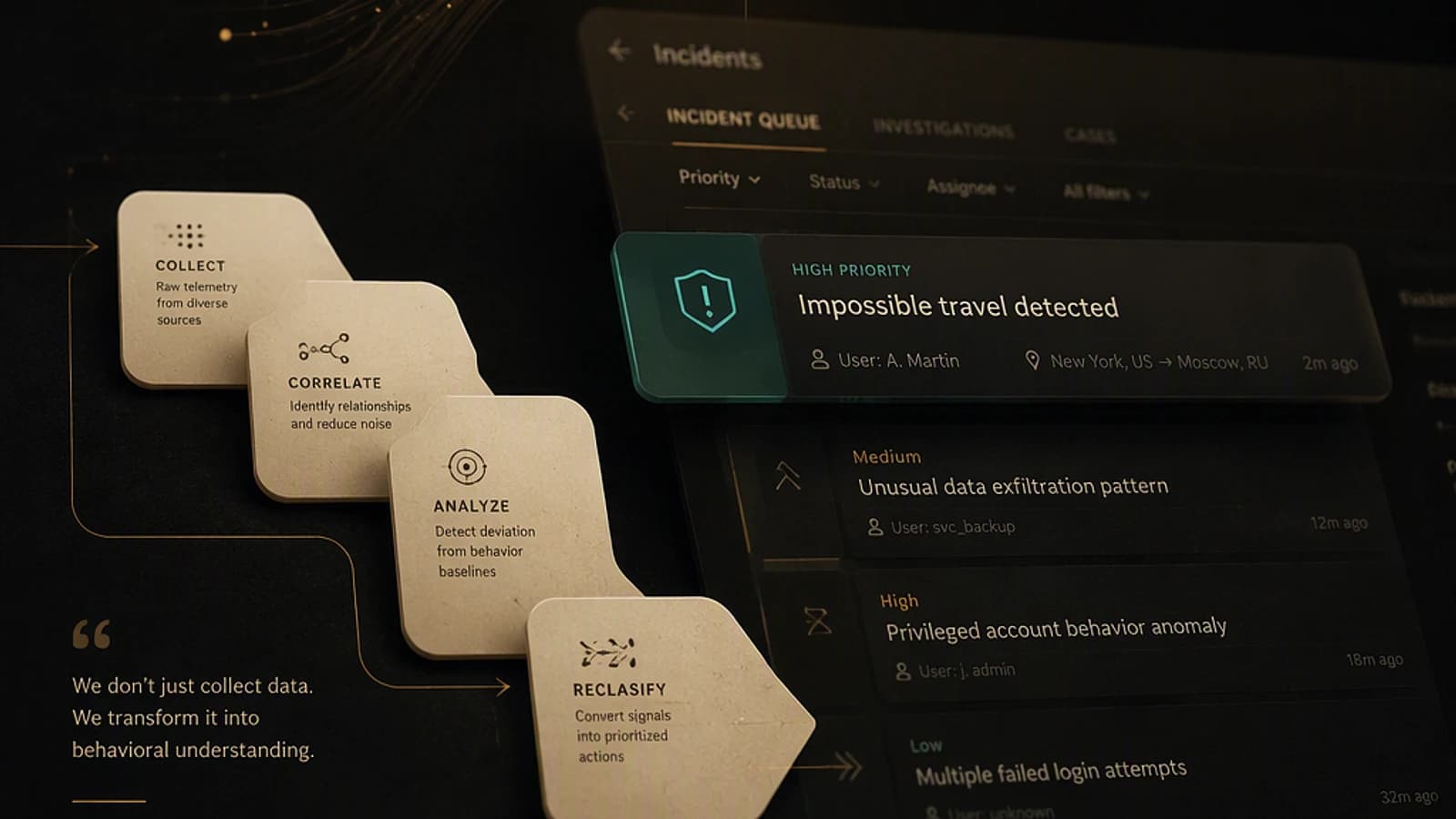
Microsoft Defender: far more than a simple antivirus
Since its origins as a Windows Defender component, Microsoft Defender has evolved considerably to become a true enterprise security platform. Today, it transcends the limited role of traditional antivirus by offering comprehensive and integrated protection of critical elements of your IT infrastructure.
This evolution responds to an inescapable reality: modern threats are not limited to workstations. They target identities, data in transit in the cloud, emails, applications and servers. Consequently, an effective defense strategy must cover the entire organizational attack surface according to a defense-in-depth approach aligned with Microsoft's Zero Trust model.
For IT administrators, understanding how the different Defender modules articulate with each other becomes a critical element of security governance. This architectural understanding directly determines your ability to deploy coherent protection and respond quickly to incidents.
Good to know
Microsoft Defender is not a monolithic solution but rather a modular ecosystem. Each component can be deployed independently according to your needs, while benefiting from native integration when configured together.
The four pillars of Microsoft Defender protection
Microsoft Defender for Endpoint: terminal protection and advanced detection
Microsoft Defender for Endpoint specifically targets the protection of your workstations and servers fleet. This solution encompasses several complementary layers:
- Advanced threat prevention: behavioral and signature-based detection
- EDR (Endpoint Detection and Response) capabilities: real-time identification of attack chains
- Automated investigation and remediation: reduced reaction time
- Vulnerability management: continuous inventory of exploitable weaknesses
- Attack Surface Reduction (ASR) rules: limitation of exploitation vectors
This solution is particularly relevant for organizations hosting sensitive servers or managing mixed Windows/macOS/Linux fleets. It natively integrates a centralized management console for unified visibility.
Microsoft Defender for Office 365: securing messaging and collaboration
Microsoft Defender for Office 365 focuses on protecting the collaborative ecosystem, where the majority of targeted threats transit:
- Advanced email protection: multi-layer analysis and sandboxing
- Anti-phishing and anti-spoofing detection: blocking spear-phishing campaigns
- Safe Links and Safe Attachments: virtual detonation and secure browsing
- Teams, SharePoint and OneDrive protection: securing access and sharing
- Compliance alerts: support for regulatory audits
For organizations heavily dependent on Microsoft 365, this solution becomes essential as it acts at the moment of transit of the most sensitive data.
Microsoft Defender for Identity: monitoring authentication behaviors
Microsoft Defender for Identity adopts a behavioral approach centered on authentication and authorization:
- Authentication anomaly detection: identification of credential compromise attempts
- On-premises Active Directory protection: analysis of attacks directed at your trust infrastructure
- Lateral movement detection: tracking of an attacker's movements after initial intrusion
- Identify sensitive accounts at risk: highlighting compromised administrators
- Session context analysis: correlation with data from other solutions
This identity dimension is critical because industry statistics show that 80% of breaches begin with a compromise of a valid identity.
Microsoft Defender for Cloud: cloud security governance
Microsoft Defender for Cloud elevates the security posture of your Azure and multicloud environments:
- CSPM (Cloud Security Posture Management): continuous configuration assessment
- Workload protection: monitoring of VMs, containers and Kubernetes
- Actionable recommendations: prioritization based on real risk
- Regulatory compliance: automatic mapping to standards (HIPAA, PCI-DSS, ISO 27001)
- DevSecOps integration: scanning of Infrastructure-as-Code resources
For organizations that have migrated to the cloud, this solution becomes the center of gravity for cloud security strategy.
Attention
The four Defender solutions are not distributed uniformly according to Microsoft 365 licenses. Some versions (SKUs) include Defender for Endpoint, others do not. Verify your license agreement before planning your deployment.
Incident Response Process: Structure and Methodology
Faced with a detected threat, improvisation is the enemy of efficiency. Microsoft proposes a framework structured in five phases:
Detect (Detection)
Identification of alert signals: suspicious activities, abnormal behaviors, malware signatures or exploitation attempts. This phase relies on Defender's continuous monitoring capabilities.
Investigate (Investigation)
In-depth analysis of reported alerts. This involves determining the true scope of the incident: which users, which devices, which data were affected. Use cross-Defender event correlation to reconstruct the attack chain.
Contain (Containment)
Immediate measures to prevent propagation. This may include: device isolation from the network, suspension of the compromised user, session token revocation, or blocking of suspicious IP addresses.
Remediate (Remediation)
Complete elimination of the threat: removal of malicious artifacts, patching of exploited vulnerabilities, password reset, closure of unauthorized access. Document each action for traceability.
Recover (Recovery)
Restoration of normal services, data reconstitution from verified backups, and intensified monitoring to detect any recurrence. This phase validates that the incident is completely resolved.
Daily routine of the Defender administrator
Security is not a one-time event but a continuous process. Structure your daily activity around these checks:
- Review of alerts and incidents: consultation of the Microsoft Security Portal each morning
- Control of device exposure: verification of your fleet's risk score
- Investigation of active threats: drill on unsorted alerts
- Vulnerability monitoring: tracking of emerging CVEs affecting your infrastructure
- Compliance verification: audit of applied security policies
- Launch of security scans: periodic scans to detect dormant threats
- Validation of policies and configurations: ensure nothing has been modified unauthorized
Tip
Automate your daily reports via Microsoft Graph APIs and Power Automate. This reduces repetitive manual tasks and ensures consistent coverage even outside business hours.
Essential skills to master Microsoft Defender
Optimal exploitation of Defender requires a foundation of transversal skills:
Microsoft 365 Security
Understand security principles specific to the Microsoft ecosystem: data protection, identity governance, device management and compliance in a cloud-first environment.
Identity Management with Microsoft Entra ID
Microsoft Entra ID (formerly Azure AD) is the foundation of your zero trust strategy. Mastering multi-factor authentication (MFA), conditional access and role management becomes essential to exploit Defender for Identity.
1# Example: Enable MFA for administrators2Update-MgIdentityConditionalAccessPolicy -IdentityConditionalAccessPolicyId "policy-id" `3 -DisplayName "Admin MFA Enforcement" `4 -State "enabled"Device Management via Intune
Microsoft Intune orchestrates device compliance. Seamless integration with Defender for Endpoint enables automated response to detected compliance violations.
Automation with PowerShell
PowerShell is the preferred automation tool for Defender administrators. Mastering cmdlets for alert management, device isolation and report generation accelerates your response capacity.
1# Example: Device isolation following a detection2Set-MdeDevice -DeviceId "device-id" -IsolationType "Full" -Comment "Suspicious activity detected"Zero Trust Architecture
Zero Trust is not a Microsoft product but a security philosophy: never trust, always verify. It guides the coherent deployment of Defender and Entra ID across the organization.
Monitoring with Microsoft Sentinel
Microsoft Sentinel, Microsoft's cloud SIEM, aggregates Defender logs for cross-organization visibility. Learning Kusto Query Language (KQL) to query this data becomes strategic.
1// Example KQL: Detection of suspicious authentication failures2SigninLogs3| where ResultType != "0"4| where TimeGenerated > ago(24h)5| summarize FailureCount = count() by UserPrincipalName6| where FailureCount > 5Threat Hunting and Incident Response
Beyond passive detection, develop proactive threat hunting capabilities: search for indicators of compromise (IoCs), attack chain analysis and incident simulation.
Global Integration: Towards a Unified Defense Strategy
The true power of Microsoft Defender emerges when the four pillars are orchestrated together:
- Endpoint detects suspicious activity and isolates the device
- Identity analyzes suspicious lateral movements by this user
- Office 365 retrieves phishing emails received by this same user
- Cloud checks access to sensitive cloud resources from this context
- Sentinel correlates all these signals to construct the complete attack narrative
This correlation transforms isolated alerts into actionable threat intelligence.
| Defender Component | Primary use case | Key dependency |
|---|---|---|
| Defender for Endpoint | Protection of workstations and servers | EDR and ASR rules |
| Defender for Office 365 | Securing messaging and collaboration | Safe Links and Attachments |
| Defender for Identity | Monitoring of authentication behaviors | Active Directory and logs |
| Defender for Cloud | Cloud security governance | CSPM and recommendations |
| Microsoft Sentinel | Global correlation of signals | Integration of all Defender connectors |
Security: A permanent process, not a destination
Modern cybersecurity is no longer conceived as an implementation project with an end date. It is a continuous process of protection, monitoring, improvement and adaptation to emerging threats.
Microsoft Defender provides the necessary technical components, but their actual effectiveness depends entirely on:
- The daily discipline of your IT team in monitoring alerts
- The excellence of processes for incident response well documented and regularly tested
- Continuous investment in training and skills development
- Collaboration between security, infrastructure and business teams
- The feedback loop: each incident must improve your future posture
By integrating the four Defender solutions in a unified architectural approach and by developing the transversal skills presented above, you position your organization to quickly identify threats and respond to them effectively. In a constantly evolving threat landscape, this capacity to respond becomes a major competitive differentiator.
Additional resources
Consult the official Microsoft Defender documentation and the Microsoft Security Center for detailed implementation guides and the latest industry recommendations.