A new path to synchronize devices to Microsoft Entra ID
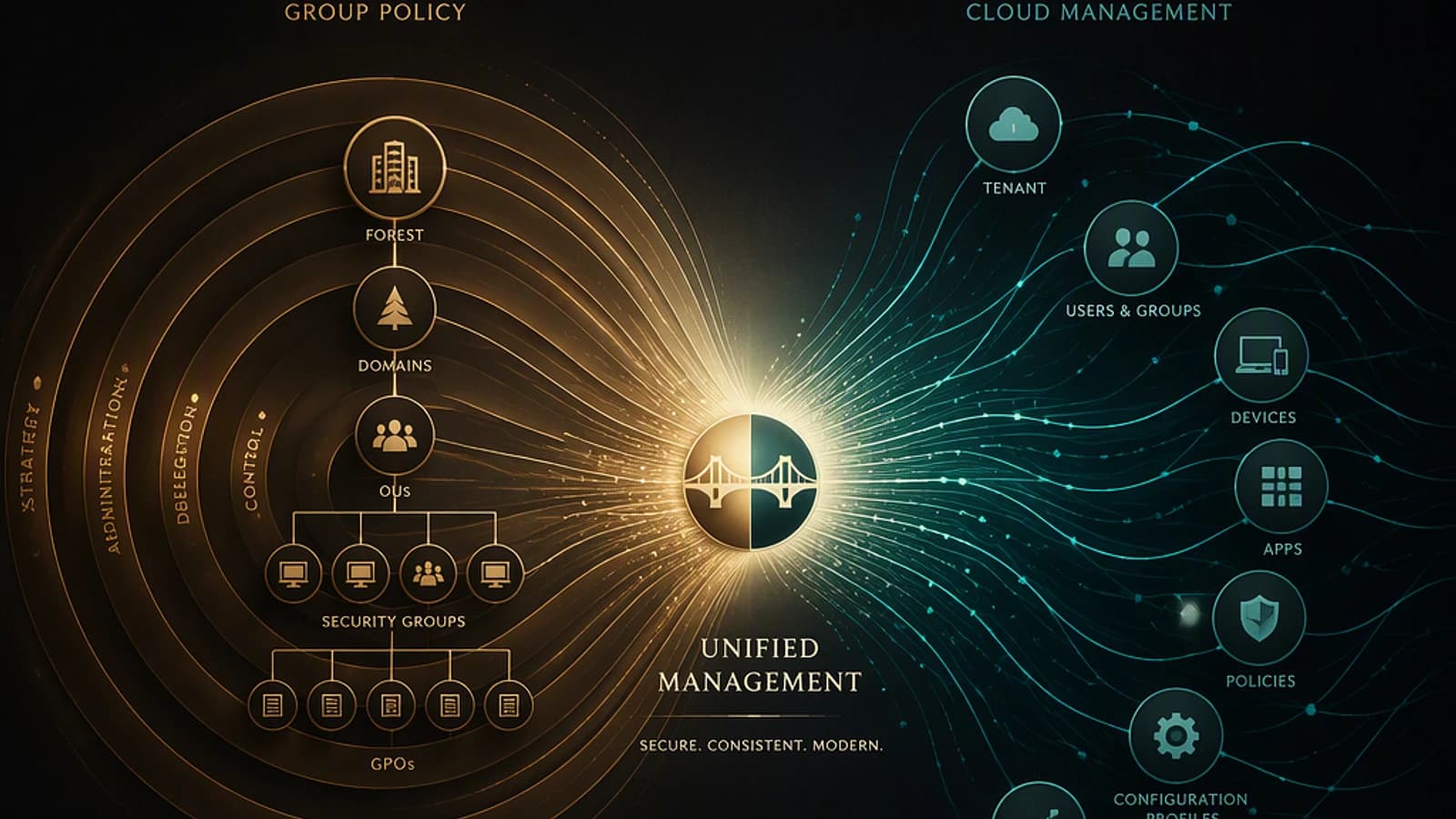
Microsoft continues to reduce organizational dependence on Active Directory in their hybrid identity scenarios. The latest advance concerns Microsoft Entra Cloud Sync: this provisioning service can now synchronize computer objects (device sync) to Microsoft Entra ID, without requiring Microsoft Entra Connect Sync.
For administrators managing Azure Virtual Desktop (AVD), Windows 365, or identity modernization projects under Microsoft Entra, this feature fills a functional gap that previously required keeping Entra Connect Sync running in parallel with Cloud Sync.
This article details how device sync works, its use cases for AVD and Windows 365, its current limitations, and the steps to follow before integrating it into a production architecture.
What is device sync in Microsoft Entra Cloud Sync?
Device sync allows you to synchronize computer objects from Active Directory to Microsoft Entra ID, via the AD2AADDeviceSync job integrated into an AD to Microsoft Entra ID Cloud Sync configuration.
Once synchronized, these devices can become Microsoft Entra hybrid joined. Concretely, this means it becomes possible to handle AD computer account synchronization with the same lightweight agent architecture already used for users and groups, without deploying a dedicated Entra Connect Sync server for this sole task.
Good to know
Device sync relies on Cloud Sync provisioning agents already installed for identity synchronization. No additional server components are required to enable this feature.
Why Microsoft is pushing this synchronization model
This evolution is consistent with a coherent trajectory toward:
- cloud-first identity
- simplified deployment
- reduced server infrastructure
- better scalability
- native high availability
Compared to Microsoft Entra Connect Sync, Cloud Sync delivers lightweight provisioning agents, faster deployment, the ability to run multiple active agents simultaneously, better resilience, and reduced dependence on on-premises servers.
The addition of device sync removes one of the last technical arguments that still pushed some organizations to maintain Entra Connect Sync solely for synchronizing their computer objects.
| Criteria | Microsoft Entra Connect Sync | Microsoft Entra Cloud Sync (with device sync) |
|---|---|---|
| Required infrastructure | Dedicated synchronization server | Lightweight provisioning agents |
| High availability | Single active server (staging server as backup) | Multiple active agents simultaneously |
| Device synchronization | Native and complete | Support for supported scenarios |
| Deployment complexity | Higher | Reduced |
| Maintenance | Server to patch and monitor | Agents managed on cloud side |
How device sync works
The logical flow is simple: Active Directory feeds the Microsoft Entra Cloud Provisioning agent, which transmits objects to Microsoft Entra Cloud Sync, which publishes them in Microsoft Entra ID. These objects then become usable by Azure Virtual Desktop, Windows 365, Microsoft Intune, and Microsoft 365.
Instead of a full synchronization engine running on a dedicated server, lightweight provisioning agents communicate securely with Microsoft Entra.
Enabling device sync: the procedure
Verify Cloud Sync prerequisites
Ensure that an AD to Microsoft Entra ID Cloud Sync configuration is already in place and functional, with at least one operational provisioning agent.
Consult official documentation
Follow the activation procedure detailed by Microsoft, which describes the parameters to configure to enable the AD2AADDeviceSync job: Enable device sync.
Validate in a pilot environment
Test synchronization on a restricted scope of computer objects before any production rollout, and verify that devices properly become Microsoft Entra hybrid joined.
Monitor synchronization status
Regularly check the status of provisioning jobs to quickly detect any synchronization errors or failed objects.
Benefits for Azure Virtual Desktop deployments
For AVD environments, several concrete advantages emerge:
- Simplified identity infrastructure: reduction in dependence on traditional synchronization servers, while maintaining support for computer object synchronization.
- Improved high availability: Cloud Sync supports multiple active provisioning agents. If one becomes unavailable, another agent continues processing synchronization requests.
- Faster deployment: compared to Entra Connect Sync, Cloud Sync requires less infrastructure, simpler maintenance, and accelerated deployment.
- Alignment with cloud-first AVD architectures: many recent deployments are moving toward Microsoft Entra Join, Intune management, Cloud Kerberos, Azure Files, and passwordless authentication. Device sync modernizes the synchronization layer in this same logic.
Impact for Windows 365 environments
Windows 365 customers can also benefit from this evolution: simplified hybrid identity, improved device lifecycle management, better provisioning resilience, and reduced synchronization infrastructure to maintain.
Attention
Device sync is designed for specific supported scenarios, as documented by Microsoft. Do not replace Microsoft Entra Connect Sync without first verifying that your current architecture is compatible with these scenarios.
Design considerations for AVD
Before switching, evaluate device sync within the following scenarios:
- new hybrid identity deployments
- cloud-first landing zones
- session hosts managed by Microsoft Intune
- multi-session Windows 11 workstations joined to Microsoft Entra
- Windows 365 Cloud PCs
Review existing synchronization requirements before any transition from Entra Connect Sync, particularly for attributes or objects not covered by the scenarios supported by Cloud Sync.
Best practices before migration
Before implementing device sync: review your existing Entra Connect Sync configuration, precisely identify the supported synchronization scenarios, validate your AVD environment's identity requirements, test in a pilot, then monitor synchronization health after deployment.
A modern identity architecture for AVD
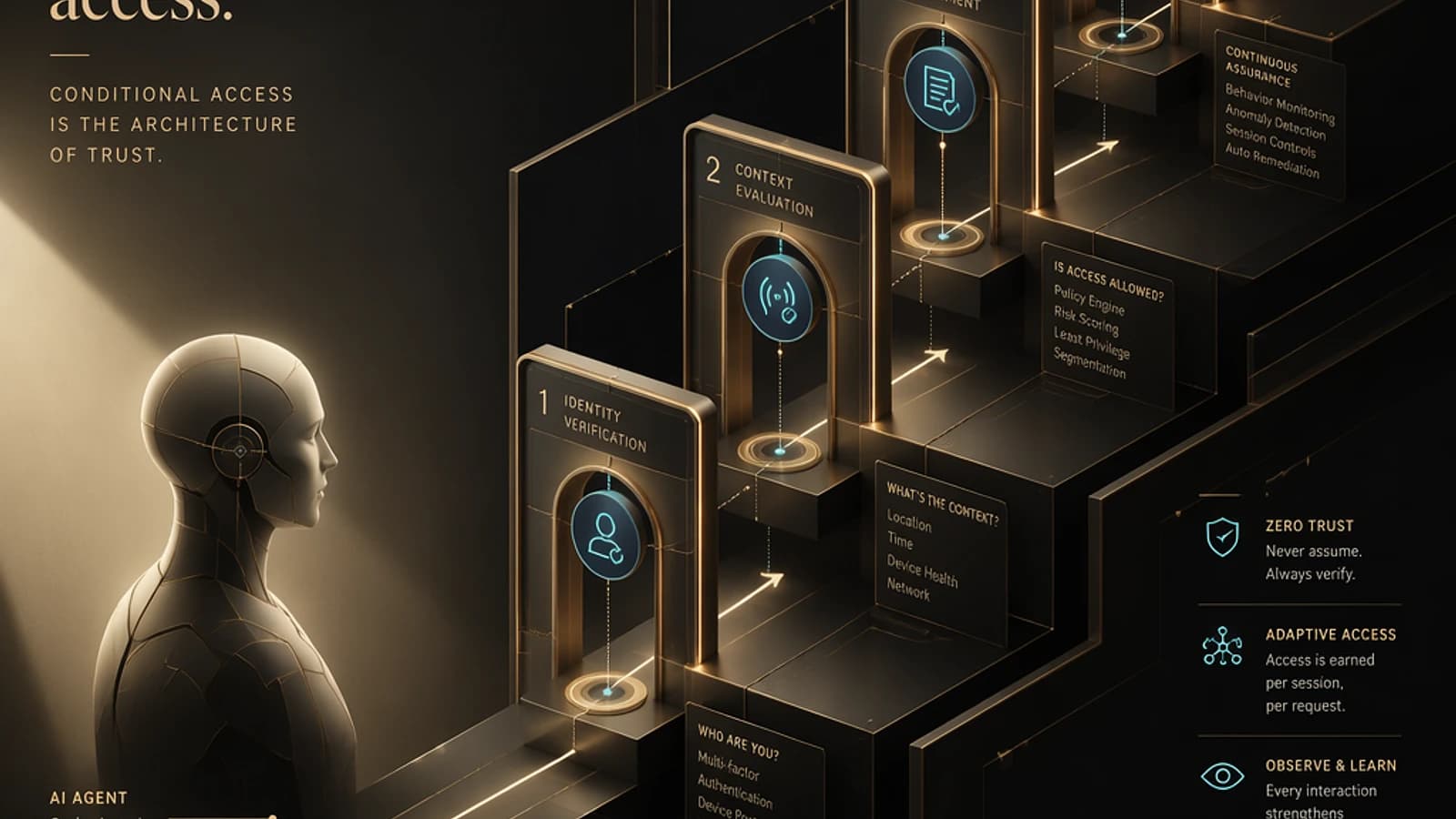
The identity stack of a modern Azure Virtual Desktop deployment increasingly revolves around Microsoft Entra ID, Microsoft Entra Cloud Sync, Microsoft Intune, Microsoft Entra Kerberos, Azure Files, FSLogix, Conditional Access, Microsoft Entra PIM, and Windows App.
Together, these building blocks constitute a cloud-native identity platform, with reduced dependencies on traditional Active Directory.
Key takeaways
- Device sync adds computer object synchronization to Microsoft Entra Cloud Sync, via the AD2AADDeviceSync job.
- Synchronized devices can become Microsoft Entra hybrid joined.
- This feature fills a historical gap that required keeping Microsoft Entra Connect Sync running in parallel.
- It does not systematically replace Entra Connect Sync: first validate the supported scenarios documented by Microsoft.
- For AVD and Windows 365, it naturally integrates into a cloud-first architecture combining Microsoft Entra Join, Intune, and Conditional Access.
The logical next step is to audit your current Cloud Sync configuration, then test device sync on a pilot scope before any large-scale migration decision. Consult Microsoft's official documentation for the exhaustive list of prerequisites and limitations: Microsoft Entra Cloud Sync – Device Synchronization.