Managing multiple tenants in a Microsoft 365 and Azure Active Directory (AAD) environment requires a robust approach to limit complexity and ensure compliance. This article details the two essential planes governing multi-tenant governance: the control plane and the data plane, along with best practices for system administrators and cloud engineers engaged in this approach.
The Central Tenant: Pivot of Multi-Tenant Governance
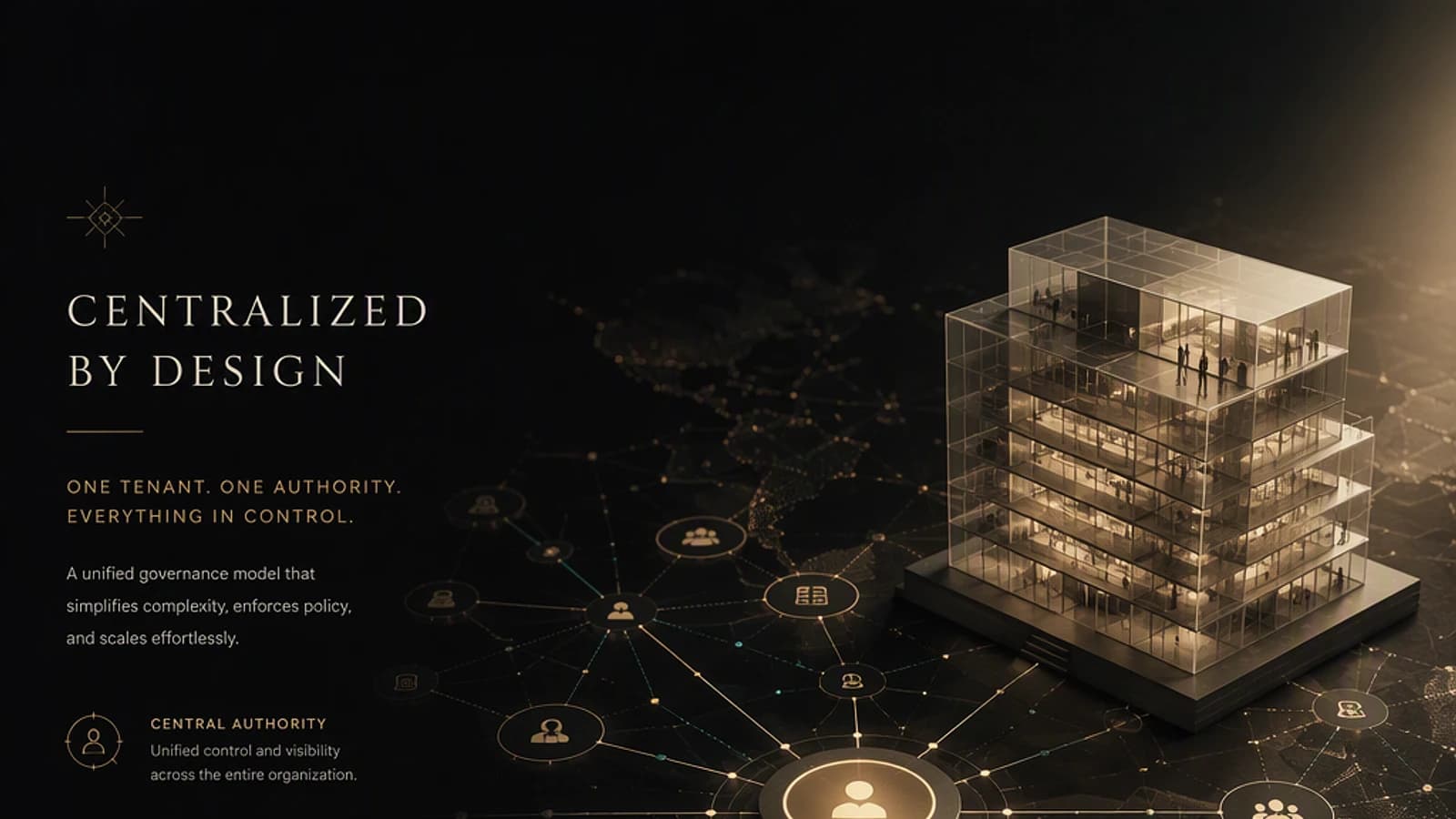
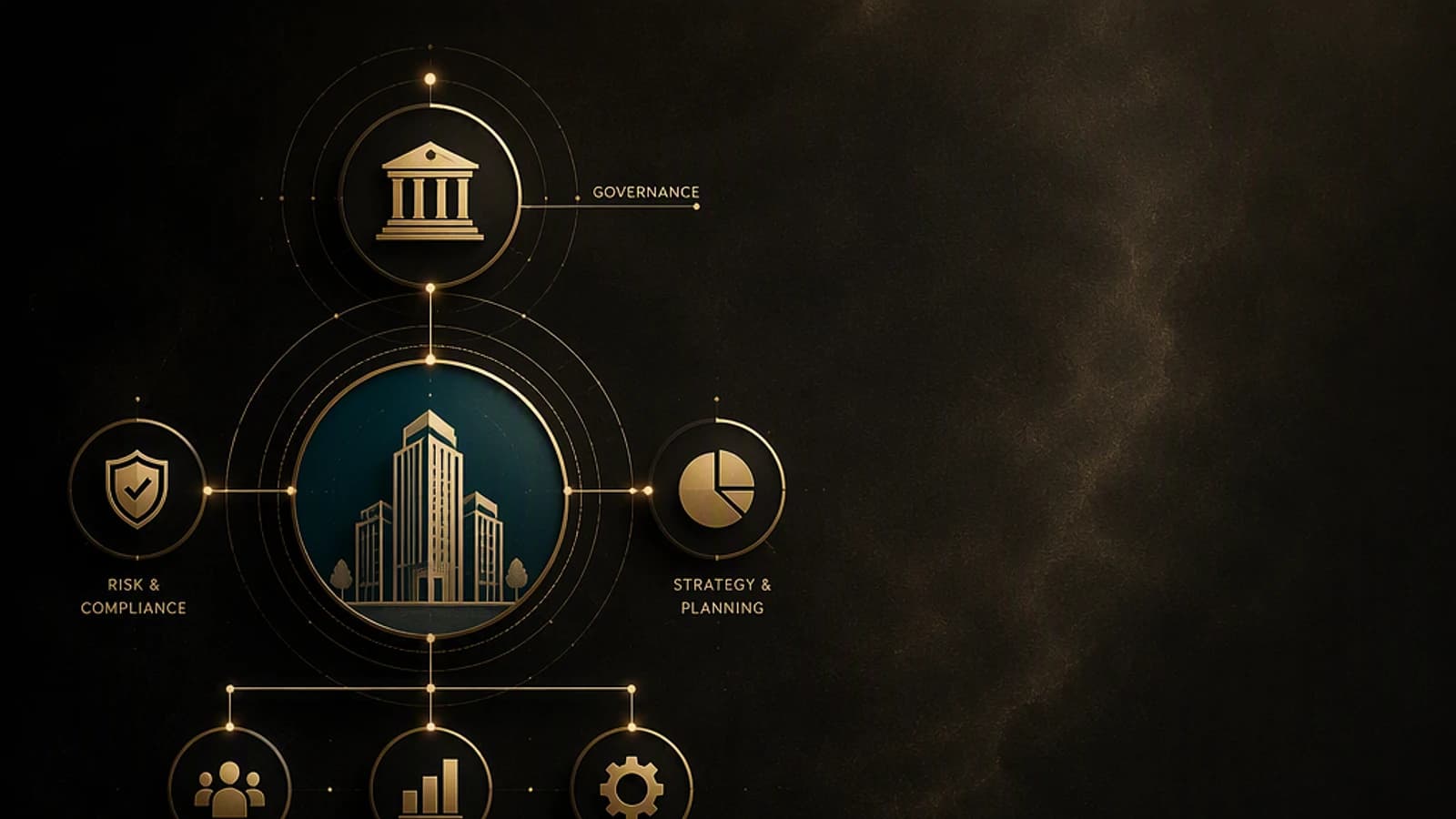
At the heart of this architecture, the central tenant — or governing tenant — acts as a hub in multi-tenant management. This tenant centralizes role delegation, policy definition, and control orchestration.
Key components of the central tenant :
- Dedicated roles: Tenant Governance Administrator and Tenant Governance Reader to limit rights to strict necessities.
- Standardized policy templates, stored in JSON in a version control system specific to the organization (e.g., Git).
- Configuration snapshot extraction jobs, synchronized to an external evidence store.
- Drift detection flows redirected to incident management tools or SIEM.
DevOps Design
This multi-tenant governance relies more on IaC (Infrastructure as Code) pipelines and DevOps practices than on manual management in the Azure portal, ensuring traceability and consistency.
Control Plane: Establishing and Maintaining the Governance Relationship
The control plane builds the unidirectional relationship between the governing tenant and governed tenants. This relationship is orchestrated through several mechanisms:
- GDAP (Granular Delegated Admin Privileges): rights delegation with a least privilege principle.
- Automated invitation and approval processes to secure authorizations.
- Reference to a "snapshot" policy frozen when the link is created, serving as a baseline.
This unidirectionality guarantees the authority of the central tenant without reverse dependency, thereby limiting the risks of conflict or unintended privilege escalation.
Data Plane: Supervision and Detection of Configuration Deviations
The data plane leverages Microsoft Graph Tenant Configuration Management (TCM) APIs, available in version 1.0 in general availability according to Microsoft.
These APIs offer three main functionalities on governed tenants:
- Snapshot: regular snapshot of configurations.
- Monitor: execution every 6 hours to detect drifts.
- Drift: alerts on deviations from the defined baseline.
The data collected automatically flows back to the central tenant, enabling precise tracking and logged evidence for audit.
Categories of Governed Tenants and Use Cases
Secondary tenants fall into two main categories, each adapted to specific needs:
-
"Legacy" or shadow IT tenants: often from test environments, acquisitions, or created in a delegated manner without a second identity. These tenants use traditional delegated roles and an optional multi-tenant application covering more than 200 resource types across six services.
-
Add-on tenants: created via a secure process (Secure Tenant Creation), where the governance relationship is established from the outset. The administration path remains accessible via the billing account, and the baseline is applied from day one.
Tenant Management
The recommendation is to favor secure creation of new tenants to avoid uncontrolled growth and better apply organizational standards.
Licensing and Features: Premium versus Standard Edition
The solution distinguishes two functional levels relating to governed tenants:
| Feature | Standard Offering (Secure Tenant Creation) | Premium Offering (Related Tenants) |
|---|---|---|
| Governance Relationship | Automatic at creation | Dynamic, based on collaborative signals |
| Discovery | No automatic discovery | Detection via B2B traffic, multi-tenant permissions, shared billing accounts |
| Coverage | Control of add-on tenants only | Includes existing tenants, shadow IT, testing |
| Price | Free | Paid feature linked to Premium license |
The message is clear: secure free creation is the recommended foundation. The Premium option adds more advanced discovery and management capabilities, thanks to usage signals and global analytics.
Traceability and Compliance: Essential Dual Logging
All governance actions are logged in Azure Entra audit logs, both in the central tenant and in each governed tenant. This dual traceability is a major asset for meeting auditability and regulatory compliance requirements.
Auditability
Never underestimate the importance of the audit log. Systematically verify its configuration and retention in each of the tenants concerned.
Implementation: First Steps Toward Industrialized Multi-Tenant Governance
Before any operation, ensure that:
- You have the Microsoft.Graph PowerShell module in minimum version 1.15.0:
Install-Module Microsoft.Graph -MinimumVersion 1.15.0 - You are logged in with an account holding the Tenant Governance Administrator role in the central tenant.
- The least privilege principle is applied: avoid global rights when possible.
Step 1: Create a Governance Relationship via GDAP
This script establishes the unidirectional control link between the central tenant and a governed tenant.
1# Connection to the central tenant2Connect-MgGraph -Scopes "Tenant.ReadWrite.All"3 4# Creating the GDAP relationship5$partnerTenantId = "GUID-governed-tenant"6$roles = @("TenantAdministrator")7 8$gdapRelation = New-MgDelegatedAdminRelationship -PartnerTenantId $partnerTenantId -Role $roles9 10Write-Output "GDAP relationship created with ID: $($gdapRelation.Id)"This command creates a delegation with the Tenant Administrator role. Adapt the scope according to your needs and verify the return with Get-MgDelegatedAdminRelationship.
Step 2: Configure Snapshot and Drift Flow
The snapshot mechanism is enabled in the central tenant via Graph TCM APIs. An automated script can trigger a single snapshot or configure the cycle.
1# Trigger a configuration snapshot2Invoke-MgTenantConfigurationManagementSnapshotCreate -TenantId $partnerTenantId3 4Write-Output "Snapshot requested.";Snapshots are then exported to your chosen storage (Azure Blob, SIEM, etc.) via custom DevOps pipelines.
Step 3: Monitor Drift and Detect Configuration Deviations
Drifts are automatically detected every 6 hours. You can query the API to retrieve a drift feed.
1# Retrieve the list of recent drifts2Get-MgTenantConfigurationManagementDrift -TenantId $partnerTenantId | Format-Table Id,ResourceId,DriftType,TimestampThis ongoing monitoring should feed your ticketing tools or dashboard to act quickly.
Troubleshooting Common Errors
- Failed connection to Graph: verify that the Microsoft.Graph module is up to date and that the account has the Tenant Governance Administrator role.
- Insufficient GDAP permissions: the GDAP relationship requires explicit consent in the governed tenant. Ensure that administrators validate the invitation.
- Snapshots not triggering: ensure that Tenant Configuration Management APIs are properly enabled and that endpoints are not blocked by network rules or proxies.
- No drifts detected: check JSON baseline configurations; an incorrect initial snapshot impairs detection.
Tenant-Wide Impact
These operations directly modify the relationship between tenants and can have a global impact on your IT environment. Always test in an isolated environment then use simulation parameters and logs before moving to production.
Summary
To effectively master a multi-tenant Microsoft 365 / Azure AD environment, focus on these areas:
- Create unidirectional governance relationships via GDAP with the least privilege principle.
- Automate snapshots and drift detection by leveraging Microsoft Graph Tenant Configuration Management APIs.
- Centralize results in a governing tenant, maintaining your own DevOps pipelines.
- Apply a clear policy for secure tenant creation to limit proliferation.
- Leverage dual audit logging to guarantee compliance and traceability.
To go further, explore the official Microsoft Graph documentation on Tenant Configuration Management: https://learn.microsoft.com/en-us/graph/api/resources/tenantconfigurationmanagement?view=graph-rest-1.0 and deepen your use of GDAP in Azure AD according to Microsoft Learn recommendations.
Finally, combine history, IaC policy, and monitoring to transform multi-tenant governance into a controlled, traceable, and scalable process.