What's changing, for whom, and when
Microsoft announces five evolutions of Copilot in SharePoint for August 2026, targeting Microsoft 365 environments with Copilot for Microsoft 365 licenses. These features continue the SharePoint Premium roadmap and aim to transform the platform from a simple document storage space into a tool capable of analyzing and acting on content. No public roadmap identifiers are associated with these announcements in the available source; deployment dates by channel (Targeted Release / Standard Release) are not specified at this stage.
Channel availability not confirmed
The information below comes from a product announcement. Precise deployment dates by channel (Targeted Release, Standard Release) and any additional license requirements have not yet been published in the Microsoft 365 Message Center. Monitor corresponding MC communications before planning a deployment.
The 5 announced updates in detail
1. Dynamic dashboards generated from your data
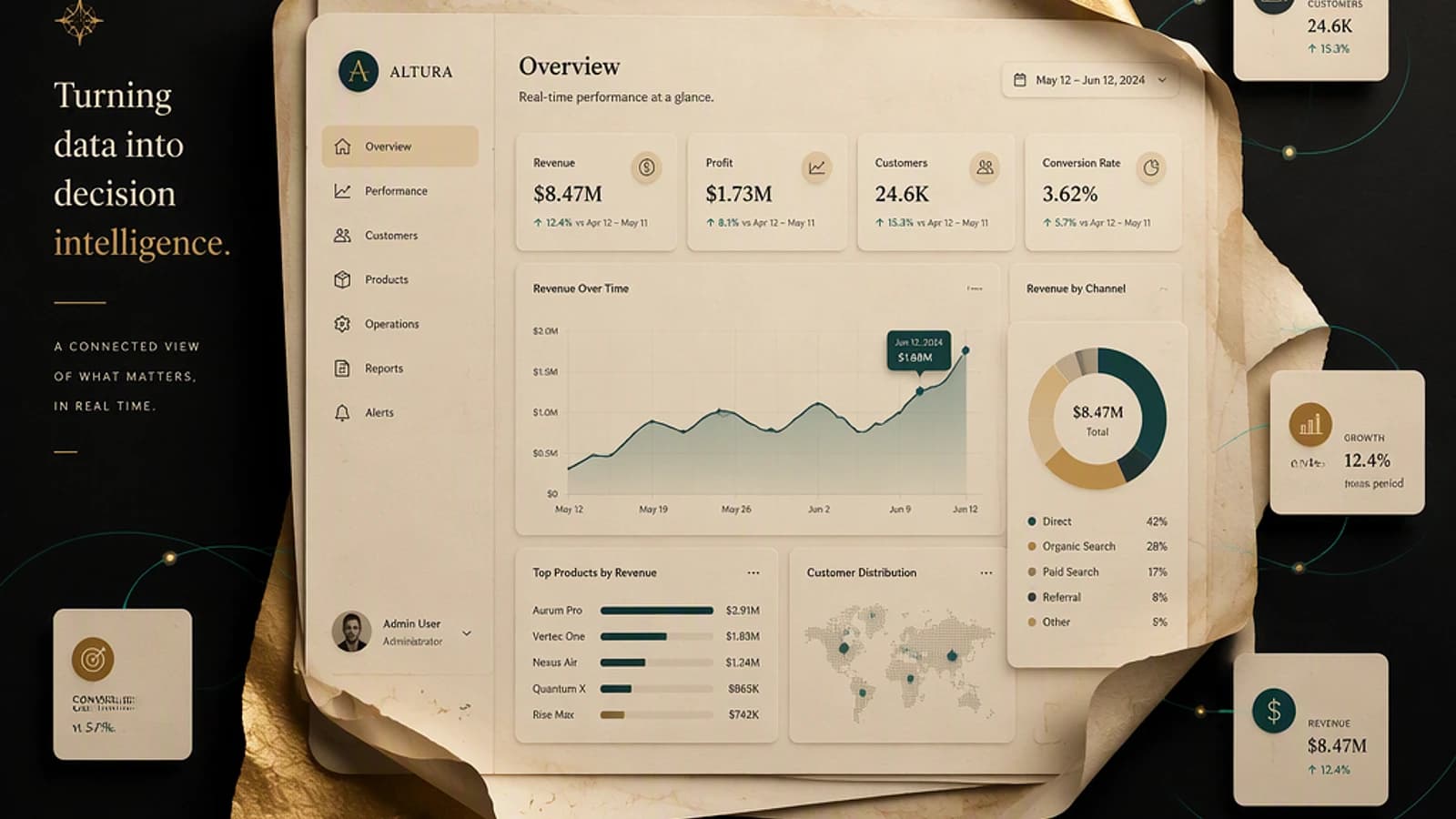
Copilot can now build interactive dashboards directly from SharePoint lists, Excel files, and CSV files, without going through Power BI. The indicators remain connected to source data: any update to the file or list is automatically reflected in the dashboard.
Documented use cases:
- Project portfolio (status, budgeted vs. actual, time distribution)
- Inventory tracking
- Recruitment pipeline
- Customer escalation tracking
- Approval workflows
For administrators, this means that the quality of data stored in SharePoint lists becomes directly visible to end users, without an intermediate transformation layer.
2. SharePoint buttons triggering a predefined Copilot prompt
A new button-type WebPart component can be added to any SharePoint page and linked to a preconfigured Copilot prompt. The user clicks, Copilot executes — without the user having to write the query themselves.
Examples of associable prompts:
- Draft a project status report
- Generate a weekly summary of updates
- Find relevant operations manuals
- Prepare an executive summary
Impact on page governance
Each button embeds a fixed prompt. Make sure site owners who configure these WebParts understand what data Copilot accesses during execution — page permissions apply, not necessarily those of the user clicking the button.
3. Accelerated context selection
The Copilot conversation interface in SharePoint integrates a contextual search bar with three tabs — Files, People, and Meetings — allowing quick injection of a file, collaborator, or meeting as context for a query. This improvement reduces the number of steps to get an answer anchored to specific elements rather than all accessible content.
4. Creation and execution of refined Copilot "skills"
Copilot skills — reusable AI-driven task sequences — benefit from a revised execution engine. Microsoft highlights three improvements:
- Simplified creation process
- Smoother task execution
- More reliable results on repetitive tasks
No technical details on underlying mechanisms (Graph API, Power Automate, declarative agents) are provided in the announcement.
5. Enhanced chat experience and enriched citations
The discussion interface is streamlined, and citation hover cards are enriched to clearly expose the source document that generated a response. A "View thinking" link allows you to inspect Copilot's reasoning step by step. The response view is more compact.
This is a notable evolution for traceability: users can verify the origin of each Copilot statement, reducing the risk of accepting a hallucination without questioning it.
What this concretely changes for administrators
These features amplify the impact of existing capabilities — for better and worse.
| Aspect | Before these updates | With Copilot August 2026 |
|---|---|---|
| Data exposure | Limited to what the user actively searches for | Copilot instantly returns all accessible content |
| Miscalibrated permissions | Risk visible only if user navigates | A prompt can expose over-shared data without navigation |
| Content quality | Impact limited to the user opening the file | A poorly structured file directly feeds AI responses |
| Sensitivity labels | Control at file level | Prerequisite to a controlled Copilot deployment |
Priority actions to take before or during deployment:
- Audit sharing permissions: use the SharePoint Admin Center sharing report or
Get-SPOSiteGroupscript to identify over-sharing. - Verify sensitivity label coverage (Microsoft Purview) on libraries containing confidential data.
- Review DLP policies (Data Loss Prevention) to cover Copilot responses, not just email or Teams flows.
- Train site owners on configuring button WebParts and the implications of predefined prompts.
- Assess metadata quality in SharePoint lists used as dashboard sources.
Over-sharing and Copilot: real risk
Copilot for Microsoft 365 respects existing permissions — but it makes them exploitable without effort by any user. A file over-shared that remained "practically undiscoverable" becomes easily accessible via a prompt. Permission auditing is no longer optional once Copilot is active.
License requirements and conditions
Access to Copilot in SharePoint requires a Microsoft 365 Copilot license (formerly Copilot for Microsoft 365), available as an add-on on Microsoft 365 E3, E5, Business Standard, and Business Premium plans. Dashboard and skills features may involve SharePoint Premium capabilities depending on the final scope of the announcement — verify in official documentation when generally available.
Key takeaways
- Five Copilot updates in SharePoint are announced for August 2026, with no deployment channel specified to date.
- Dynamic dashboards and Copilot WebPart buttons are the most transformative evolutions for end users.
- Enriched citations and the "View thinking" link improve traceability of AI responses.
- Each feature amplifies the impact of existing governance state: permissions, sensitivity labels, and data quality must be in order before activating these capabilities.
- No roadmap identifier or Message Center reference is available in the source — monitor the Microsoft 365 Admin Center and Microsoft 365 Roadmap for official updates.