Introduction
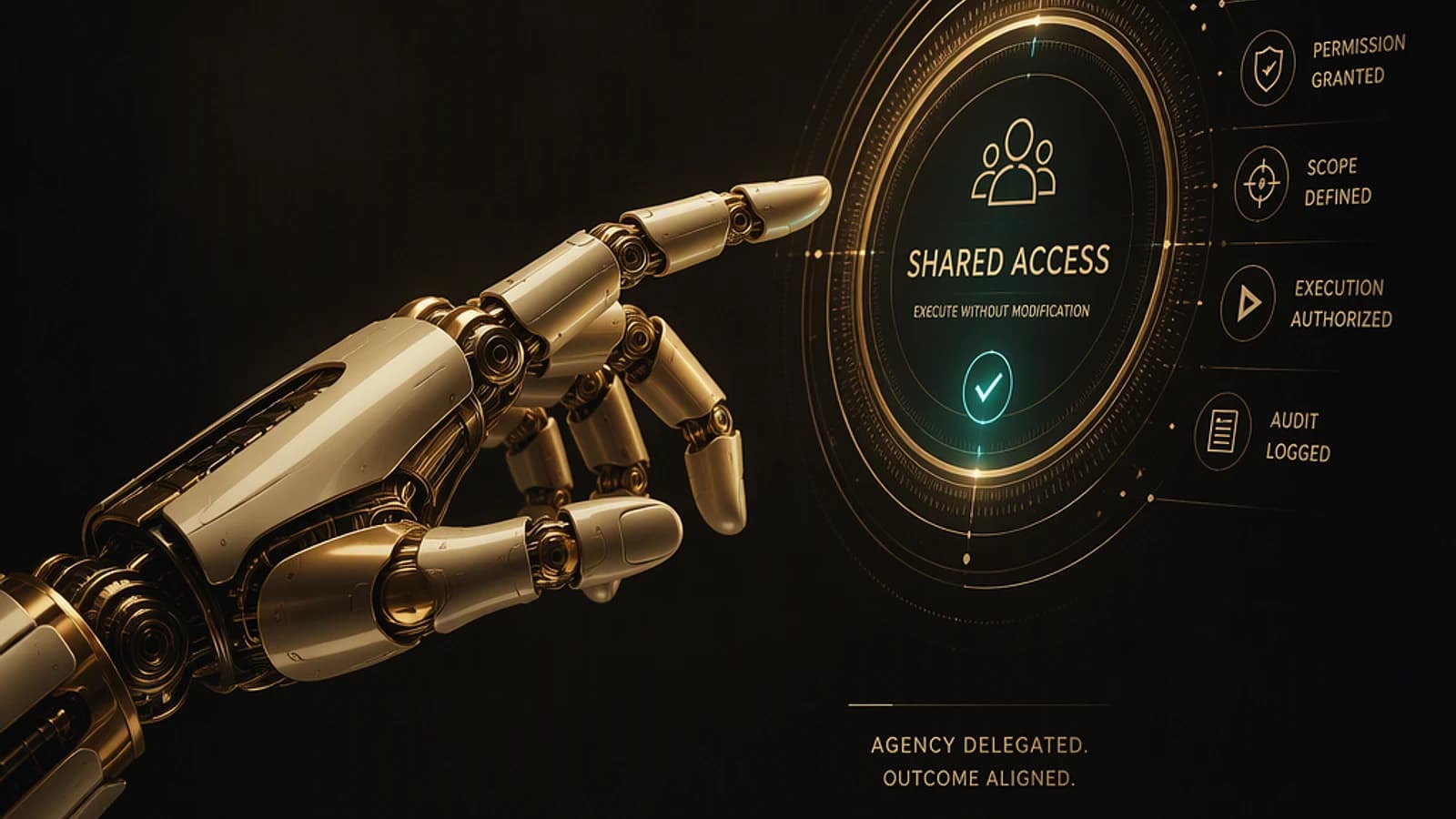
With the rapid evolution of automation tools, Copilot Studio stands out by redefining what organizations can expect from intelligent agents. Historically, chatbots were limited to rigid decision paths, often creating frustrating experiences. Today, thanks to advances in artificial intelligence technologies, solutions like Copilot Studio go far beyond, enabling more autonomous and dynamic business processes.
Good to know
Copilot Studio is part of the Microsoft 365 ecosystem and integrates seamlessly with tools such as Power Automate and Azure AI.
Copilot Studio: Much More Than a Simple Chatbot
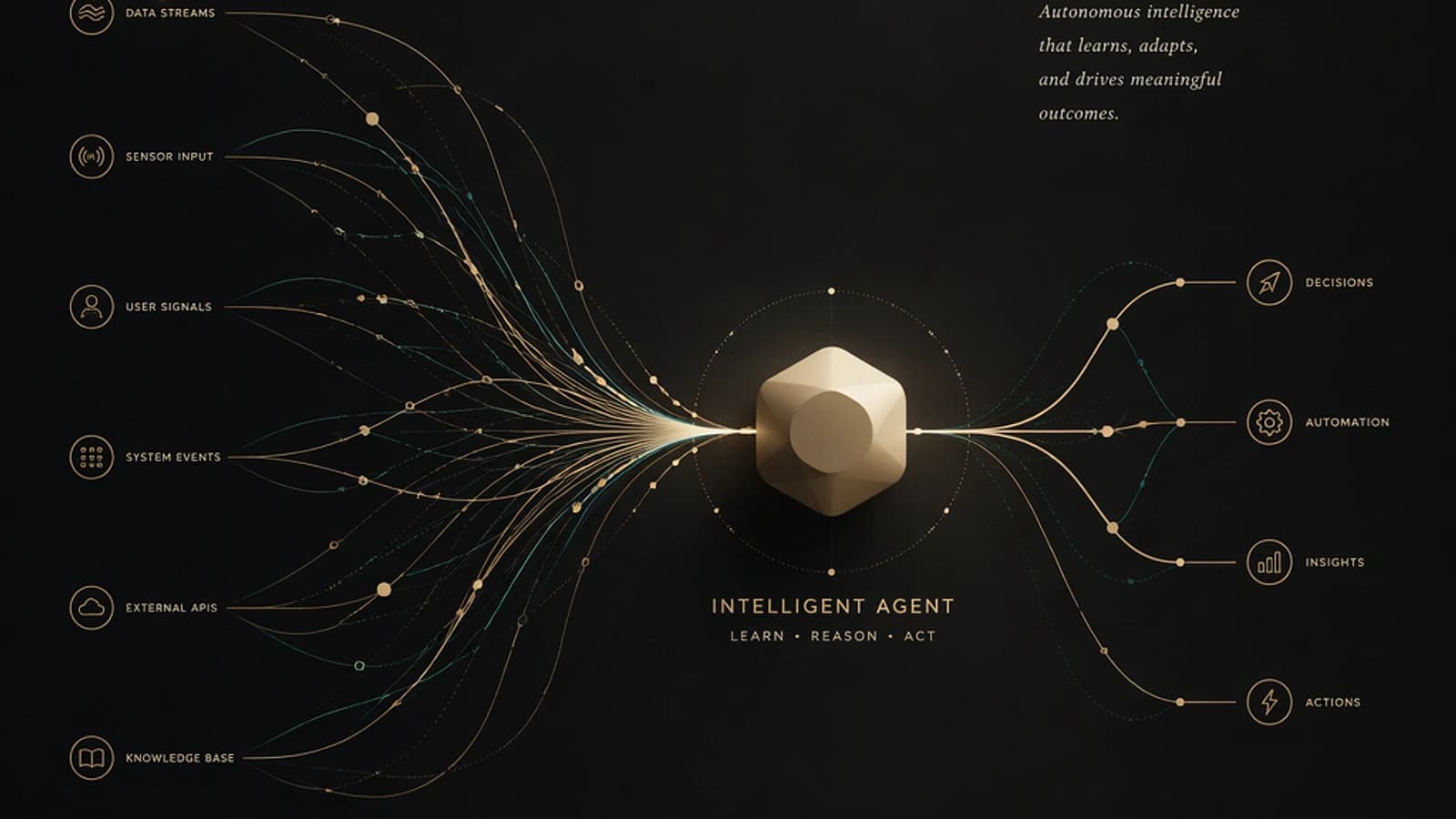
A common problem in the current AI landscape is the misconception that Copilot Studio is limited to creating basic chatbots. In reality, this tool offers a complete environment for designing intelligent agents capable of making decisions and executing complex tasks.
From Rigid Programming to Dynamic Reasoning Capability
Modern agents are distinguished by their autonomy. Unlike traditional chatbots, which required detailed manual configuration for each scenario, agents designed with Copilot Studio use generative AI to determine the best response based on the instructions received and the tools at their disposal.
This means developers move away from rigid "if/then" logic to an approach focused on objectives to achieve. This flexibility significantly improves the relevance of interactions.
Demystifying the "Magic Button"
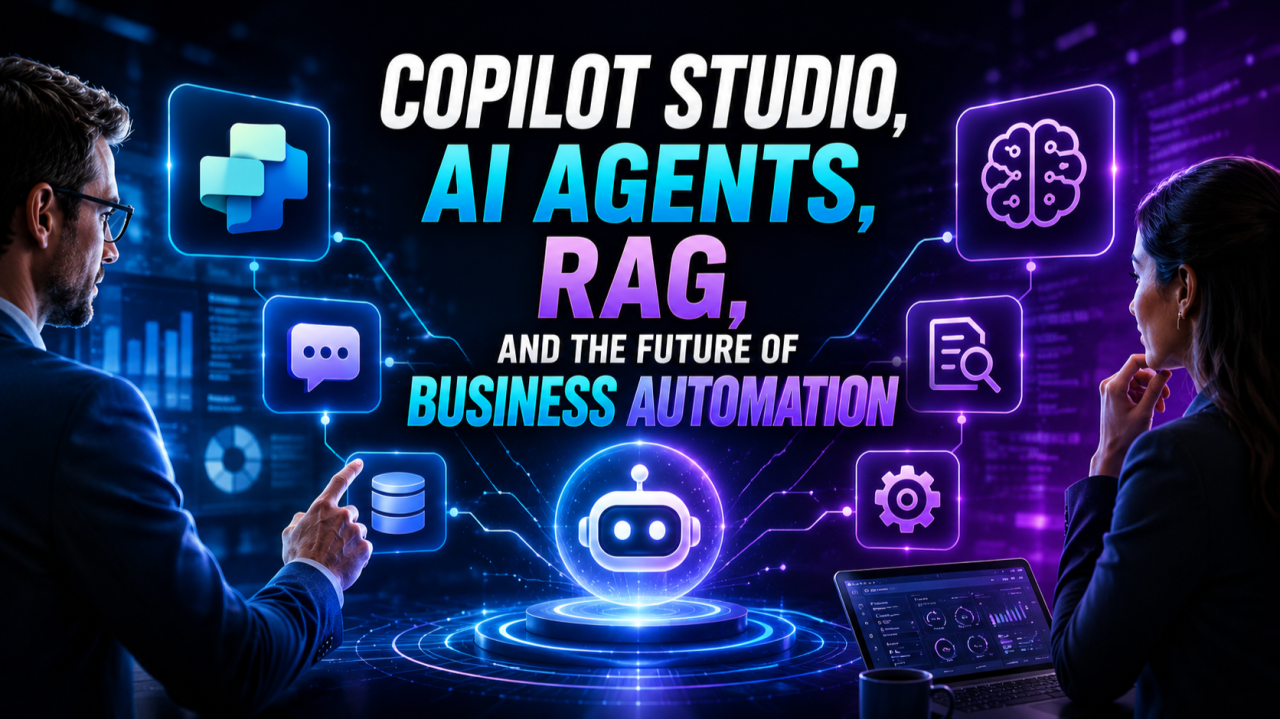
Although the technology behind Copilot Studio is powerful, it doesn't work by magic. Developing a high-performing agent relies on three essential pillars:
- Knowledge: A structured database that the agent can consult.
- Tools: Integrations with services like Power Automate or Azure to execute tasks.
- Automation: The backend logic connecting these components to enterprise systems.
Caution
A shortfall in any of these three areas can limit the agent's ability to produce reliable results.
When to Use Copilot Studio or Azure AI
A frequent dilemma for IT decision-makers is knowing which tool to choose for a project involving AI. The answer depends on the nature of the project:
Copilot Studio for Internal Processes
- Ideal for tasks integrated into M365 or requiring rapid solutions.
- Suitable for teams with citizen developers, business experts capable of creating low-code solutions.
Azure AI for Complex Data
- Recommended for projects involving huge volumes of unstructured data.
- Allows deep customization through features like Azure AI Search.
Tip
Combine Copilot Studio with Azure AI: use Copilot for the user interface and integrate Azure for data processing in the background.
The Rise of Citizen Developers
One of the major trends supported by Copilot Studio is the democratization of technology. Thanks to low-code tools, business experts using Copilot can solve complex problems without exclusively depending on IT teams.
Mentoring and Collaborative Development
Nilüfer Dogan, an influential figure in the Power Platform, shares in her role at the International Atomic Energy Agency (IAEA) how solution development involves collaboration with business users. These individuals have a deep understanding of operational needs and, with a framework like Copilot Studio, become drivers of digital transformation.
Practical Example: Agent on Confluence
To illustrate the impact of this technology, Nilüfer Dogan helped an organization optimize information retrieval in a vast on-premise Confluence database. By combining Azure AI Search to index documents and a Copilot agent to make them accessible through natural language interaction, the team transformed a labor-intensive task into an intuitive solution. This example embodies the concept of Retrieval-Augmented Generation (RAG).
Recommendations for Organizations
When considering integrating AI agents into your workflows, follow these best practices:
- Start with the problem to solve: Identify manual pain points before choosing a tool or platform.
- Invest in data quality: Structure your content to maximize agent efficiency.
- Master the art of prompts: Learn to write precise instructions to guide your agents.
- Adopt a hybrid approach: Leverage Copilot Studio capabilities while using Azure AI for advanced needs.
Conclusion
The intelligent agents revolution is not about replacing humans, but providing them with tools that automate repetitive and data-driven processes. By adopting platforms like Copilot Studio and mastering their potential, enterprises can accelerate their transition to a cutting-edge digital environment.
Important
Do not neglect the importance of adequate training and strategic support in implementing AI solutions.