Introduction
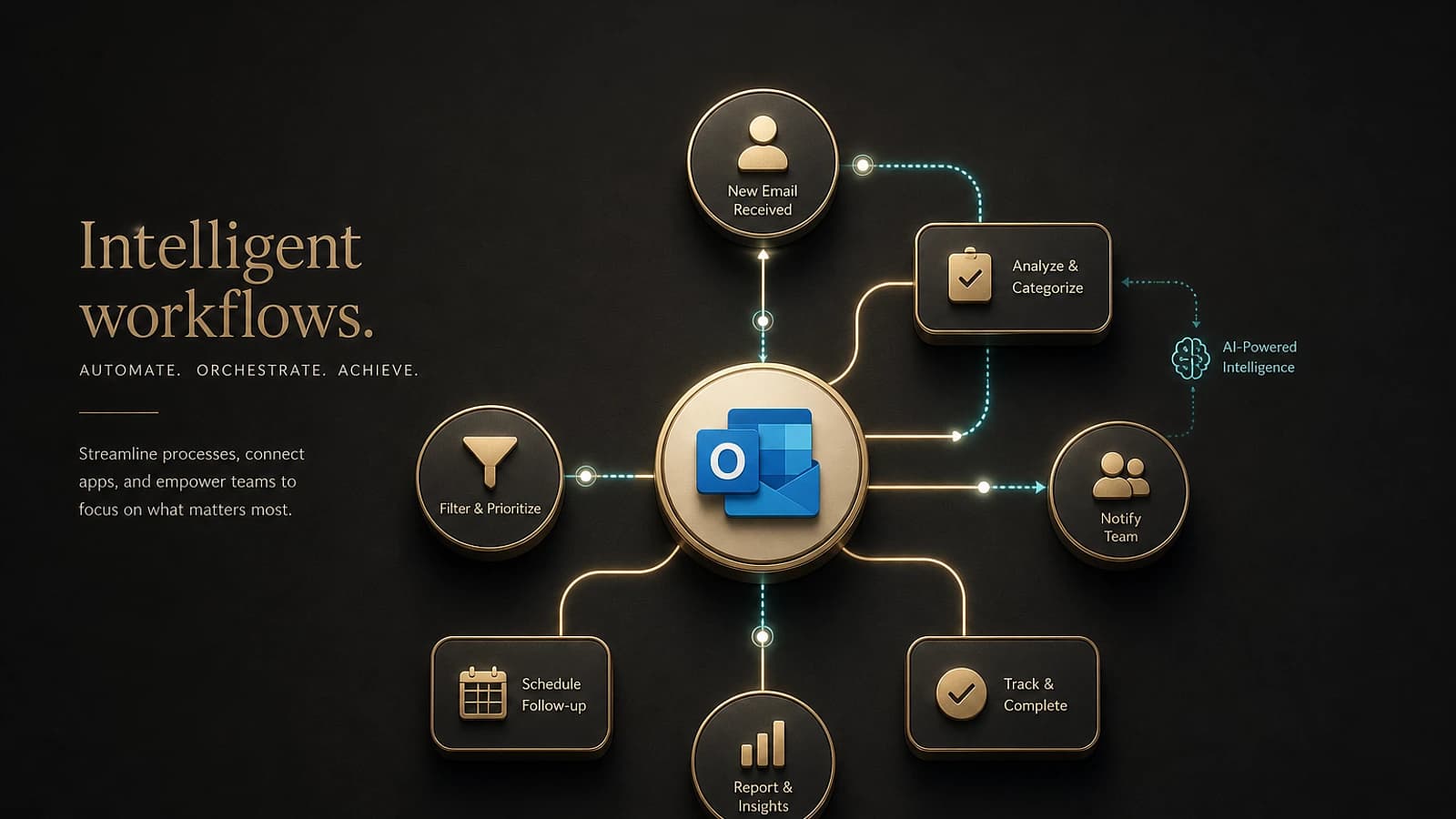
The evolution of Microsoft Copilot reaches a decisive new milestone with the introduction of Copilot Cowork. This innovation goes beyond simple conversational dialogue to transform intentions into concrete actions within the Microsoft 365 ecosystem. Unlike traditional Copilot interactions that are limited to providing answers or generating content, Cowork orchestrates the execution of complete tasks and the coordination of complex workflows.
Strategic Vision
Copilot Cowork represents the natural evolution of artificial intelligence toward intelligent automation, where AI systems no longer merely advise but act directly in the work environment.
Architecture and Operation of Copilot Cowork
Integration with Work IQ and the Microsoft 365 Ecosystem
Copilot Cowork leverages Work IQ technology to contextualize user requests by exploiting signals from across all Microsoft 365 applications. This holistic approach allows Cowork to understand the complete business context:
- Outlook: emails, calendars, contacts, and tasks
- Teams: conversations, meetings, and collaborations
- Excel: data, analyses, and reports
- SharePoint: documents, workflows, and metadata
- OneDrive: personal and shared files
Planning and Execution Mechanism
Cowork's execution process follows a structured model:
Intent Analysis
Cowork analyzes the user request and identifies relevant Microsoft 365 resources to accomplish the task.
Action Plan Generation
A detailed plan is created with defined checkpoints to enable supervision and adjustments.
Controlled Execution
Actions are executed in the background with validation mechanisms and user approval.
Monitoring and Adjustments
Continuous progress tracking with the ability to intervene, modify, or stop at any time.
Advanced Use Cases for Cowork in the Enterprise
Automated Outlook Calendar Optimization
Calendar optimization is one of the most impactful use cases for Cowork. The system automatically analyzes scheduling conflicts, evaluates meeting value according to predefined criteria, and proposes intelligent reorganizations.
Key Features:
- Automatic detection of calendar conflicts
- Analysis of meeting added value
- Proposal of focus time slots
- Automated acceptance/decline management
- Generation of preparation documents
Recommended Optimization
Configure priority rules to allow Cowork to automatically identify critical meetings versus optional meetings in your organization.
Automated Client Meeting Preparation
The meeting package generation demonstrates Cowork's ability to orchestrate multi-application workflows. The system aggregates relevant information, schedules preparation time slots, and produces a coherent set of deliverables.
Automatically Generated Elements:
- Contextualized briefing documents
- Support analyses with updated data
- Ready-to-use client presentations
- Follow-up emails with attachments
- Automatic scheduling of preparation time
Advanced Business Research and Analysis
Cowork's advanced search capabilities integrate web and professional sources to produce comprehensive analyses. This functionality is particularly relevant for business development and strategy teams.
Sources Exploited:
- Financial reports and SEC documents
- Industry expert analyses
- News and press releases
- Internal Microsoft 365 data
Structured Deliverables:
- Formatted executive summaries
- Research memos with citations
- Excel workbooks with labeled tabs
- Competitive comparison analyses
Product Launch Orchestration
The launch workflow coordination illustrates Cowork's ability to manage complex cross-functional projects. The system simultaneously generates the strategic and operational elements needed for successful launch.
| Element | Type | Application |
|---|---|---|
| Competitive analysis | Structured data | Excel |
| Value proposition | Strategic document | Word |
| Client presentation | Sales support | PowerPoint |
| Launch schedule | Project management | Project/Planner |
Security Architecture and Enterprise Governance
Compliance and Security Controls
Copilot Cowork natively integrates into Microsoft 365's security architecture, respecting Zero Trust principles and enterprise governance requirements.
Protection Mechanisms:
- Identity Management: integrated Azure AD authentication
- Permission Control: respect for existing access rights
- Compliance Policies: automatic application of DLP rules
- Audit and Traceability: complete action logging
- Sandbox Environment: isolated and secure execution
Security Recommendation
Ensure that your data classification policies are up to date before deploying Cowork to guarantee optimal protection of sensitive information.
Multi-Model Integration with Anthropic Claude
The partnership with Anthropic enriches Copilot capabilities through the integration of Claude Cowork. This multi-model approach enables leveraging the specific strengths of different AI models depending on the task context.
Advantages of the Multi-Model Approach:
- Performance optimization based on task type
- Resilience and redundancy of capabilities
- Continuous innovation through new model integration
- Flexibility in choosing AI technologies
Deployment and Availability
Deployment Phases
Copilot Cowork follows a progressive deployment:
- Research Preview: testing with selected customers (current phase)
- Frontier Program: expanded availability (end of March 2026)
- General Deployment: roadmap to be defined based on feedback
Eligibility
Interested organizations can apply for the Frontier program to access advanced Copilot transformation features.
PowerShell Scripts for Administration
Here are useful scripts to prepare your environment for Copilot Cowork integration:
1# Verification of Copilot licenses2Get-MsolUser -All | Where-Object {$_.IsLicensed -eq $true} | 3Select-Object DisplayName, UserPrincipalName, @{Name="CopilotLicense"; Expression={($_.Licenses | Where-Object {$_.AccountSkuId -like "*COPILOT*"}).Count -gt 0}}4 5# Audit of SharePoint permissions for Cowork6Connect-PnPOnline -Url "https://tenant-admin.sharepoint.com" -Interactive7Get-PnPTenantSite | ForEach-Object {8 Write-Host "Site: $($_.Url)"9 Get-PnPSiteCollectionAdmin -Site $_.Url10}11 12# Configuration of DLP policies for Cowork13$DLPPolicy = New-DlpPolicy -Name "Copilot-Cowork-Protection" -Mode Enable14New-DlpRule -Policy $DLPPolicy -Name "Sensitive-Data-Rule" -ContentContainsSensitiveInformation @(@{Name="Credit Card Number"; minCount="1"})Glossary of Technical Terms
Work IQ: Microsoft technology that analyzes behavioral and contextual signals in Microsoft 365 to improve artificial intelligence.
Claude Cowork: Anthropic technology integrated into Copilot for complex task execution capabilities.
Sandbox Environment: An isolated execution environment that guarantees the security of automated operations.
Research Preview: Early testing phase of a Microsoft feature with a limited number of customers.
Frontier Program: Microsoft initiative for organizations wishing to adopt the most advanced Copilot technologies.