Copilot that thinks on its own, Teams that gets a makeover, Intune that tightens the screws... March 2026 doesn't do things halfway
Let's face it: it has become almost impossible to keep up with the pace of Microsoft 365 updates. Each month brings its share of new features, and March 2026 is no exception. Except this time, some announcements truly change the game. AI agents capable of acting autonomously in Copilot Studio, a new Teams meeting design that should finally make everyone happy, and tighter security that admins won't be able to ignore.
We've broken it all down for you. Here's what you need to know -- and above all, what you need to do concretely.
Progressive rollout in progress
All features mentioned in this article are in progressive rollout. It is possible that your tenant does not yet have access to them. Consult the Microsoft 365 Message Center to track the deployment status specific to your organization.
Microsoft Copilot: the era of autonomous agents
Autonomous agents arrive in Copilot Studio (GA)
This is probably the most significant update this month. Microsoft announces the general availability of autonomous agents in Copilot Studio, and this goes far beyond a simple improved chatbot. We're talking about AI entities capable of reasoning, planning and executing chains of complex tasks without human intervention.
Concretely, these agents can:
- Execute multi-step workflows autonomously, such as processing a leave request end-to-end (balance verification, conditional approval, calendar update)
- Integrate natively with existing connectors -- Power Platform, SAP, ServiceNow and more than 1,400 third-party connectors
- Learn and improve by analyzing previous interactions to refine their responses and decisions
Getting started
Don't try to automate a complex process right away. Start with a simple use case -- for example, an agent that answers frequently asked questions about HR policies -- then scale up progressively.
Copilot in Excel: data analysis shifts into high gear
Gone are the days when Copilot in Excel merely sorted columns. New capabilities include advanced generation of complex formulas from natural language descriptions and, more impressively, predictive data analysis that automatically identifies trends and anomalies in your datasets.
For example, you can now ask:
1Analyze sales from the last 12 months, identify seasonal trends2and project the next 3 months with a 95% confidence interval.Copilot license comparison table
Before you get excited, check that your license covers these updates:
| Feature | Microsoft 365 E3 | Microsoft 365 E5 |
|---|---|---|
| Copilot Chat (Web) | Included | Included |
| Copilot for M365 apps | Copilot add-on required | Copilot add-on required |
| Copilot Studio (agent creation) | Not included | Included |
| Autonomous agents | Not included | Included |
| Predictive Excel analysis | Copilot add-on required | Copilot add-on required |
Microsoft Teams: the visual renewal of meetings
A new design that truly changes the experience
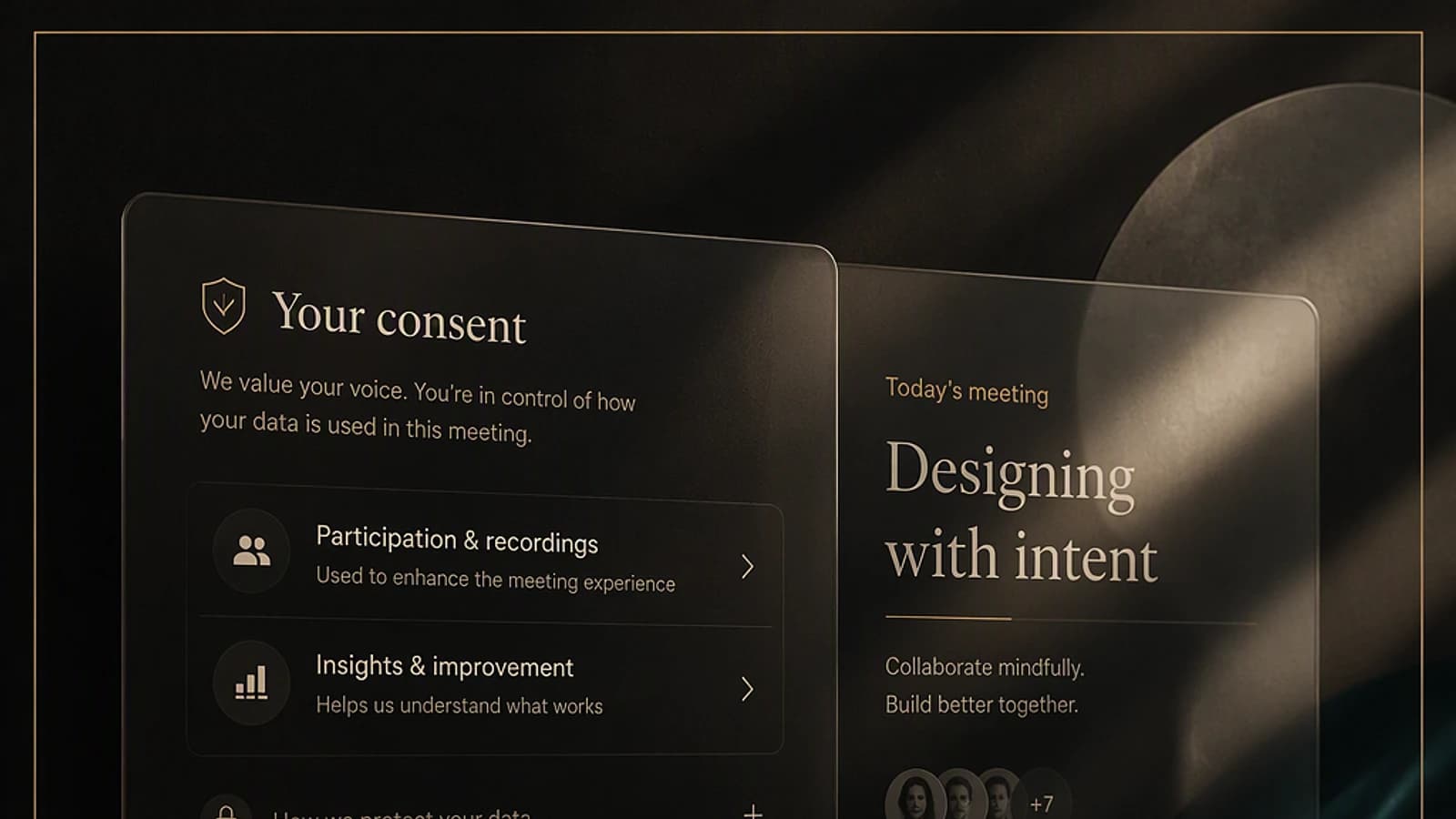
Microsoft didn't just give it a fresh coat of paint. The new Teams meeting layout rethinks how we interact in video conferences: dynamic gallery view that adapts to the number of participants, real-time reactions that are more visible and better integrated, and a contextual control bar that displays relevant tools based on the meeting context.
The result: fewer clicks, less confusion, and a significantly smoother experience, particularly for hybrid meetings.
Access display settings
Open Teams, click the three dots in the top right, then select Settings and go to the Appearance and accessibility section.
Enable the new experience
Find the toggle New meeting experience (preview). If the option doesn't appear, your tenant hasn't received the update yet.
Restart Teams to apply
Completely close Teams (including in the system tray) and then relaunch the application. Changes will take effect at your next meeting.
Attention: impact on meeting rooms
If you use Teams Rooms, verify the firmware compatibility of your devices before enabling the new design across your tenant. Some older peripherals may have display issues.
SharePoint Premium: AI in the service of document management
SharePoint Premium continues to be enriched, and the three updates in March deserve your attention:
- AI-powered automatic translation: documents stored in your libraries can now be automatically translated into more than 40 languages, with original formatting preserved. Ideal for international organizations.
- Intelligent file classification: an AI model analyzes the content of your documents and automatically suggests metadata, retention labels and categorization. Say goodbye to approximate manual classification.
- Improved document workflows: approval flows become more granular, with support for conditional approval and parallel circuits.
Maximize governance
Combine intelligent classification with Microsoft Purview sensitivity labels to automate your document governance. For example, a document detected as containing financial data can be automatically labeled "Confidential" and subjected to a specific approval workflow.
Security and compliance: changes you can't miss
Microsoft Defender XDR: against zero-day threats
The new capabilities of extended detection and response (XDR) introduce an additional layer of protection based on real-time behavioral analysis. The system now correlates signals from Entra ID, Defender for Endpoint and Defender for Cloud Apps to detect complex attack chains, including zero-day threats that exploit unpatched vulnerabilities.
Intune: new policies for Windows 11 24H2
Intune now supports compliance policies specific to Windows 11 24H2, including native Passkey support as an authentication method. This is a major advance for organizations looking to gradually abandon passwords.
1# Check if enrolled devices support Passkey2Get-MgDeviceManagementManagedDevice | Where-Object {3 $_.OperatingSystem -eq "Windows" -and4 $_.OsVersion -ge "10.0.26100"5} | Select-Object DeviceName, OsVersion, ComplianceStateAction required by April 30, 2026
Intune administrators must update their compliance policies by April 30, 2026 to support the new Windows 11 24H2 security standards. After this date, non-compliant devices may lose conditional access to corporate resources.
Best practices: what to do now
Here are the concrete actions we recommend to administrators and IT teams this month:
Audit your Copilot licenses
With the arrival of autonomous agents, now is the time to review your licensing strategy. Identify teams that would benefit most from Copilot Studio and plan a targeted pilot.
Test the new Teams design in a limited circle
Enable the new meeting experience for a pilot group before rolling it out across your organization. Gather feedback, especially from meeting room users.
Update your Intune policies without delay
Don't wait for the April 30 deadline. Plan the update of your compliance policies this week and test Passkey integration in a pre-production environment.
Enable SharePoint intelligent classification
If you have SharePoint Premium, enable AI classification on a pilot library and evaluate the relevance of suggestions before broader deployment.
Conclusion
March 2026 marks a turning point for Microsoft 365. The arrival of autonomous agents in Copilot Studio is not just an incremental evolution -- it's a paradigm shift in how organizations can automate their business processes. On the security side, native Passkey support in Intune brings the Microsoft ecosystem a step closer to a passwordless future.
The watchword this month: anticipate. Whether it's Copilot licenses, Intune policies or the new Teams design, organizations that test and deploy early will be those that get the most value from it.
See you next month for the April 2026 recap!
No, not immediately. The feature is in general availability (GA) but subject to progressive rollout. Additionally, it requires a Microsoft 365 E5 license or a Copilot Studio add-on. Check your tenant's Message Center (MC) to find out the expected availability date for your organization.
No. The new Teams meeting design is included in all existing Teams licenses. It's a user experience update, not a premium feature. However, some Teams Rooms peripherals may require a firmware update to be compatible.
Windows 11 24H2 devices risk being flagged as non-compliant by Intune, which can block their access to resources protected by conditional access. Concretely, users could lose access to their email, SharePoint or other M365 services from these devices.
Yes, automatic translation supports Word, PowerPoint, Excel and PDF files. For PDFs, the original layout is preserved as much as possible, but discrepancies may occur on documents with very complex layouts (nested tables, graphics with overlaid text). We recommend systematically checking the result on critical documents.