Introduction
The Microsoft 365 platform continues to transform with major updates. In August 2026, several essential changes are noteworthy for administrators. From license evolution to tools strengthening security and administration, these modifications bring crucial functionalities.
This article details these updates and provides insight into their impact. Prepare to optimize your Microsoft 365 management through these new features.
Mailbox Size Increase in Business Premium
Subscribers to the Microsoft 365 Business Premium plan will now see an increase in mailbox capacity, rising from 50 GB to 100 GB.
To verify this update:
- Go to Exchange.
- Select a user account.
- Open properties and check the mailbox capacity.
Good to know
This increase is particularly beneficial for businesses managing large volumes of email communications.
New Features for Microsoft Entra
Enhanced Administration Roles
Microsoft Entra adds new security-focused roles, including SOC Identity Responder. This role includes the following functions:
- Disabling or enabling accounts in case of incidents.
- Revoking active user sign-ins.
- Resetting passwords and identity methods.
These improvements aim to strengthen incident management, notably through planned integration with Microsoft Sentinel, Defender for Endpoint, and Defender for Identity.
Intune Plan 2 for E3 Subscribers
Subscribers to the E3 plan now benefit from extended access to Microsoft Intune Plan 2, which includes:
- Remote Assistance: Allows support and administrators to directly assist users.
- Advanced Analytics: Data for reporting and informed decision-making.
These features provide a better overview and proactive management of workstations.
Tip
Use Remote Assistance to troubleshoot user issues without requiring physical intervention.
New Security Settings in Defender
Introduction of Defender Plan 1 for E3
With Defender Plan 1 included in Microsoft 365 E3, administrators can benefit from the following features:
- Incident and alert monitoring.
- Threat intelligence with manual investigation options.
While this version does not offer advanced features like Sentinel or automated hunting, it remains a valuable addition for businesses with internal SOCs.
Changes in Authentication Methods
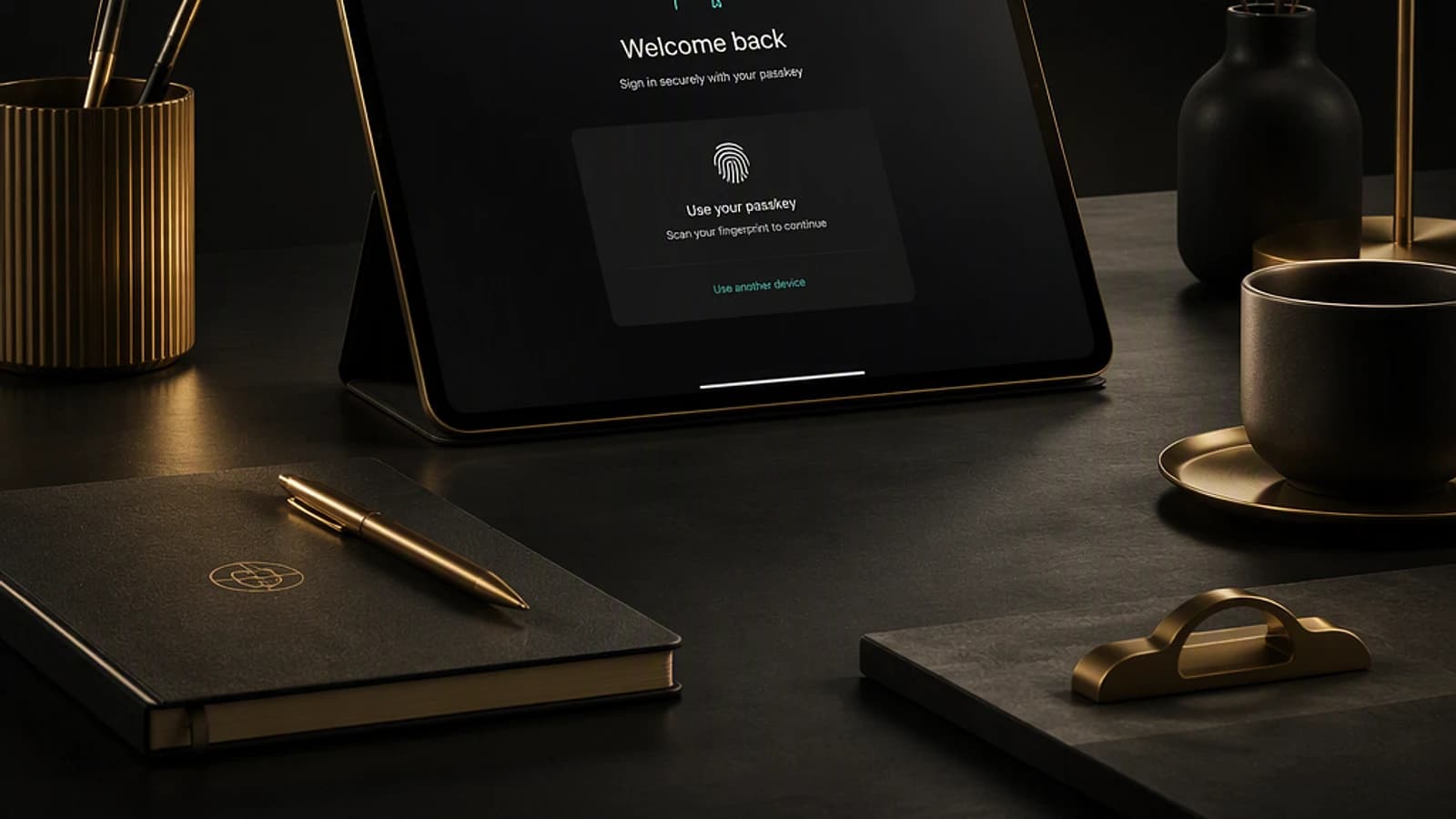
Microsoft plans to remove SMS and voice call authentication by the end of the year. These methods will be replaced by passkeys, available in two options:
- Synchronized passkey: Uses tools like Apple Keychain or Chromium to generate public and private keys.
- Device-bound passkey: Offers enhanced security through strengthened attestation.
Attention
Synchronized passkeys, while robust, do not guarantee full attestation and may be vulnerable to MITM (Man-in-the-Middle) attacks.
Microsoft 365 E7: A Complete Offering
A new plan, the Microsoft 365 E7 Frontier Suite, aligns with maximum integration logic. Here are its main characteristics:
- Includes all features of Microsoft 365 E5, including full Copilot AI application.
- Access to complete suites of Defender, Purview, and Entra.
- Services enriched with artificial intelligence, agents, and advanced governance tools.
Points to Note
While the E7 plan does not contain Teams Premium, it is designed to meet complex enterprise requirements for security, compliance, and collaborative tools.
Conclusion
Recent updates to Microsoft 365 confirm the platform's strategy to meet evolving business needs. With increased capacity for Business Premium, advanced features for E3, and the brand new E7 plan, administrators have new tools to strengthen their management, security, and efficiency.
Whether to optimize license usage, adjust your authentication methodologies, or leverage innovations in Defender and Intune, these developments should be integrated progressively.
To go further, explore Microsoft conferences planned this year and stay informed of future announcements.
Next step
Check authentication changes in Entra ID and start planning necessary migrations.