Introduction
July brings its usual batch of announcements in the Microsoft 365 Message Center: several dozen changes distributed between Teams, OneDrive, Microsoft Entra ID, Intune, Copilot and administration tools. Some announcements are minor, others redesign entire security workflows — notably the shift to passkeys as the default authentication method. Here is a structured summary, with deadlines, licensing requirements and points to watch before deployment.
Microsoft Teams: consolidation of summaries and Copilot archives
Two changes affect the AI layer of Teams.
- Centralized application for intelligent summaries: a new app in the Teams sidebar groups all automatically generated summaries for your meetings. It requires a Teams Premium or Microsoft 365 Copilot license. Rollout expected early July, general availability expected early August.
- AI meeting archives centralized at the tenant level: Microsoft copies archive files generated by AI into a central tenant repository, so Copilot and the facilitator agent can rely on this context during subsequent conversations. Access theoretically remains filtered by original meeting rights, but governance of this central repository deserves close monitoring — permissions management on a shared repository is structurally more complex than per-meeting access. Rollout expected mid-September, completion expected end of September.
To verify before activation
If your organization handles sensitive meetings, audit who will have access to the central AI archives repository before the end of September rollout. The permissions inheritance model deserves testing on a restricted pilot.
OneDrive and SharePoint: synchronization exclusions and capture restrictions
Three developments affect the document storage layer.
- Exclusion of specific folders from OneDrive client sync: administrators will be able to exclude certain folders (PowerShell modules, machine-specific files) from synchronization. Useful to avoid backing up irrelevant or machine-specific data. Rollout mid-August, completion expected end of August.
- Screenshot blocking on labeled PDFs: for PDF documents bearing a sensitivity label (Microsoft Purview Information Protection label) stored in OneDrive or SharePoint, Edge can now block screenshots. An additional browser-side restriction that complements encryption and usage rights already provided by the label. Rollout mid-August, completion expected end of August.
- Unified view of document libraries in OneDrive web: the OneDrive web experience will integrate SharePoint library views, eliminating back-and-forth between the two interfaces. Rollout mid-July, general availability end of July — this feature should already be visible on most tenants.
Microsoft Entra ID: passkeys become the standard
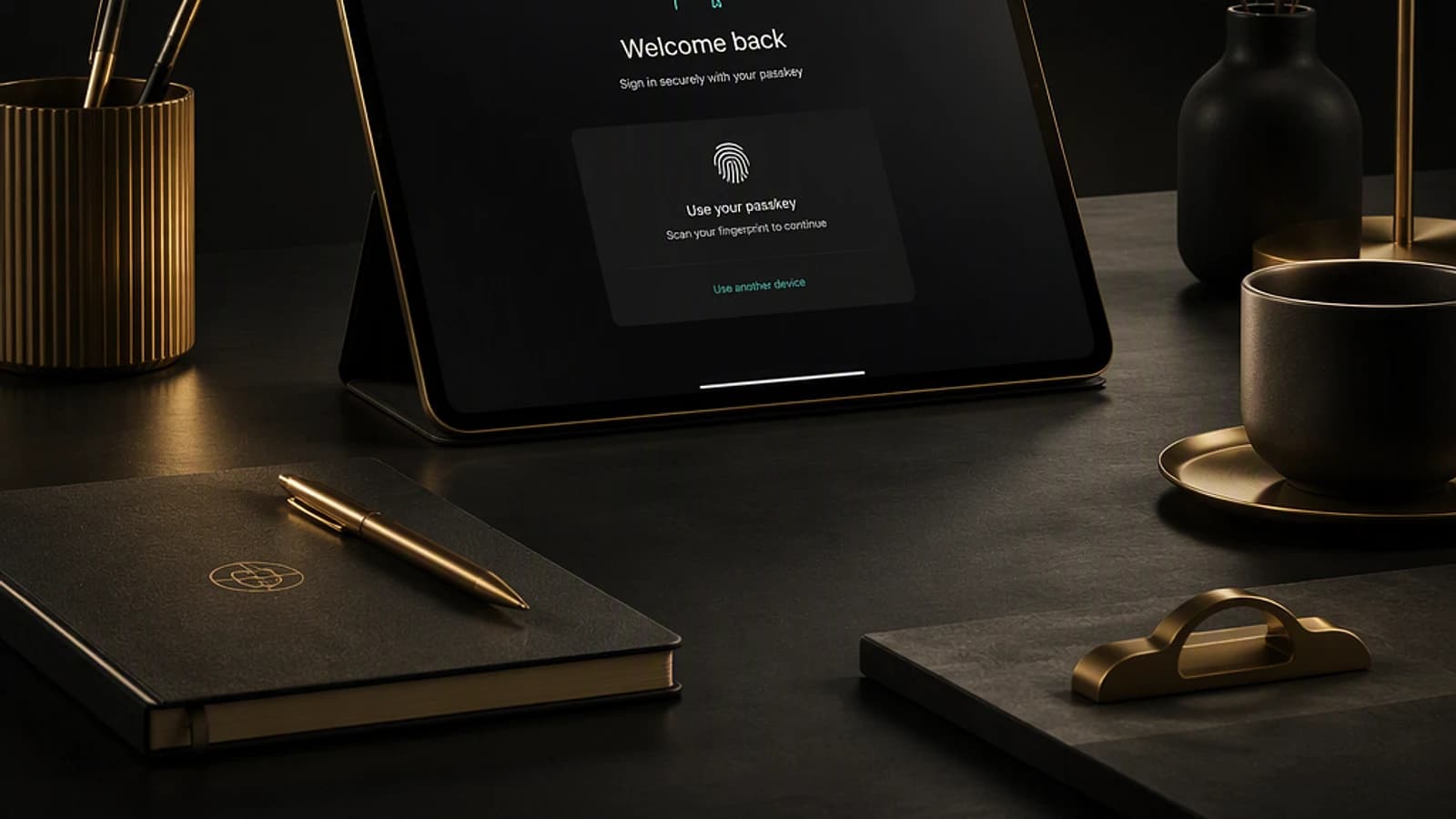
This is the most structuring announcement of the month. Microsoft is pushing passkeys as the default MFA (multifactor authentication) registration method, even ahead of Microsoft Authenticator. Meanwhile, SMS and voice call methods will be deprecated — two vectors recognized as weak and particularly exposed to social engineering, a risk amplified by AI content generation capabilities.
- Shift of default registration flow to passkeys: starting in September.
- Deprecation of SMS and voice call: starting in February (following year).
- Optimization of passkey registration experience: administrators already configure settings via the Authentication methods policy, but the user experience displayed did not always reflect this configuration. Microsoft is correcting the inconsistency between admin settings and messages seen by end users. Rollout and completion expected end of August.
- Guided recovery in case of device loss: a passkey linked to a device (device-bound passkey) in Authenticator cannot be restored — this is a security feature, not a bug. But the replacement flow (deletion then re-registration) will now be guided instead of manual. Available in August.
- Password change without a password ("passwordless password change"):for passwordless users who still need to manage a password for legacy applications, Entra ID will allow generating a new password without knowing the old one — provided they first authenticate with a passkey or Windows Hello. Rollout end of October.
- Removal of CSS positioning properties for custom branding: first step of a larger effort to remove custom CSS from sign-in pages, motivated by its exploitation in man-in-the-middle attacks imitating brand pages or the Microsoft sign-in page. Rollout October, completion expected November. Microsoft has confirmed its intention to remove CSS entirely eventually.
Deadline to anticipate
The deprecation of SMS and voice call as MFA methods is confirmed for February. If your organization still heavily relies on these methods, plan migration to passkeys or Authenticator now rather than waiting for the forced switch.
Microsoft Intune: finally visible status feedback on synchronization
Intune administrators know the frustration: launch a device sync and have to manually refresh the page with no intermediate status feedback. Microsoft is introducing a visual feedback loop directly on the device page (device overview), with a single, clear action status. Announced for July, the feature is not yet visible on all tenants at the time of writing — check its availability in your portal before communicating the change to your support teams.
Microsoft 365 Copilot: shared agents, Excel brand kit and inline drafting
On the Copilot side, several updates directly impact daily productivity:
- Interaction with Planner from Copilot Chat: project management directly through conversation. Planned early September.
- Custom skills stored in OneDrive: skills (reusable markdown instruction files, for example to systematically generate a slide according to the same template) can now be stored and reused from OneDrive. Rollout and completion expected end of July.
- Brand kit in Excel: after its arrival in PowerPoint the previous month, the brand kit feature (typography, color palette) is extending to Excel to generate reports with consistent visual identity. Rollout mid-July, completion expected mid-August.
- Inline drafting in Outlook: Copilot now generates the draft directly in the message body instead of a separate pane — an ergonomic change that significantly simplifies the drafting flow. Rollout mid-July, completion expected early August.
- Multi-user Copilot agents: until now, an agent created in Microsoft 365 Copilot had only one owner. The ability to associate multiple users with managing an agent makes its maintenance easier over time, especially for teams that must share responsibility for the agent's lifecycle. Rollout mid-August.
- Sharing autonomous agents from Copilot Studio: an autonomous agent created by a user can be shared with others, who will execute it with their own credentials — for example an automatic mail inbox sorting agent, reusable by an entire team. Public preview end of July, currently reserved for tenants in preview or enrolled in the Frontier program. No general availability date is yet announced.
Security and compliance: Defender for Office 365 and Purview
Three notable developments on the security and governance side:
- Quarantining of password-protected attachments in Microsoft Defender for Office 365: encrypted attachments cannot be scanned by the Safe Attachments service. An option (opt-in) will allow automatically quarantining them. Administrators control release, and users can self-release a message by providing the password. Multiple file types are supported. Rollout early August, completion expected end of August.
- Native protection against prompt injection in Defender for Office 365: an email containing a malicious prompt intended to manipulate an automated AI agent (data extraction, unwanted actions) will be blocked natively, enabled by default. This type of attack was notably demonstrated at security conferences like DEF CON. Rollout and completion expected early September.
- Time-bound admin access in Microsoft Purview: a best practice already widespread on Microsoft Entra via Privileged Identity Management (PIM), now extended to compliance roles, which are not attached to the Entra portal. PIM therefore remains fragmented between multiple administration surfaces depending on the roles involved. Rollout end of July, completion expected end of August.
Copilot licenses: pricing simplification and free trial
Microsoft is revising its Copilot offering once again, with two concrete changes.
- Copilot trial for SMBs: a free 30-day trial for 25 users on Microsoft 365 Business SKUs with Copilot, allowing you to pilot adoption before any contractual or annual commitment. General availability announced for August — purchase can be made through a CSP (Cloud Solution Provider) distributor like Pax8.
- Fusion of Copilot SKUs: after offering a generic Copilot SKU at $30/user then a "Copilot for Business" SKU at $21/user as an add-on, Microsoft is consolidating the offering into a single Microsoft 365 Copilot SKU integrated directly into Business Standard and Business Premium.
| Offer | Indicative cost with Copilot | Eligibility limit |
|---|---|---|
| Microsoft 365 Business Standard with Copilot | ≈ $22/user | Less than 300 users |
| Microsoft 365 Business Premium with Copilot | ≈ $32/user | Less than 300 users |
In practice, the cost difference to add Copilot to an existing plan falls around $10/user, versus a $30 add-on previously. The 300-user ceiling remains the constraining factor for eligibility for these SKUs.
Good to know
Organizations exceeding 300 users remain on the standard Copilot add-on model, without benefiting from this pricing integrated into Business plans.
Aside from these product announcements, Microsoft also published an update to its partner incentive program for fiscal year FY2027 (Microsoft's fiscal year begins in July). The message is clear for CSP partners: resale margins are declining overall, in favor of growth-oriented incentives. MSPs that relied on these revenues must review their profitability models for the coming year.
Key takeaways
- Passkeys: shift to default method starting September, deprecation of SMS/voice call in February — anticipate user migration from weaker methods.
- OneDrive/SharePoint: folder exclusions from sync and screenshot blocking on labeled PDFs arrive in August.
- Intune: status feedback on device synchronization improves support diagnostics, verify in your portal.
- Copilot: multi-owner agents, autonomous agent sharing in preview, and especially simplified Business pricing under 300 users.
- Security: prompt injection protection in Defender for Office 365 directly addresses attack scenarios demonstrated on AI agents.
Before any deployment, verify licensing requirements (Teams Premium, Copilot, Business Premium) and test new passkey flows on a restricted pilot group before general rollout.