MFA is no longer enough when an attacker steals a session that has already been authenticated. A campaign observed in 2026 shows how a replayed token can lead to the addition of an MFA method, the registration of rogue devices and the lasting hijacking of a Microsoft 365 mailbox.
What the campaign reveals about token replay
Between 14 July and 22 September 2026, Huntress observed more than 200,000 sign-in attempts associated with this campaign. The attackers obtained 497 successful Microsoft 365 sign-ins, then compromised 97 accounts belonging to 79 organisations.
200 000+
Sign-in attempts observed
Huntress
97
Microsoft 365 accounts compromised
Huntress
79
Organisations affected
Huntress
48
Fraudulent Microsoft Entra devices registered
Huntress
The operation relied on the industrialised replay of tokens obtained in particular from adversary-in-the-middle (AitM) relays, device code phishing campaigns and manipulation during a legitimate authentication. This approach, sometimes called token spraying, applies to stolen sessions a logic comparable to password spraying.
Once signed in, the attackers immediately tried to extend their access. In at least 19 organisations, legitimate MFA methods were removed and replaced within three hours of the first sign-in. On 21 July 2026, for example, an authenticator app named iPhone 13 was activated less than 51 minutes after a session was hijacked.
Why MFA does not block a stolen session
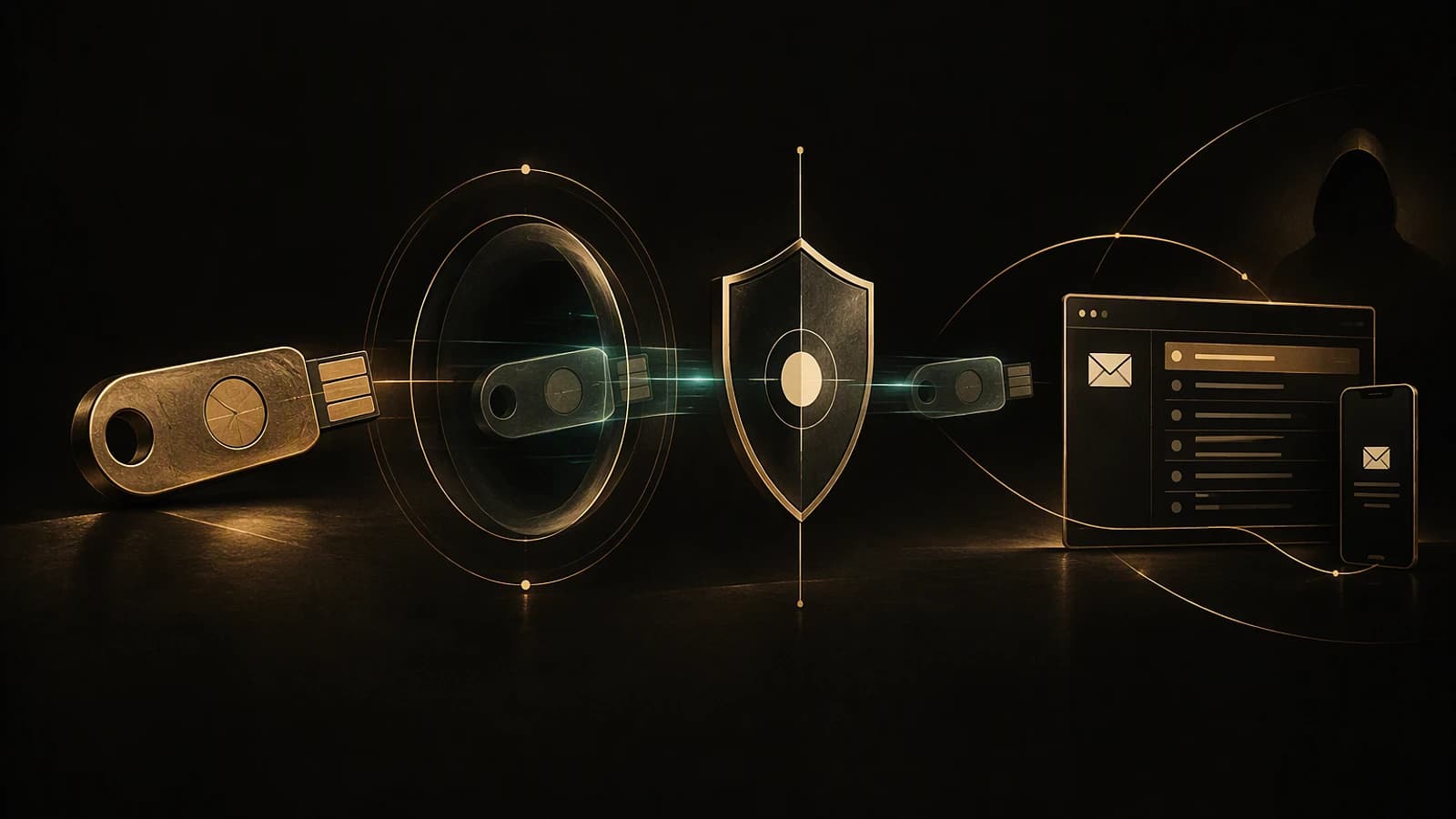
An AitM relay sits between the user and the Microsoft authentication infrastructure. It forwards the credentials and the MFA challenge to the legitimate service, then captures the token issued once authentication succeeds. The attacker then replays that token from their own infrastructure without immediately being asked for a new MFA code.
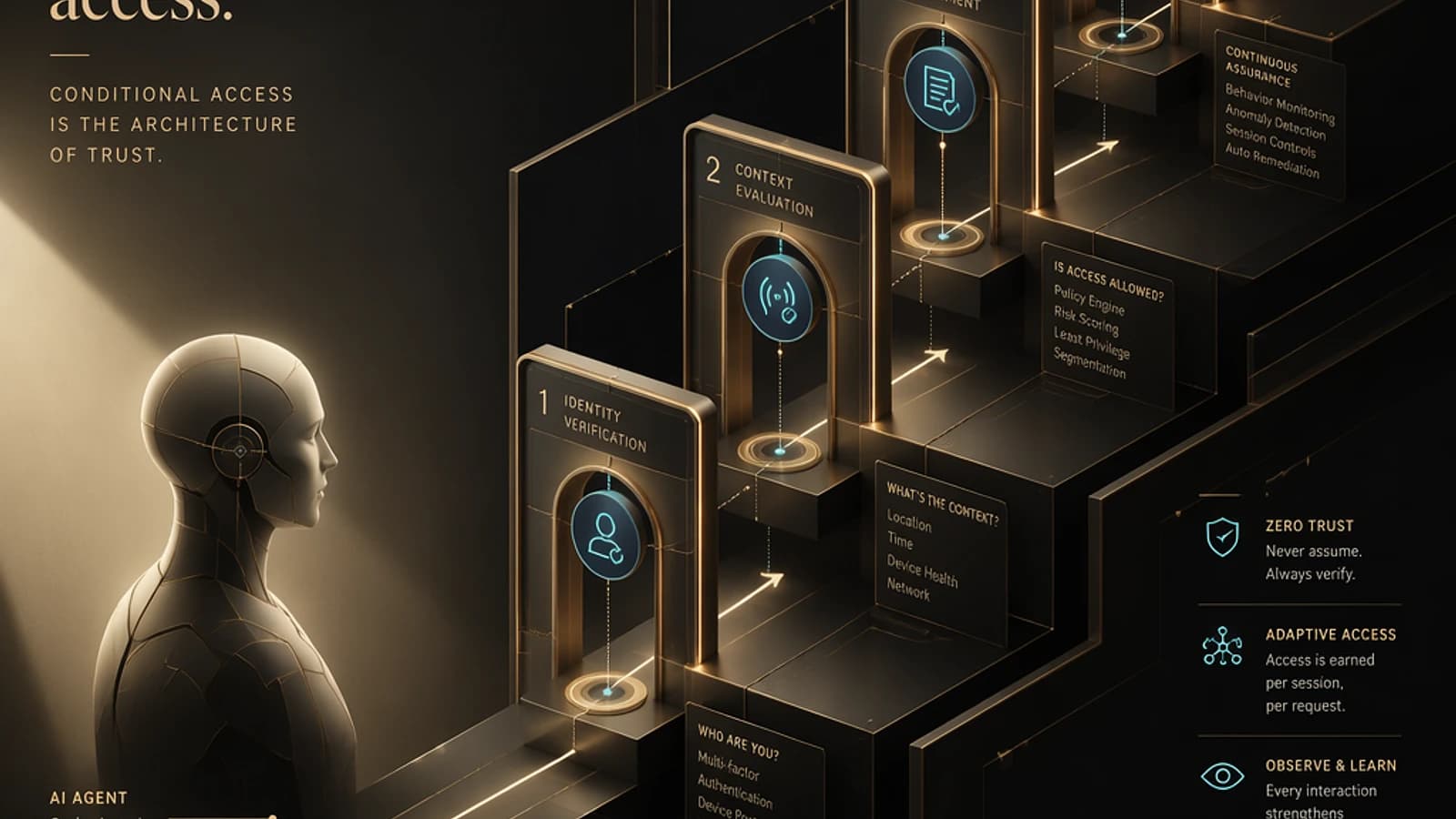
Conditional Access is evaluated when the token is issued, not continuously throughout its lifetime. A newly enabled policy therefore does not automatically neutralise a refresh token that has already been issued. This distinction explains why policy hardening must always be accompanied by an incident response on existing sessions.
Our guide on token replay and session hijacking beyond MFA details the differences between credential compromise, token theft and replay from third-party infrastructure.
| Control | When it acts | Benefit | Main limitation |
|---|---|---|---|
| Compliant or Microsoft Entra hybrid joined device | Before the token is issued | The AitM relay cannot satisfy the required device state | Requires a managed device fleet and a correctly targeted policy |
| Token Protection | After authentication, when the token is used | Only accepts session tokens bound to the device | Web coverage still limited as of 28 October 2026 |
| Compliant network with Global Secure Access | When accessing the resource | According to Microsoft, blocks replay from unmanaged devices | Must complement the identity and device controls |
| Phishing-resistant reauthentication | For medium or high risk sign-ins | Enforces a stronger new interactive proof | Does not replace revoking an already compromised session |
Traces to look for in Microsoft Entra ID and Exchange
For the device code flow, do not filter only on events where Authentication protocol equals Device code flow. Microsoft specifies that you must also search for Original transfer method = Device code flow, because successive renewals can mask the protocol that created the initial session.
The 193.26.115[.]0/24 block is an indicator specific to this campaign and not standalone proof of compromise. Use it to prioritise the investigation over the relevant period, without turning this single IOC into a permanent detection rule.
Next, look for persistence mechanisms and post-sign-in actions:
- unexpected addition or removal of MFA methods;
- devices recently registered in Microsoft Entra ID, formerly Azure Active Directory;
- new enterprise applications with no owner or known justification;
- mailbox rules with discreet names such as
.,sss,ss,iT,,.,........,sord; - deletion or movement of messages containing terms related to payroll, deposits or bonuses;
- messages moved to
RSS FeedsorConversation History; - unusual external sending from the compromised mailbox.
In one documented case, a rule marked all messages as read before deleting them. The mailbox then sent spam emails to hundreds of external recipients before Microsoft Entra ID Protection classified the account as high risk.
Containing a compromised account without stopping at the password
Resetting the password is necessary, but it is not enough against a token that has already been issued. A Microsoft moderator recommends combining session revocation, a password change and a reset of MFA methods after a compromise of this type.
Revoke active sessions
Invalidate the sessions of the affected identity to reduce the window during which existing tokens can be used. Do not treat a simple change to a Conditional Access policy as a retroactive revocation.
Reset authentication proofs
Change the password and remove unrecognised MFA methods. Check each retained method with the user rather than relying solely on its display name.
Remove persistence from the directory
Review the registered Microsoft Entra devices, enterprise applications and any new trust relationship. Preserve the identifiers and timestamps useful for the investigation before deleting anything.
Clean up the mailbox
Examine visible and hidden rules, destination folders, deleted messages and sending activity. Extend the search to the recipients contacted from the compromised account.
The principle of least privilege requires separating these operations: reading logs, administering authentication methods, managing devices and administering messaging. Do not grant a Global Administrator role simply to speed up the investigation.
Hardening Conditional Access against replay
Microsoft recommends blocking the device code flow everywhere it is not essential. A Microsoft-managed policy named Block device code flow is deployed in tenants, but its state must be checked. For a custom policy, start with Report-only mode, analyse the results, then enable blocking.
Microsoft Teams rooms and phones may depend on this flow. Exceptions must be granted per account and, where they are kept, the Device Registration Service resource must also be excluded in line with Microsoft documentation.
A global block can interrupt Teams devices
Do not enable a policy targeting all users and all resources before you have inventoried the device code flow. However, an exception that is too broad recreates the blind spot the policy was meant to remove.
Protection must also cover the user actions Register security information and Register or join devices. Entra.News explains that, without a specific policy, adding an MFA method or registering a device benefits only from the requirements applied at the initial sign-in. This is precisely what allows a stolen session to be turned into lasting persistence.
Also plan a catch-all policy for unknown platforms. A condition limited to identified platforms can let through a device whose platform is not recognised; the recommended approach is to block Any device, then explicitly exclude the allowed platforms from the scope.
As of 28 October 2026, Token Protection is generally available for native applications on Windows, iOS/iPadOS and macOS. For web applications, the feature remains in preview and only covers certain applications accessing Azure Resource Manager. It therefore does not, on its own, block the replay in a browser of a Microsoft 365 token stolen through AitM.
No universal propagation delay is given in the verified sources. Validate a policy with a new authentication and a new token issuance; an existing session is not a reliable test.
Implementation and inventory troubleshooting
The purpose of the following script is to locally analyse a normalised export of the sign-in logs. It flags events associated with the device code flow or the 193.26.115[.]0/24 block, then produces a CSV report and a JSON summary.
Required module: no external module, only standard PowerShell cmdlets. Minimum permission: read access to the CSV file and write access to the output folder; the initial extraction from the tenant separately requires an account authorised to view the sign-in logs.
In the Microsoft Entra ID sign-in logs, filter successively on Authentication protocol = Device code flow and Original transfer method = Device code flow. Export the results, keep the Device Registration Service resource in the analysis, then normalise the columns using the names expected by the script.
To check the script without production data, create a synthetic data set:
1$sample = @(2 [pscustomobject]@{3 DateTime = '2026-09-01T08:00:00Z'4 UserPrincipalName = 'alice@example.org'5 AuthenticationProtocol = 'Device code flow'6 OriginalTransferMethod = 'Device code flow'7 Resource = 'Device Registration Service'8 IPAddress = '198.51.100.10'9 Status = 'Success'10 },11 [pscustomobject]@{12 DateTime = '2026-09-01T08:04:00Z'13 UserPrincipalName = 'bob@example.org'14 AuthenticationProtocol = 'OAuth2'15 OriginalTransferMethod = 'None'16 Resource = 'Exchange Online'17 IPAddress = '193.26.115.221'18 Status = 'Success'19 },20 [pscustomobject]@{21 DateTime = '2026-09-01T08:10:00Z'22 UserPrincipalName = 'carol@example.org'23 AuthenticationProtocol = 'OAuth2'24 OriginalTransferMethod = 'None'25 Resource = 'Exchange Online'26 IPAddress = '203.0.113.20'27 Status = 'Success'28 }29)30 31$sample | Export-Csv -Path 'C:\Temp\EntraSignIns-Normalized.csv' -NoTypeInformation -Encoding utf8Then run the analysis:
1$result = & 'C:\Temp\Find-TokenReplayIndicators.ps1' `2 -InputCsv 'C:\Temp\EntraSignIns-Normalized.csv' `3 -OutputDirectory 'C:\Temp\TokenReplay-Audit'4 5$result | Format-ListThe test set should return two candidate events, two distinct users, one device code event and one event linked to the campaign block. Finally, inspect the detail:
1Import-Csv -LiteralPath $result.ReportPath |2 Format-Table DateTime, UserPrincipalName, IPAddress, MatchReason, IsDeviceRegistrationService -AutoSizeTroubleshooting
| Symptom | Probable cause | Resolution |
|---|---|---|
| No device code events appear | The filter only covers the current protocol | Add Original transfer method = Device code flow to the search |
| Teams devices can no longer sign in | The block covers their accounts or Device Registration Service | Identify the accounts concerned and apply strictly limited exclusions |
| An old session still works after activation | Conditional Access does not retroactively re-evaluate a token already issued | Revoke the sessions, then test with a new authentication |
| Token Protection does not block the browser | Web coverage remains limited to certain Azure Resource Manager applications | Also require a compliant device, a compliant network and phishing-resistant reauthentication |
| The script flags an address in the campaign block | The IOC matches but does not on its own demonstrate a compromise | Correlate with the user, time, resource, MFA, devices and mailbox rules |
Frequently asked questions
Does MFA prevent a token replay attack?
No. The AitM relay can let Microsoft validate the password and the MFA, then steal the token issued after that validation. You need to prevent issuance in a non-compliant context and limit token replay.
Is Token Protection enough to secure Microsoft 365 in a browser?
Not as of 28 October 2026. The protection is generally available for supported native applications, but its web scope remains in preview and limited to certain applications using Azure Resource Manager.
Can you block the device code flow without interrupting Microsoft Teams?
Not without a prior inventory. Some Teams devices use this flow and require per-account exclusions; the Device Registration Service resource must also be handled correctly where these exceptions are kept.
Does a Conditional Access policy neutralise tokens that have already been stolen?
No. Conditional Access is evaluated when the token is issued and an existing refresh token may still work. A compromise therefore requires session revocation, a password reset and a review of MFA methods.
Three decisions to make before production
Start by determining where the device code flow is genuinely needed, which user actions must be protected and which signals trigger an immediate revocation. If your fleet is managed, favour requiring a compliant device before the token is issued, then add Token Protection as a complementary layer for compatible clients.
Checks before activation
- Inventory
Authentication protocolandOriginal transfer method - Check the state of the Microsoft-managed
Block device code flowpolicy - Identify the accounts associated with Teams rooms and phones
- Protect
Register security informationandRegister or join devices - Plan a catch-all rule for unknown platforms
- Test in
Report-onlymode with a new authentication - Document the session revocation and Exchange clean-up procedure
Targeting errors, overly broad exclusions and the lack of control over sensitive actions are also among the IAM security mistakes that enable breaches.
Going further
- Token Protection in Microsoft Entra Conditional Access — availability, prerequisites and deployment in report-only mode.
- Token protection in Microsoft Entra — defence-in-depth architecture and required licences.
- Blocking authentication flows with Conditional Access — Microsoft procedure for the device code flow.
- Restricting the device code flow for Teams devices — inventory and management of Teams exceptions.
- Conditional Access blind spots and application persistence — user actions, unknown platforms and device registration.