
Introduction
When it comes to designing an effective SharePoint information architecture, several crucial decisions must be made. Over my 10 years of consulting experience, I have identified eight key foundations for successfully tackling this challenge. These principles are essential to consider before implementing an optimal SharePoint environment.
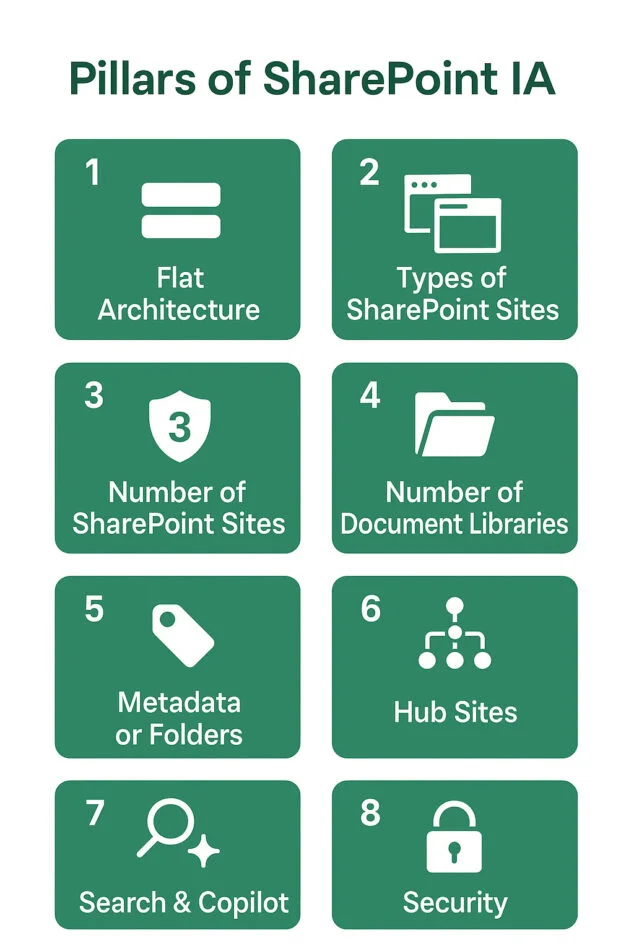
Flat Architecture
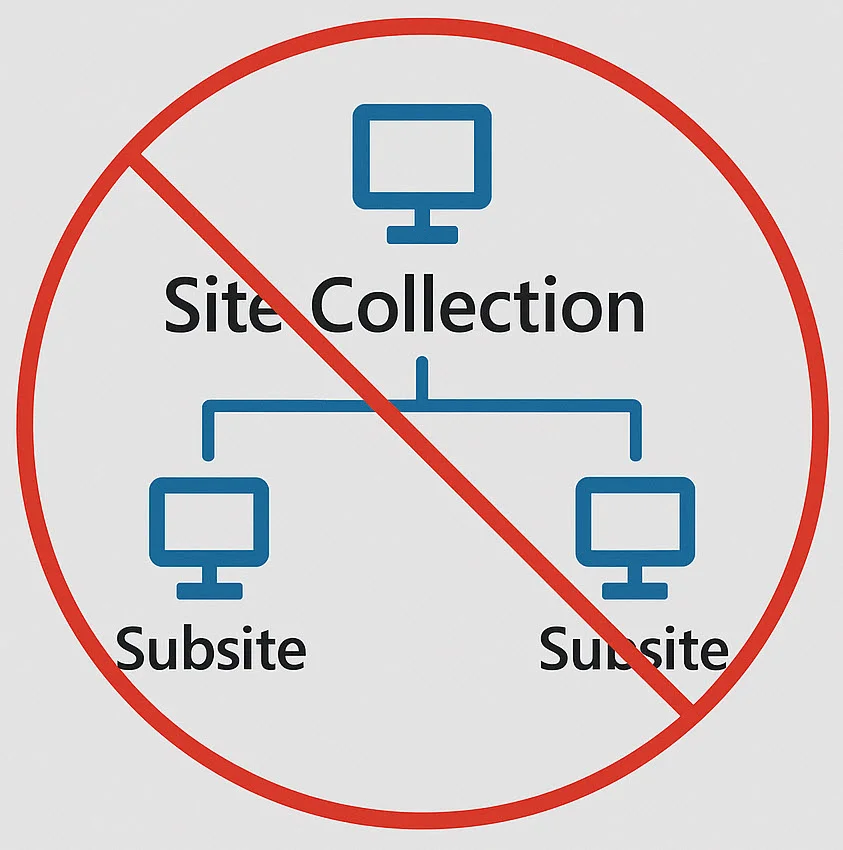
One of the most important concepts of modern SharePoint structure is its flat architecture. Unlike the old model based on site collections with subsites, current sites are autonomous and positioned at the same level. This simplifies permission management and external sharing.
Good to know
The flat structure allows for increased flexibility and a decentralized organization of content.
SharePoint Site Types
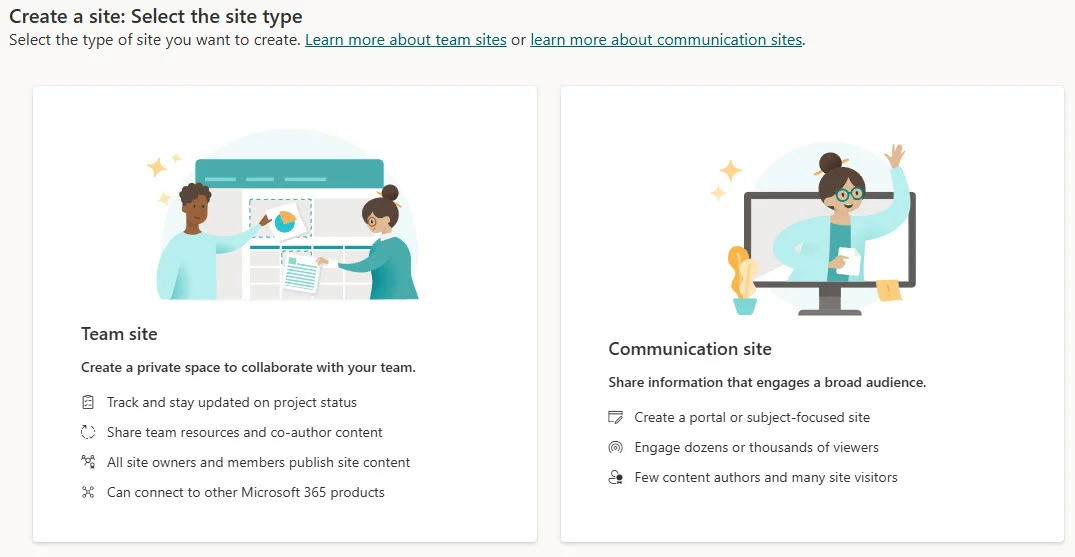
Once you have adopted a flat architecture, the next decision concerns which types of sites to use. SharePoint offers three main types: team sites, communication sites, and hub sites. Each type has a distinct purpose, and the right choice is crucial to avoid permission or maintenance issues.
Tip
Choose site types carefully, as once created, they cannot be converted.
Number of SharePoint Sites
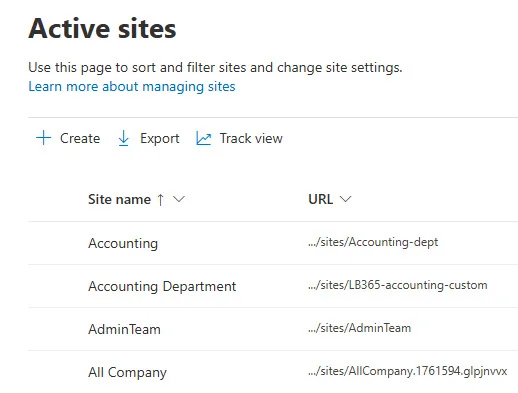
The golden rule when it comes to creating SharePoint sites is to multiply them according to your security needs. Each site should meet unique security requirements, thus promoting organizational efficiency.
Warning
More sites mean better management of specific permissions.
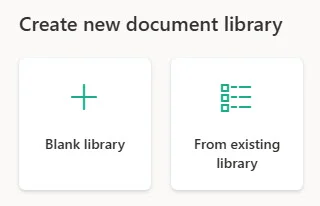
Number of Document Libraries
While each SharePoint site has a default document library, you can create more. This is particularly relevant in cases of large file volumes or various security requirements.
Good to know
Creating additional libraries can improve file organization and access.
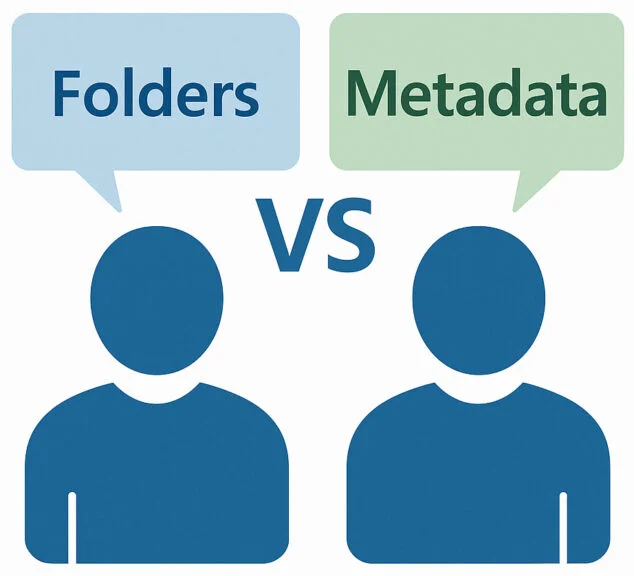
Using Metadata vs. Folders
The debate between using metadata and folders is recurring. Each has its advantages, depending on needs for local synchronization, permissions, and search functions.
Tip
Consider the impact on search and organization when choosing between metadata and folders.
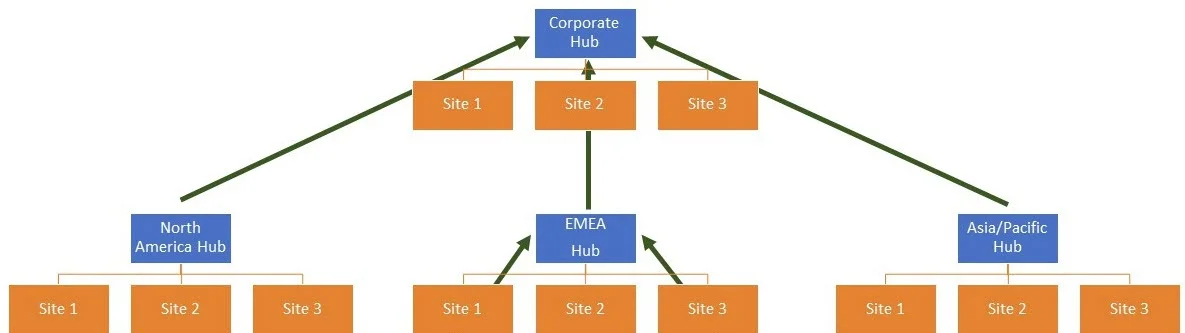
Hub Sites
Hub sites allow you to link various sites for organizational coherence and search. The quantity and structure of hub sites to create depends on the size and scope of your organization. Use them strategically.
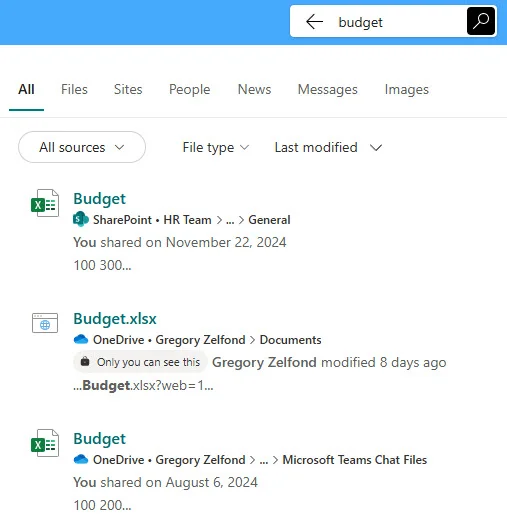
Search and Copilot
With the introduction of Copilot, search in SharePoint becomes more personalized, based on Microsoft Graph artificial intelligence. This feature provides dynamic search tailored to the user.
Security
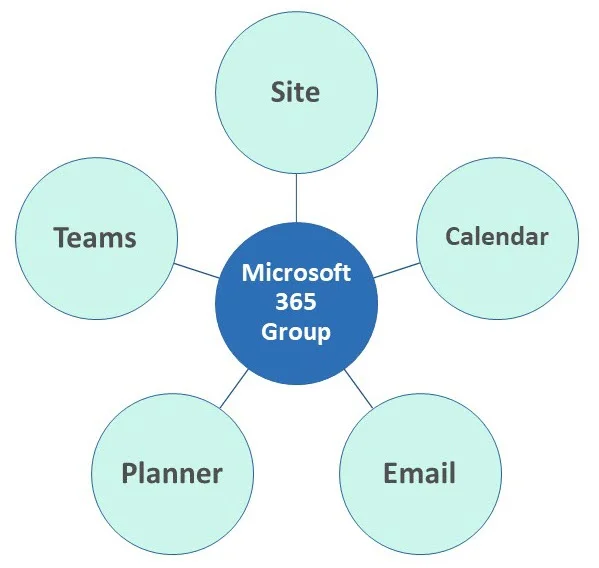
SharePoint security offers versatility with options such as Entra ID security groups or Microsoft 365 Groups. Their selection should align with your IT policies.
Important
Ensure that your security configurations meet organizational standards.
Useful Links
Glossary
- Flat Architecture: A model where all sites are at the same level without subsites.
- Hub Sites: A network of linked sites to unify navigation and search.
- Metadata: Information about data used for indexing and search.
- Copilot: An AI assistance tool integrated into SharePoint for personalized search.