Microsoft publishes dozens of announcements each month via the Message Center, distributed across Teams, Exchange, SharePoint, Entra ID, Intune, and Copilot. This article synthesizes the most structuring changes of the current cycle — with deployment windows, licensing impacts, and actions for Microsoft 365 administrators to plan.
Microsoft Teams: Consent, Diagnostics, and Two End-of-Life Notices
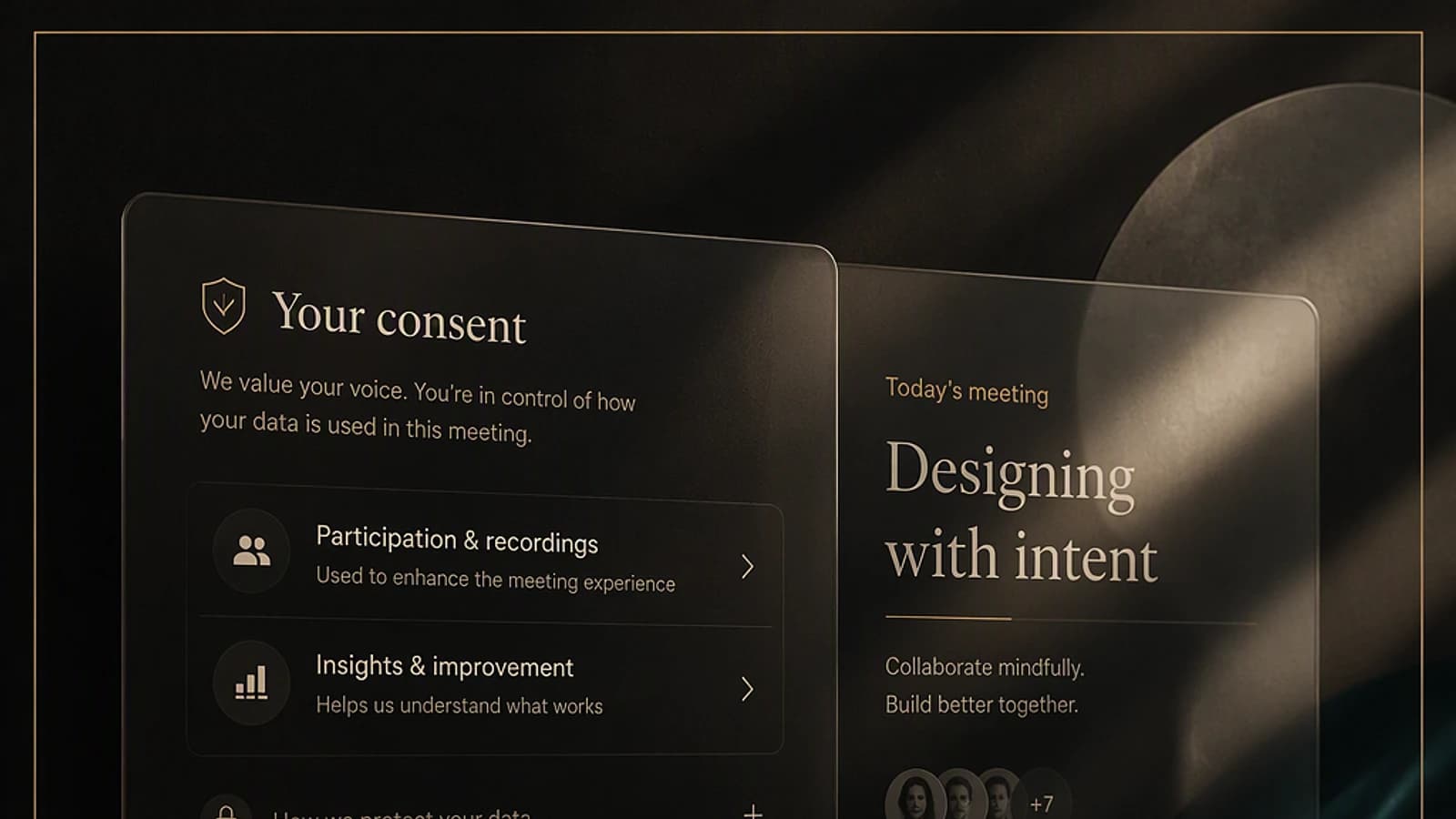
Several changes directly impact meeting experience. The first concerns mandatory participation consent, configurable in the Teams admin center, to be displayed before meeting entry. It can cover terms of use or an AI usage policy — useful for webinars or meetings with external participants. Deployment starting mid-October, generalization expected for mid-November.
Live captions migrate from the central view to a right side panel, with improved speaker visibility and additional settings such as language selection. Deployment is announced for mid-September.
Another addition: the ability for participants to report suspicious, malicious, or fraudulent behavior directly from a Teams meeting. Integration occurs with Microsoft Defender for Office 365, and alerts appear in Teams admin center reports. Particularly useful for meetings with external participants or webinars. Deployment early October.
On the supervision side, a new unified meeting performance monitoring panel arrives in the Teams admin center, at the organization scale, to facilitate technical diagnostics. Deployment late September, generalization mid-October.
Two Retirals to Anticipate
Teams Live Chat and Teams/Google Workspace calendar synchronization are being retired this year. Verify their usage before the transition.
| Feature | Retirement Start | End of Life | Recommended Action |
|---|---|---|---|
| Teams Live Chat | August | October | Migrate to an alternative before October |
| Calendar Sync Teams / Google Workspace | — | October | Communicate with affected users |
| App protection policy targeting "all device types" | — | January 11 (Microsoft announcement) | Switch to assignment filters |
Outlook and Exchange: Search, Mobile, and EWS Retirement
In Outlook, message filtering by events (calendar invitations, event-related messages) facilitates inbox search. Deployment late August, generalization late September. On Outlook mobile, drag-and-drop an event to reschedule it — already available on the desktop client — also arrives on mobile, on the same deployment window.
The most structuring change on the Exchange side concerns the gradual retirement of Exchange Web Services (EWS). Availability functions (free/busy), mail tips, and calendar sharing settings configured in the Microsoft admin center transition to the cross-tenant access policy. The retirement starts in October and ends in April of the following year — a comfortable window, but one that requires reviewing external calendar sharing scenarios relying on EWS now.
Finally, a more informative announcement: Business mailboxes move from 50 GB to 100 GB, with no manual action required. Deployment completes in September. Status can be verified in the Microsoft admin center, under Licenses and apps > user > Application services section.
Microsoft 365 Applications: SharePoint Sharing Redesign and OneDrive Sync on Mac
The most important update in this cycle affects SharePoint. This is a new generation of file and folder sharing experience, consolidating all sharing settings in one place when clicking Share, instead of the current multiple back-and-forths.
Default Behavior Change
The new default parameter becomes "only the people you specify with the link", even when the site previously allowed "anyone" links. This behavior overrides settings defined at the site level. You will need to explicitly restore an "anyone" link where necessary.
This evolution is announced as one of the most significant updates to SharePoint sharing in a long time. Deployment starting mid-September, generalization late October. A prior audit of sites sensitive to external sharing is recommended before the transition.
On OneDrive for Mac, the native synchronization engine is upgraded to improve sync speed and reduce CPU consumption. Deployment early September, generalization late November.
In SharePoint Advanced Management, the Everyone except external users report transitions from site-level visibility to item-level visibility. Point of attention: when this permission is active on a public site, documents remain accessible via Copilot without explicit rights assignment — a risk to monitor particularly in environments with Copilot licensing or with the SharePoint Advanced Management add-on. Availability early to mid-August.
Microsoft Entra ID: Passkeys Become the Standard
The context is known: Microsoft actively pushes passkeys as the default multifactor authentication method for new users, following the announced retirement of SMS MFA and the nudge scheduled for September.
First evolution: users can now register a passkey or passwordless sign-in as their first authentication method, including in the out-of-box experience. Previously, you had to first register a less secure method (SMS, voice call) before being able to set up a passkey.
| Passkey Type | Deployment Start | Announced End |
|---|---|---|
| Synchronized passkeys, Microsoft Entra passkeys on Windows, FIDO2 keys | Mid-October | Mid-November |
| Windows Hello for Business, macOS Platform SSO, passkeys and passwordless sign-in via Authenticator | January (in progress) | Following year |
Another expected fix: Windows Hello for Business and macOS Platform SSO can now serve as autonomous MFA factors. Previously, a user already equipped with a Windows Hello for Business key on their device could encounter an error when attempting to register an additional passkey. Point of caution: a user equipped only with a Windows Hello for Business passkey will not be able to authenticate on mobile. It is recommended to provide a backup method (Authenticator as passkey or number matching). Deployment early October, generalization late November.
Finally, support for passkeys for B2B guests, both internal and external, fills an existing gap. Deployment early October, generalization late February.
Microsoft Intune: Remote Assistance and Registry Inventory
Remote Help on Windows, now integrated into E3 and E5 licenses, supports unattended remote connection (unattended), whereas only assisted mode — requiring user presence and approval — was available previously. The feature is in general availability.
The new registry inventory report in Intune, accessible even with a Business Premium license, allows you to remotely view device registry keys from the Intune portal — a real gain for diagnosing configuration profiles. Also in general availability.
Something to watch for governance: targeting application protection policies on "all device types" is being retired in favor of assignment filters. The retirement starts January 11 next. An audit of existing policies across all managed tenants is recommended before this deadline.
Microsoft Copilot: App Consolidation and Usage-Based Billing
The Copilot cycle is particularly dense. On the productivity side: drafting Outlook emails directly from the Copilot chat on mobile (mid-August to mid-September), Ask Copilot in Teams with text selection and side pane (late August to late September), sharing Copilot sessions between colleagues as part of the Frontier program (late August to early September), and selecting the effort level in Copilot Work to control credit consumption.
On the billing side, the new GitHub Copilot harness for building agents in Copilot Studio transitions to a usage-based billing model, with dedicated billing profile, as for Copilot Work. Effective billing starts September 1, after a grace period for existing agents.
In PowerPoint, a new skill for creating interactive slides (summary visuals, timelines, comparisons, animations) is available in the Frontier program, with no general availability date communicated at this stage.
Microsoft is also undertaking a consolidation of personal and professional Copilot applications into a single application, renamed Microsoft Copilot app, with a new logo, on Windows and Mac starting mid-September. No action required on the administrator side, but proactive communication with users will limit confusion during the transition.
Finally, personalized Copilot suggestions now rely on Work IQ — Microsoft's indexing of emails, files, chats, and meetings — to propose contextualized prompts (Frontier program, available since mid-August, with no GA date). Self-service Copilot connectors allow users to link their personal accounts (HubSpot, Confluence, Canva) to enrich work context, under administrator control (deployment mid-September to mid-October). A simplified Copilot experience, with side pane and integrated work context, arrives in Outlook and Teams in September.
Administration, Security, and Licensing
In Microsoft Defender XDR, the unified identity timeline is enriched with additional telemetry: Microsoft Entra sign-ins, Microsoft Graph activity, SaaS cloud activity, and device connections, with enhanced investigation context. Full coverage requires an E5 license; some remains available with Business Premium. Deployment mid-September, generalization mid-October.
For MSP/CSP partners with GDAP relationships, a new capability in public preview (since August) allows managing agents across multiple customer tenants from a central point in the Microsoft 365 admin center.
In Microsoft Purview, adaptive scopes now integrate a lifecycle status, allowing you to include or exclude inactive or soft-deleted sites from DLP policy scope. Feature reserved for E5 licenses, deployment mid-October to mid-November.
On pricing, Microsoft offers a 50% discount on the Purview suite as an add-on to Business Premium, offer valid until end of December — an economical way to access E5-level compliance features (DLP, endpoint DLP, Copilot communications tracking). These adjustments are part of a broader trend in Copilot pricing repositioning for Business licenses, with bundled offers announced at costs significantly lower than the historical Copilot add-on.
What You Need to Remember
Three projects deserve immediate priority: auditing Teams Live Chat usage and Google calendar synchronization before their retirement in October, preparing migration away from Exchange Web Services to cross-tenant access policy, and verifying default sharing settings when the new SharePoint experience arrives.
On the identity front, the transition to passkeys should be accompanied by a backup method strategy for mobile users equipped only with Windows Hello for Business. Finally, organizations with E5 or Business Premium licenses should evaluate the Purview offer at 50% now before its expiration in December, and monitor upcoming usage-based billing changes for Copilot Studio and Copilot Work.