Introduction: Identity Beyond the Human Perimeter
Identity management in Microsoft Entra ID has evolved significantly. While user account administration remains a fundamental pillar, it now represents only a fraction of the security perimeter that needs protection. Cloud applications, service principals and, more recently, artificial intelligence agents now constitute identities in their own right — often more powerful and less monitored than human accounts.
This reality redefines the identity attack surface. Security teams must now protect not only human passwords, but an entire ecosystem of non-human identities, exposed to credential harvesting, lateral movements, and silent permission abuse. This article proposes a structured analysis of risks related to application registrations and a concrete path toward Zero Trust governance applied to workload identities.
Microsoft Reference
The official documentation on service principals and application registrations is an essential starting point for understanding the architecture of application identities in Entra ID.
Hidden Risks in Application Registrations
Shadow Admins: Unsupervised Permissions
Application-type permissions (App-only permissions) constitute the first risk vector. Unlike delegated permissions, which execute in the context of an authenticated user, Application permissions operate completely autonomously, without user presence, without real-time validation, and without a scope bounded by an individual's rights.
A service principal with Application permissions operates in the background with a privilege level comparable to that of an invisible administrator — what the security community refers to as a Shadow Admin. These identities trigger no MFA alerts, are subject to no session policies, and often fly under the radar of standard access reviews.
| Criterion | Delegated Permission | Application Permission |
|---|---|---|
| Execution Context | Logged-in User | No User Required |
| Access Scope | Limited to User Rights | Extended to Entire Tenant |
| Human Supervision | Implicit (User Consent) | Absent |
| Risk if Compromised | Moderate | Critical |
| Scope Examples | Mail.Read (Delegated) | Mail.ReadWrite.All (App) |
Secret Sprawl: The Proliferation of Client Secrets
The second major risk is Secret Sprawl, or the proliferation of client secrets (client_secret). In many organizations, these secrets are:
- Shared by email between developers
- Stored in plain text in configuration files
- Accidentally committed to public or private Git repositories
- Extended indefinitely without rotation or audit
A leaked secret equals a persistent entry point into the tenant. Unlike a user password, it does not trigger a lockout policy and can remain active for months if no monitoring is in place.
Warning: Secret Storage
Never store a client_secret in source code, even in a private repository. Always use Azure Key Vault or Managed Identities when the application runs on an Azure resource. Reference: Azure Key Vault Best Practices.
High-Risk Scopes: Overly Broad Permissions
The third vector concerns high-risk API scopes. Scopes such as:
Files.ReadWrite.All— read/write access to all SharePoint and OneDrive filesGroups.ReadWrite.All— full control over all Microsoft 365 groupsMail.ReadWrite.All— complete access to all users' mailboxesDirectory.ReadWrite.All— modification of the Entra ID directory
these permissions are frequently assigned for convenience during development and then maintained in production. A single compromised service principal with these scopes can compromise an entire organization's data.
Auditing Permissions: Essential PowerShell Commands
Regular auditing of application registrations and their permissions is non-negotiable security hygiene. Here are concrete examples using the Microsoft Graph PowerShell module.
List All Service Principals with Application Permissions
1# Connect with necessary rights2Connect-MgGraph -Scopes "Application.Read.All", "Directory.Read.All"3 4# Retrieve all app role assignments5$appRoleAssignments = Get-MgServicePrincipalAppRoleAssignment -All6 7# Filter and display critical permissions8$appRoleAssignments | Select-Object PrincipalDisplayName, ResourceDisplayName, AppRoleId | Format-Table -AutoSizeIdentify Client Secrets Approaching Expiration
1# Retrieve all applications with their credentials2$apps = Get-MgApplication -All3 4foreach ($app in $apps) {5 foreach ($secret in $app.PasswordCredentials) {6 $daysUntilExpiry = ($secret.EndDateTime - (Get-Date)).Days7 if ($daysUntilExpiry -lt 90) {8 [PSCustomObject]@{9 AppDisplayName = $app.DisplayName10 AppId = $app.AppId11 SecretName = $secret.DisplayName12 ExpiryDate = $secret.EndDateTime13 DaysRemaining = $daysUntilExpiry14 }15 }16 }17} | Format-Table -AutoSizeDetect Applications Without a Defined Owner
1# Identify orphaned application registrations2$apps = Get-MgApplication -All3 4foreach ($app in $apps) {5 $owners = Get-MgApplicationOwner -ApplicationId $app.Id6 if ($owners.Count -eq 0) {7 [PSCustomObject]@{8 DisplayName = $app.DisplayName9 AppId = $app.AppId10 CreatedDate = $app.CreatedDateTime11 }12 }13} | Format-Table -AutoSizeTip
Schedule these scripts in Azure Automation or Microsoft Entra Workbooks to obtain automatic weekly reports on the health of your application registrations. Consult the Microsoft Graph PowerShell module reference to learn more.
Zero Trust Governance: Three Operational Levers
Applying the Zero Trust model to application identities relies on three concrete pillars.
Lever 1: Rethinking Application Ownership
Assigning regular users as owners of application registrations creates single points of failure. If this account is compromised or deleted, application governance becomes opaque.
The recommended best practices are as follows:
- Use metadata and tags to document functional and technical ownership
- Leverage the Sponsors concept available in Entra ID for workload identities
- Never assign a personal account as the sole owner of a critical application
- Maintain a registry of all applications with their business context
Lever 2: Enforce Managed Devices for AI Agents
AI agents running on personal devices or uncontrolled environments escape all organizational visibility. The lack of control over the execution environment nullifies the relevance of any access policy.
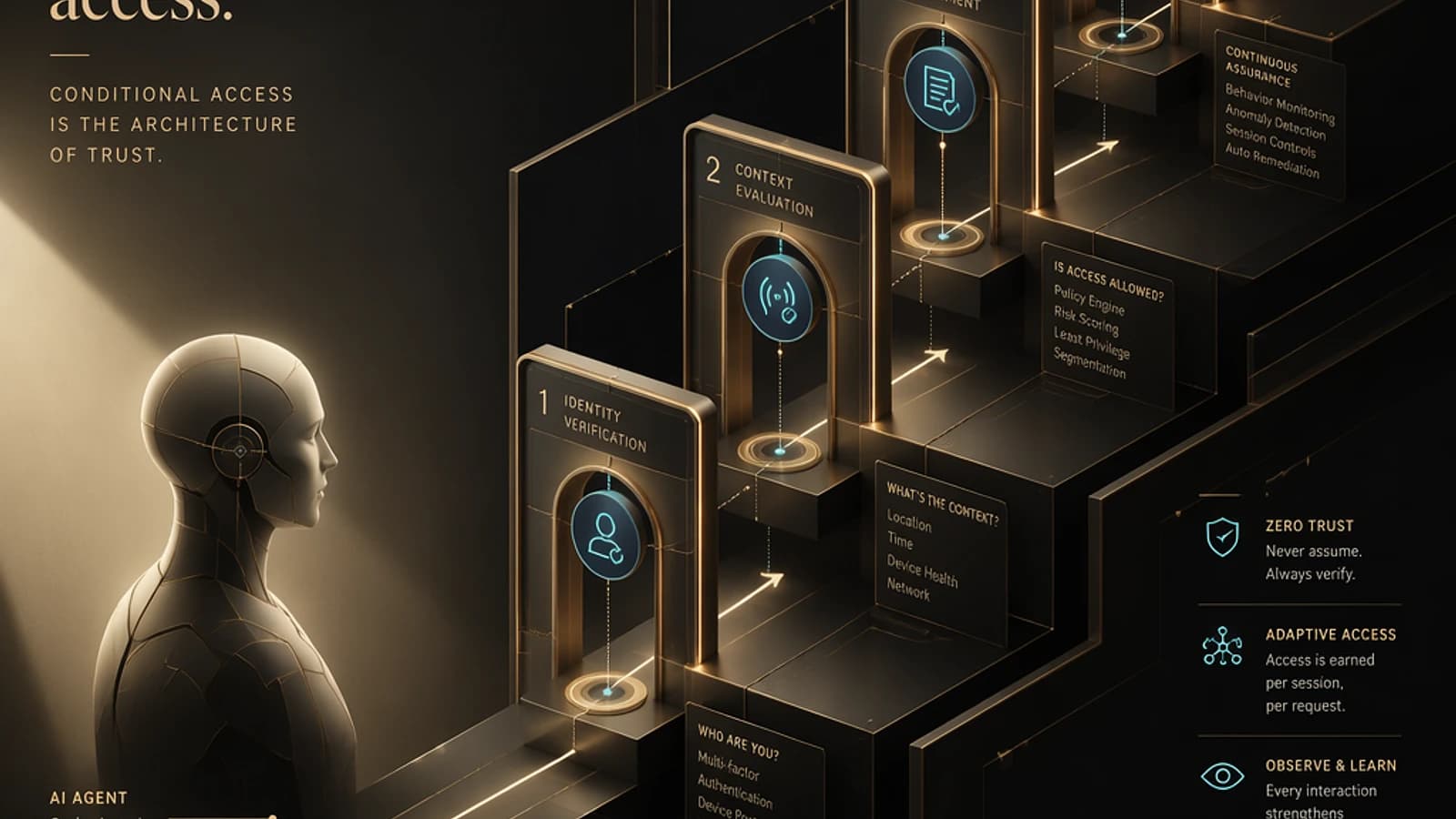
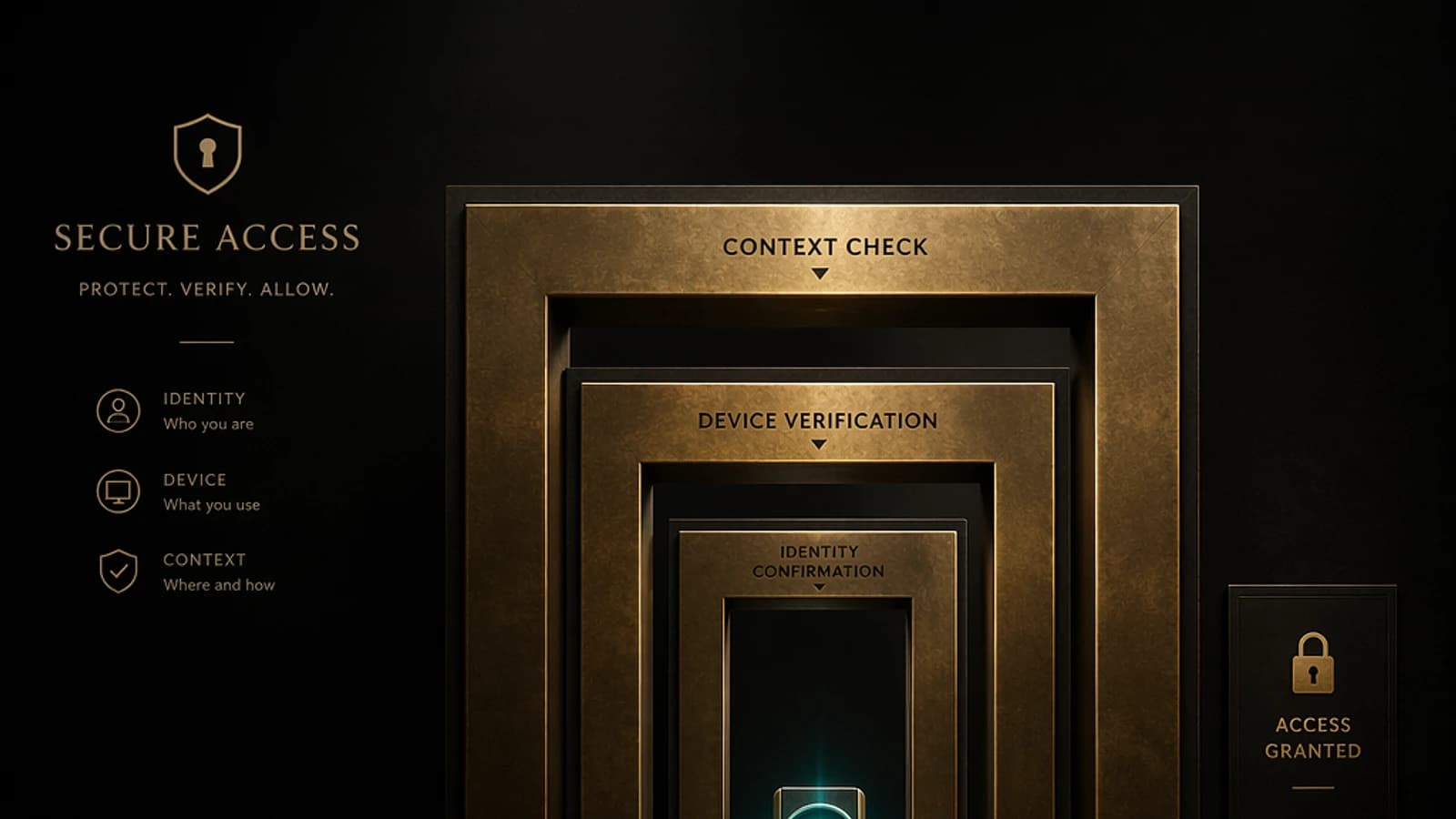
The recommendation is to require Entra-joined devices (or Hybrid Entra-joined) for any workload accessing sensitive resources. This requirement can be enforced via Conditional Access policies by targeting device compliance status.
Lever 3: Extend Conditional Access to Workload Identities
Conditional Access must no longer be limited to human users. Microsoft Entra Workload Identity Conditional Access enables granular restrictions on service principals, including:
- Restrictions based on network location (authorized IP ranges)
- Blocking connections from unusual or risky locations
- Alerts in case a secret is used from an unexpected geography
1# Example: Create a Conditional Access policy for Workload Identities2# via Microsoft Graph API3 4$policy = @{5 displayName = "Block Workload Identities - Outside Trusted IPs"6 state = "enabled"7 conditions = @{8 clientAppTypes = @("servicePrincipal")9 servicePrincipalRiskLevels = @("high", "medium")10 locations = @{11 includeLocations = @("All")12 excludeLocations = @("AllTrusted")13 }14 }15 grantControls = @{16 operator = "OR"17 builtInControls = @("block")18 }19}20 21# Graph API call to create the policy22New-MgIdentityConditionalAccessPolicy -BodyParameter $policyImportant
Conditional Access for Workload Identities requires a Microsoft Entra ID P2 or Microsoft Entra Workload ID Premium license. Verify your license level before deploying these policies to production. Official documentation: Workload Identity Conditional Access.
Progressive Implementation: Recommended Roadmap
Inventory and Audit Application Registrations
Begin with a comprehensive audit of all application registrations and service principals in your tenant. Use the PowerShell scripts presented above to identify applications without an owner, secrets nearing expiration, and high-risk Application permissions.
Apply the Principle of Least Privilege
For each identified application, reduce granted scopes to the strict minimum necessary. Replace *.All permissions with granular scopes when the API allows. Document each permission with its business justification.
Migrate to Managed Identities
For workloads running on Azure resources, migrate from client secrets to Managed Identities. This eliminates the risk of Secret Sprawl by removing the need to manage credentials manually.
1# Enable a System-assigned Managed Identity on an Azure Function2Update-AzFunctionApp -Name "MyFunctionApp" `3 -ResourceGroupName "MyResourceGroup" `4 -IdentityType SystemAssignedDeploy Conditional Access for Workload Identities
Configure conditional access policies for your critical service principals. Start in Report-only mode to measure impact before enabling policies in blocking mode.
Establish Continuous Access Reviews
Configure Access Reviews in Entra ID Governance to periodically audit application permissions. Automate alerts on expired secrets and unused permissions via Microsoft Sentinel or Entra ID Workbooks.
Conclusion: Non-Human Identities, Strategic Security Priority
Securing Microsoft Entra in 2025 means accepting a fundamental reality: the most dangerous identities in a tenant are not always human. Applications, service principals, and AI agents must be subject to the same rigor of governance as privileged accounts.
By combining rigorous permission auditing, healthy client secret management, migration to Managed Identities, and extending Zero Trust to workload identities, organizations can significantly reduce their application attack surface.
Mastery of the application ecosystem is no longer optional: it is inseparable from any modern cybersecurity strategy.
Learn More
Consult official Microsoft resources to deepen your understanding of these topics: