As organizations prepare for the shift to passkeys by default scheduled for September 2026 and continue to evolve the Entra portal, Microsoft keeps delivering structural changes to identity management. This week, three topics deserve attention from administrators: governance of AI agents in Dataverse, a shortened review timeline for managed policies, and a licensing evolution bringing Entra ID P2 closer to Microsoft 365 E3 customers.
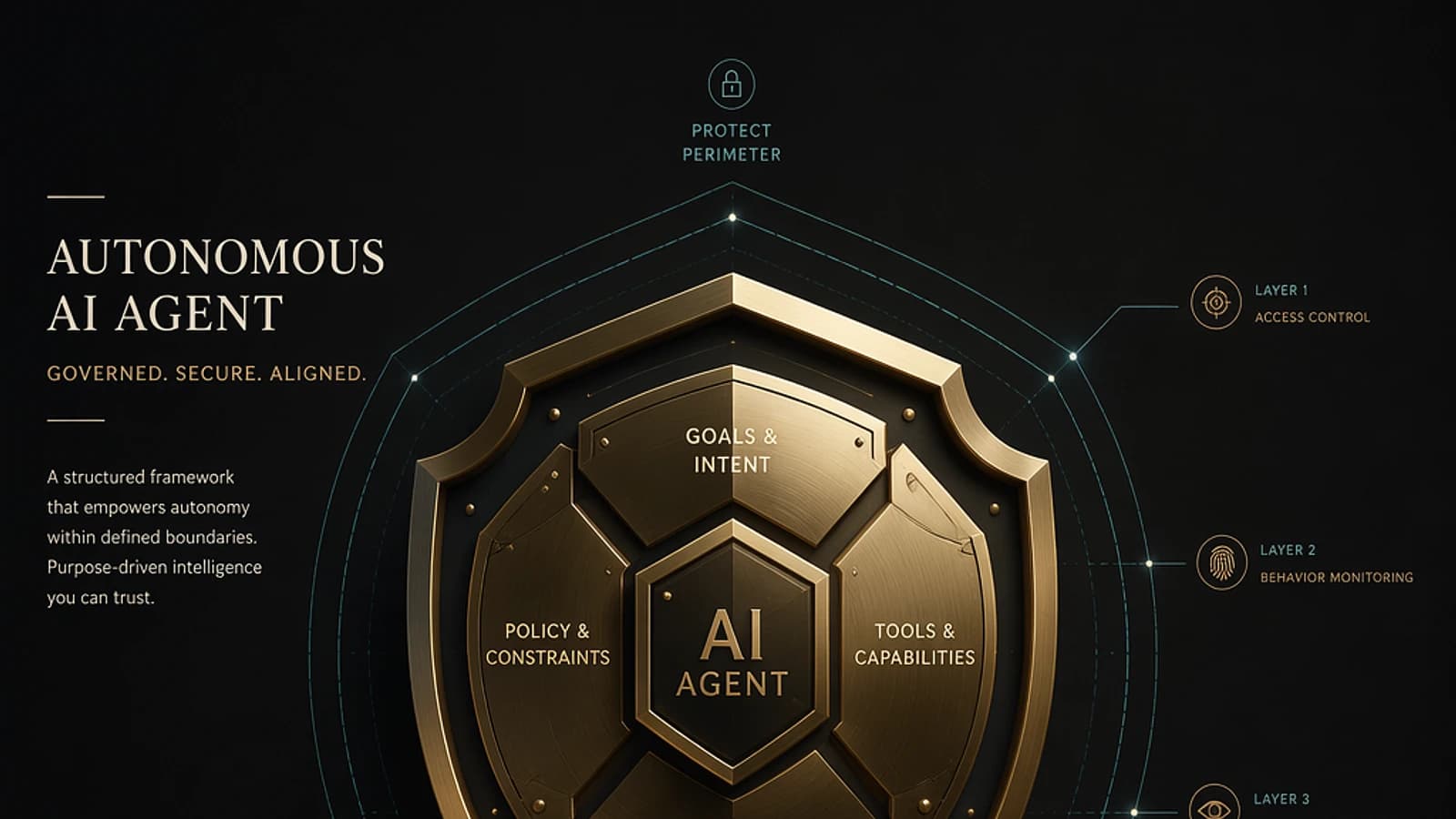
Entra Agent ID for Dataverse: a dedicated identity for each AI agent
The most significant announcement this week is the public preview availability of Microsoft Entra Agent ID for Dataverse, published on August 6 on the Power Platform blog. For any organization building AI agents on Copilot Studio or Azure AI Foundry interacting with business data in Dataverse, this change directly impacts the identity model used so far.
The problem it solves
Until now, AI agents accessing Dataverse used either a shared application identity or the context of the user triggering execution. As a result, in audit logs, you found the application's identity or the user's identity — never the agent's own. It was impossible to precisely trace "which agent accessed which record."
Entra Agent ID for Dataverse fixes this by assigning each AI agent its own identity: a dedicated security principal, individually identifiable and governed by policies, present in both Entra ID and Dataverse.
An architecture distributed between Entra and Dataverse
The model is based on a clear separation of responsibilities:
- Microsoft Entra manages enterprise identity, authentication, and policies: Conditional Access, Identity Protection, lifecycle management.
- Dataverse / Power Platform manages authorization in the environment: assignment of Dataverse security roles, application of the principle of least privilege on tables and records, and attribution of actions in audit logs.
This separation avoids duplicating security logic: Entra remains the identity authority, Dataverse remains the business authorization authority.
Implementation in four steps
Deployment follows a structured process:
- Create or activate the agent's identity through a creation experience supported by Microsoft (Copilot Studio, Azure AI Foundry, or other supported tooling).
- Add the Entra agent identity to the Dataverse environment as a Dataverse agent user from the Power Platform admin center.
- Assign a dedicated Dataverse security role, designed according to the principle of least privilege — the agent should only access tables and actions strictly necessary.
- Test and verify that expected operations succeed, unauthorized operations fail, and all agent actions appear in audit and supervision logs.
Governance best practice
Treat each agent as a full service account: minimal Dataverse role, periodic permission reviews, and tracking in your non-human identity inventory.
Why this change matters
This evolution treats AI agents as first-class citizens in identity governance, rather than leaving them to operate as anonymous automations borrowing human identifiers. Concretely, each agent now benefits from:
- Authentication: a distinct enterprise identity with its own tokens and identifiers.
- Authorization: Dataverse roles precisely scoped to its actual tasks.
- Traceability: every access or data modification is attributed to the specific agent, not a shared identity.
- Lifecycle management: agent creation, update, and deprovisioning under the same governance as human users.
According to a Microsoft roundtable at Identiverse 2026, the proliferation of ungoverned AI agents ("shadow AI") already affects 9 out of 10 organizations. Entra Agent ID for Dataverse offers a concrete path to bring these accesses under control.
Context: the silent shift in Copilot Studio
Since July 2026, Copilot Studio automatically creates Entra Agent IDs for all new agents, with no option to disable. Agents created before July 2026 still use classic app registrations and will be migrated to Agent IDs in a future update. If you create agents today, they automatically inherit an Agent ID — the Dataverse integration simply extends this identity to Power Platform environments.
Licensing: Microsoft Agent 365 and preview status
Full Agent ID capabilities — Conditional Access for agents, Identity Protection for agents — require Microsoft Agent 365, included in Microsoft 365 E7 and available as an add-on for E5, A5, Business Premium, or the combination of Defender Suite plus Purview Suite.
The Dataverse agent user feature itself remains in public preview. Microsoft's release plan targets general availability in August 2026, though the August 6 post still mentions preview status.
Not yet for production
Evaluate Entra Agent ID for Dataverse in a pilot environment. The preview status discourages its adoption on production workloads until general availability is confirmed.
Managed policies review window reduced to 30 days
On August 8, Microsoft updated the documentation for Entra ID Managed Policies on a point that directly affects your change management process.
What's changing concretely
The documentation page now indicates:
- Microsoft can enable a managed policy at least 30 days after its introduction while remaining in Report-only mode — down from 45 days previously.
- A security group is automatically created for remediation of high-risk policies (newly documented point).
Managed policies are Conditional Access policies imposed by Microsoft, delivered in Report-only mode to give organizations time to assess their impact before automatic enforcement.
Impact on your change management process
Losing 15 days of review window means your validation cycle must accelerate. If your organization based its new managed policy reviews on a 45-day cycle, update your runbooks: the new floor is 30 days, and Microsoft can enable enforcement earlier if needed.
Runbook update recommended
Adjust your internal processes to a 30-day review window for any new Report-only managed policy, keeping in mind this is a floor, not a guarantee.
A new security group to monitor
The security group created for high-risk remediation is now officially documented. If your organization has users or high-risk sign-ins triggering remediation via managed policy, this group will be created automatically. Integrate it into your governance processes and periodically verify its contents.
CSP E3: Entra ID P2 accessible without upgrading to E5
Announced on August 6 in the Microsoft Partner Center, new security add-ons are now available via Cloud Solution Provider (CSP), with pricing harmonized between Enterprise Agreement and CSP channels:
- Microsoft Entra ID P2 add-on for Microsoft 365 E3
- Microsoft Defender for Endpoint P2 add-on for Microsoft 365 E3
- Microsoft Defender for Office 365 P2 add-on for Microsoft 365 E3
What changes with Entra ID P2 access
Until now, organizations under Microsoft 365 E3 — which includes Entra ID P1 — had to either switch to E5 or go through Enterprise Agreement add-ons unavailable on all licensing channels. With this announcement, CSP partners can offer Entra ID P2 as a standalone add-on to their E3 customers.
| Feature | Microsoft 365 E3 (Entra ID P1 included) | With Entra ID P2 add-on |
|---|---|---|
| Standard Conditional Access | Yes | Yes |
| Privileged Identity Management (PIM) | No | Yes |
| Identity Protection (user/sign-in risk) | No | Yes |
| Entitlement Management | No | Yes |
| Access Reviews | No | Yes |
This opening democratizes access to advanced identity protection without imposing the full cost jump to E5. For Microsoft partners, it's a new talking point with E3 customers who hesitated to move up a tier.
Harmonized EA/CSP pricing
Microsoft committed to consistent pricing between EA and CSP channels for these add-ons, removing a historical friction point where CSP prices could vary less predictably. Check the current pricing grid in the Partner Center for exact amounts applicable to your region and channel.
Minor correction to July SLA data
The Entra ID SLA performance table was updated with an additional 99.999% value for the July line. This is a data correction, not a service change. If you track these metrics for compliance or reporting purposes, update your records.
Key dates to remember
| Date | Event |
|---|---|
| September 1, 2026 | Passkeys become the default authentication method (automatic activation for SMS/voice users) |
| September 18, 2026 | Publication of telecom partner details for SMS/voice continuity |
| October 5, 2026 | Start of SSPR registration campaign |
| October 30, 2026 | Opening of telecom partner configuration in Microsoft Security Store |
| November 3, 2026 | Retirement of MemberOf rule operator |
| November 9, 2026 | SSPR enforcement — only registered methods are accepted |
| February 1, 2027 | Retirement of Microsoft-provided SMS/voice authentication |
What to do right now
This week doesn't upend the Entra ID roadmap, but it requires concrete short-term adjustments:
- Pilot Entra Agent ID for Dataverse if you're developing AI agents on Power Platform: set up a test environment, create an agent identity, and validate the security role assignment model before any production deployment.
- Reduce your managed policies review cycle to 30 days in your change management runbooks, maintaining a safety margin since this is a floor.
- Evaluate the CSP opportunity if you're a Microsoft partner: the Entra ID P2 add-on for E3 opens a commercial conversation with customers who couldn't justify an E5 upgrade.
- Correct your July SLA records if you track these indicators internally.
If your organization already manages AI agents in production on Copilot Studio or Azure AI Foundry, the topic to watch closely remains Entra Agent ID for Dataverse: it's one of the first concrete implementations of identity governance designed for agents, not just humans and applications. The next major milestone remains the shift to passkeys by default on September 1, 2026 — use this quieter period to finalize your process adjustments.