Copilot for SharePoint continues to evolve to help you optimize your operations with less effort. From customizable skills to automated workflows, let's explore the standout features of September 2026.
Reusable and Scalable Skills
Dynamic Personal Skills
What's New: Create a personal skill that you can use across all your SharePoint sites.
Why It Matters: Your preferences such as formats and work standards now follow your projects, regardless of the site.
Usage Examples:
- Save templates (e.g., executive progress reports) as reusable personal skills.
- Transform long SharePoint documents into executive summaries with key points (value, risks, next steps).
Sample Prompts to Try:
- "Create a personal skill for concise weekly updates to managers with progress, decisions, and risks."
- "Create a personal skill that summarizes long SharePoint documents into concise executive briefings with source citations."
Automatic Skill Improvement
What's New: Ask Copilot to evaluate a skill and suggest updates based on testing and metrics.
Why It Matters: You can test and adjust your skills without trial and error. Copilot provides objective feedback on the impact of adjustments.
Usage Example: A legal team improves its marketing document review skills based on legal guidance. Copilot suggests tests, planned updates, and evaluates results.
Prompt to Try: "Improve my legal review skill for marketing documents. Propose representative tests, evaluate existing results, and recommend measured adjustments."
SharePoint-Compatible HTML Page Generation
Creating Dynamic and Compliant Content
What's New: Each Microsoft 365 tenant has specific HTML recommendations available via a dedicated URL: https://[tenantname].sharepoint.com_html.
Why It Matters: AI assistants often generate standard HTML that doesn't meet SharePoint requirements. These guidelines ensure compliant generation and simplify the creation of rich, dynamic reports or pages.
Usage Example: Transform a project tracking list in SharePoint into an interactive report (filtering, milestones, risks, links).
Prompt to Try in a tool like Copilot Studio:
"Use https://[tenantname].sharepoint.com_html to generate a new status report based on the content in this folder."
These guidelines are automatically updated based on your SharePoint tenant's latest features.
Advanced Visual Content Understanding
Image Analysis in Document Libraries
What's New: Copilot can analyze images at library scale to answer your questions without viewing them individually.
Why It Matters: Automatic image analysis makes it easier to detect critical details or issues that need attention.
Usage Example: A field team asks Copilot to review photos from a site to identify equipment, read visible labels, and flag maintenance issues.
Prompt to Try: "Analyze the images in this library. Summarize visible equipment and labels, extract relevant text, and flag any issues requiring follow-up."
Workflow Automation and Notifications
Teams Notifications for File Updates
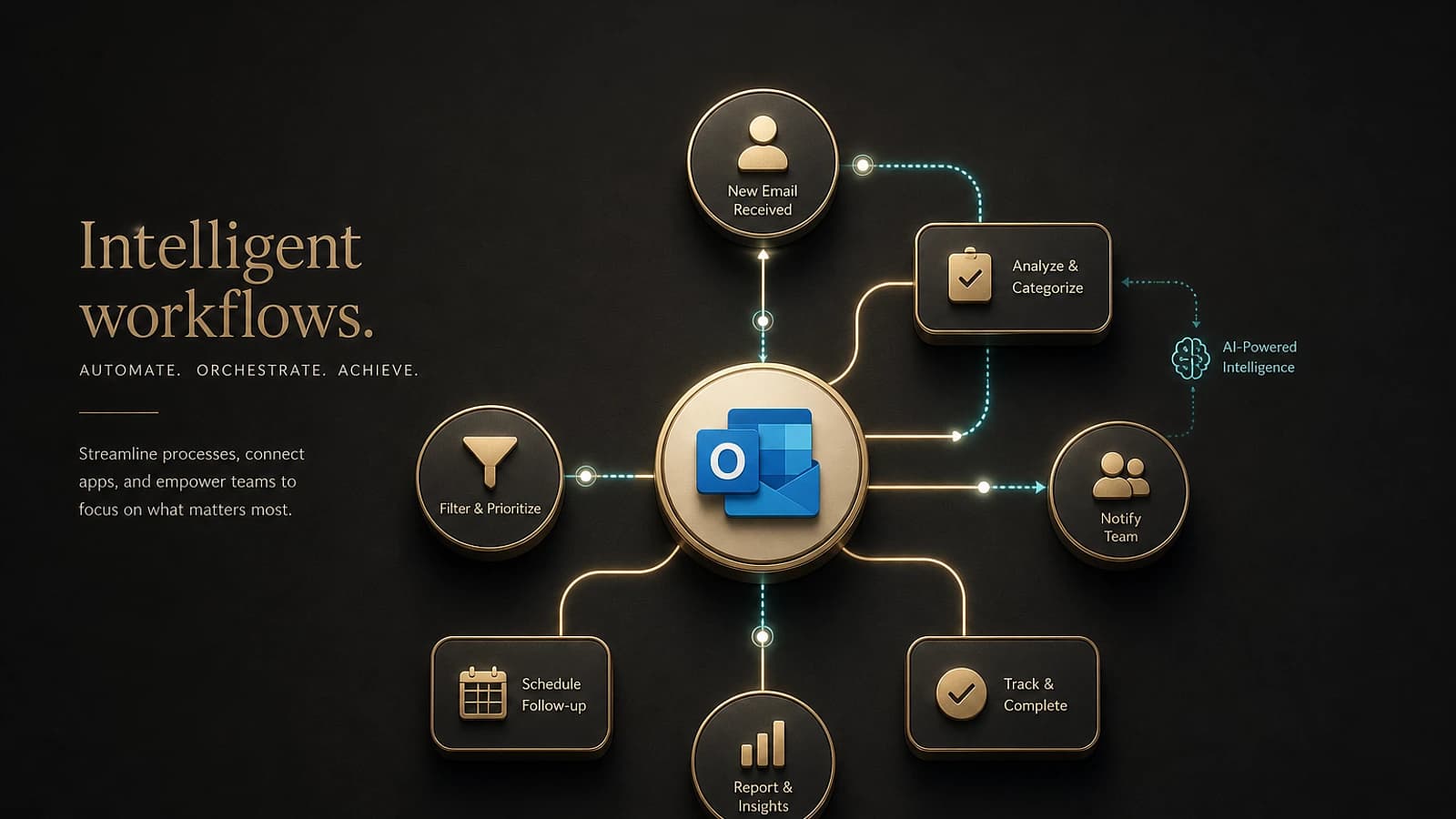
What's New: Notify your team directly in Teams when new files are saved or events occur on specific metadata.
Why It Matters: This streamlines conversations and collaboration. For example, you can request immediate review of a critical file or remind of an upcoming deadline.
Usage Examples:
- Share invoices over one million euros for prior approval on Teams.
- Inform a Teams channel that a client has added an important document.
Prompt to Try: "Alert me in a team chat whenever a file with 'Final' status is added or a due date update occurs."
Automated Approval Request Routing
What's New: Copilot can track and manage approval requests based on specific criteria directly through SharePoint.
Why It Matters: Your approvals are tied to content and trigger status, providing transparency and traceability throughout the process.
Usage Examples:
- Automatically send requests to a compliance manager when vendor documents are submitted.
- Request approval from a manager to launch a new RFP, followed by an alert to the author once validated.
Prompt to Try: "Collect new time-off requests and route them to the team manager for approval. Notify the requestor when the request is approved."
Optimized Chat Experience
Copilot's response cards have been improved to provide clearer and more predictable information. This makes it easy to confirm context, accuracy, and accelerate next steps.
Try It Now
Copilot in SharePoint is available to Microsoft 365 Copilot license holders. For prompt examples and step-by-step guides, visit the Adoption Hub for Copilot in SharePoint and the Prompt Library guides.
Finally, if you have a specific use case for a high-value scenario, submit it to the Copilot in SharePoint co-build program to collaborate directly with Microsoft and test your ideas!