Introduction
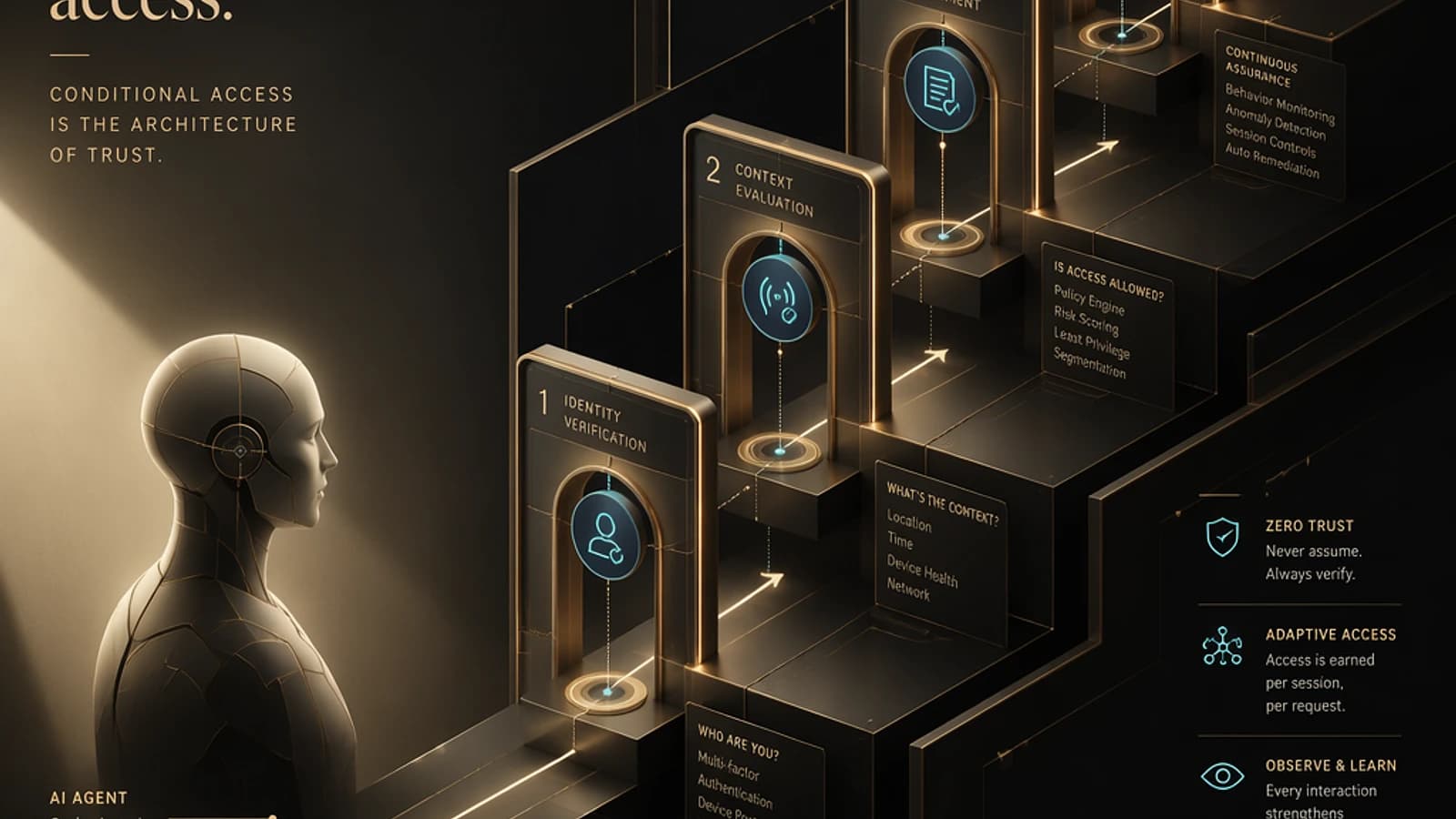
Identity is at the heart of security in modern cloud environments. Microsoft Entra provides a comprehensive suite to protect, monitor, and manage your identities within a Zero Trust framework. By following a structured blueprint, you can establish predictive and automated security, ready to evolve.
Importance of identity as the primary control plane
Identity is the essential foundation of any cloud environment. Before deploying networks, virtual machines, or applications, it is critical to design a robust structure for the identity layer. Modernizing this approach enables you to:
- Protect against identity-centric attacks, such as session or token theft.
- Continuously assess and monitor access.
- Align your structure with the identity-based perimeter security principle.
Key points for a strong identity foundation
- Implementation of MFA (Multi-Factor Authentication) and passwordless processes.
- Systematic use of conditional access policies aligned with Zero Trust principles.
- Continuous monitoring with Defender for Cloud Apps, Sentinel, and Entra Audit Logs.
Tip
Adapt Microsoft architectures as a starting point. Explore resources such as Microsoft Entra Architecture Center.
Understanding the Microsoft Entra security signal engine
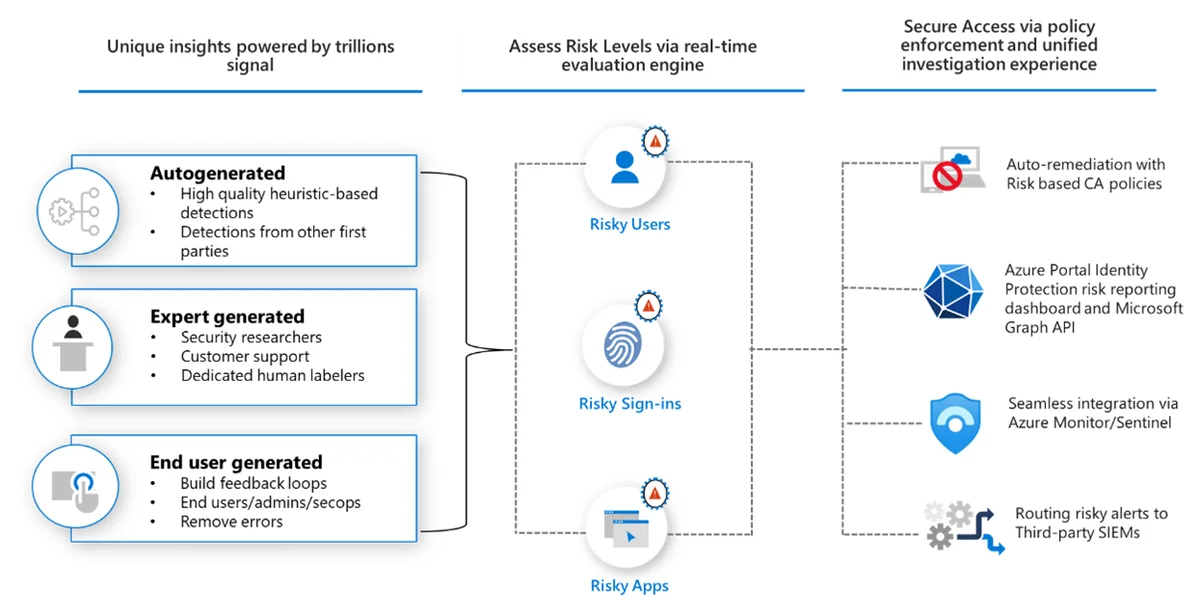
Securing identities relies on comprehensive visibility of authentications, behaviors, and anomalies. Microsoft Entra analyzes trillions of signals daily to detect any suspicious activity before it becomes critical.
Primary signal sources
- Automatic detections: Machine learning models identifying unusual behaviors.
- Microsoft teams insights: Results based on real threat research.
- User and administrator feedback: Fraud reports or password resets.
Good to know
These signals enable the calculation of a dynamic risk score for users, sessions, and applications. This score is at the heart of conditional access decisions.
Risk assessment and classification
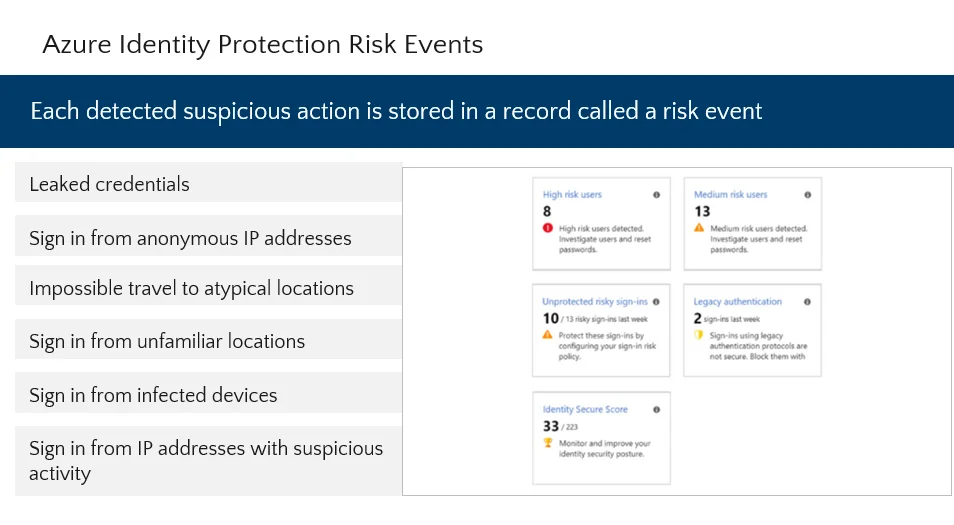
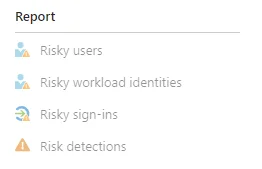
After collection, signals are transformed into actionable insights via an evaluation engine. This engine classifies risks across three dimensions:
- User risk: Based on compromised credentials and suspicious behaviors.
- Sign-in risk: Analysis of atypical access attempts, malicious IPs, etc.
- Application risk: Identification of OAuth abuse and sensitive permissions.
1# Example of user risk analysis2Get-AzureADUser -Filter "RiskLevel -eq 'High'"Caution
Access should always be conditioned on verified and approved risk level.
From risk assessment to conditional access policies
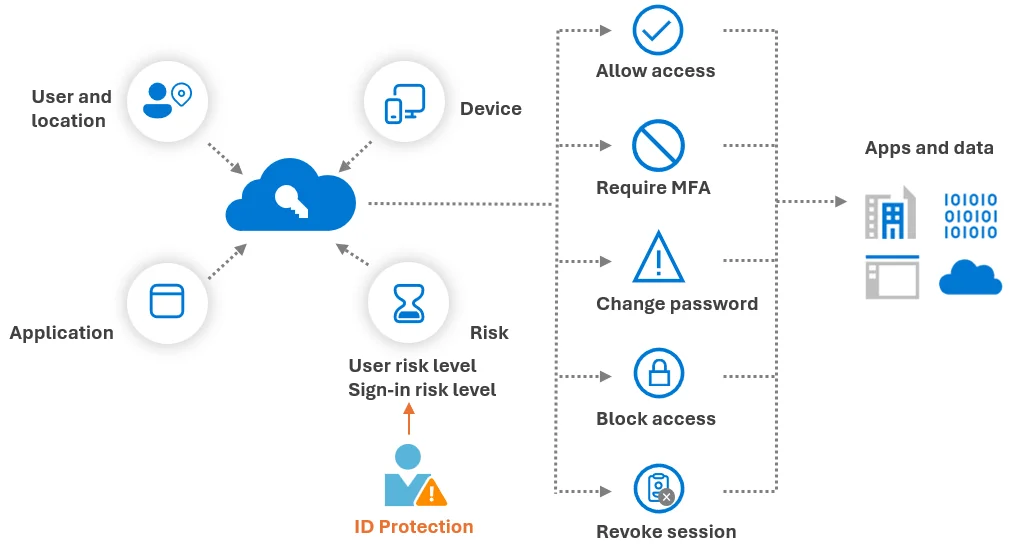
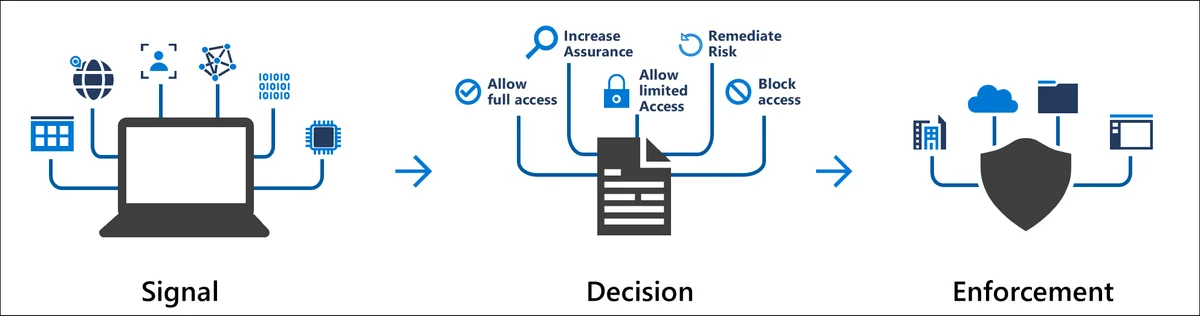
The conditional access policies of Microsoft Entra translate risk signals into real-time access decisions.
Policy components
- Signals: User risk, sign-in risk, device compliance.
- Conditions: Specific scenarios to apply.
- Controls: Actions such as requiring MFA or blocking access.
Configure an MFA policy
Feed an MFA policy for high-risk sign-ins:
1New-AzureADMSConditionalAccessPolicy -Name "HighRiskMFA" -Conditions ... -Controls MFAIntegrate Defender with Entra
Associate risky sign-ins with device compliance assessment:
1New-AzureADMDConditionalAccessPolicy ... DeviceRiskDerivedFromDefenderIntegration with Microsoft Sentinel and Defender
Unifying Entra monitoring with Defender and Sentinel ensures complete visibility and efficient automation.
Key integration points
- Stream Entra logs to Sentinel.
- Correlate compromised identities with cloud and endpoint telemetries.
- Automate remediations using Logic Apps.
1# Streaming Entra logs to Sentinel2Set-SentinelLogIntegration -EntraLogs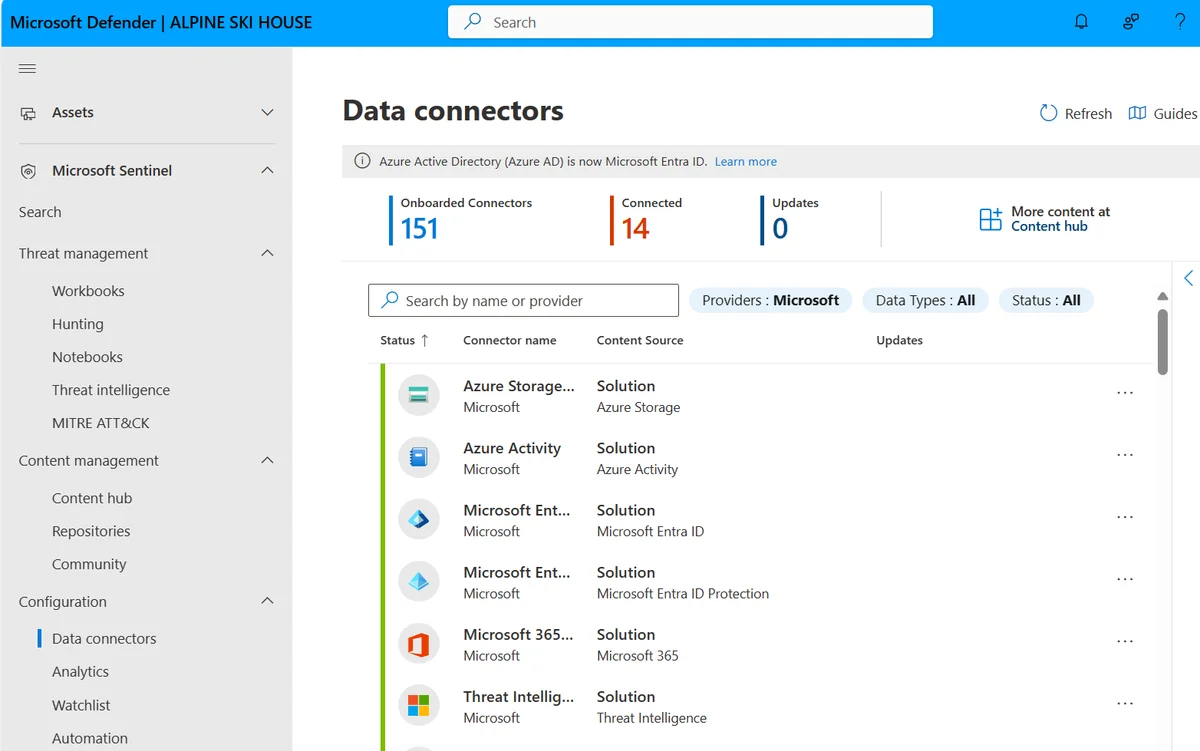
Glossary of key terms
- Zero Trust: A security model where no access is granted by default.
- OAuth abuse: Malicious exploitation of API permissions.
- Privileged Identity Management (PIM): Management of administrator roles with limited duration.
Useful links
Conclusion
Through Microsoft Entra, organizations can build automated identity security capable of preventing attacks and improving access visibility. By adopting a structured blueprint, it is possible to transition from a reactive approach to a predictive Zero Trust architecture.